Switch from ChatGPT to Claude EASY

17 May 2026 · 1 min
0:32

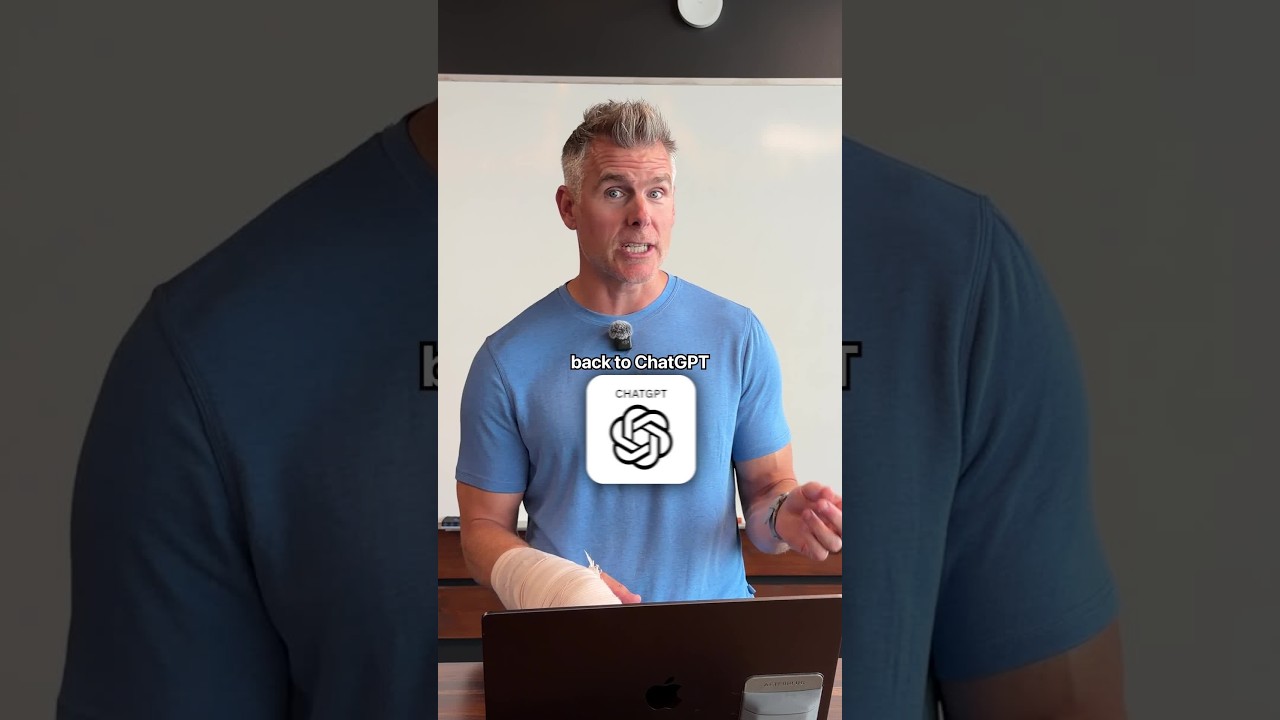
In this short tutorial, the speaker demonstrates a three‑step process for migrating a user’s preferences, communication style, and project details from ChatGPT to Anthropic’s Claude. First, the user opens Claude’s settings, navigates to the capabilities section, and clicks “Start Import” to obtain a generated prompt. Second, the user pastes that prompt into a ChatGPT conversation, where ChatGPT returns a detailed description of the user’s preferred communication style, ongoing projects, and other personal preferences. Third, the user copies the ChatGPT output back into Claude’s import box and clicks “Add to Memory” to store the information in Claude. The speaker also mentions having created an enhanced prompt that captures even more data and offers to share it with viewers who comment “switch.”

Chapters

More from Nick

0:46
youtube.com

What would you do with $500? (How to invest)

4w ago
0:40
youtube.com

What ACTUALLY matters when you're using AI?

4w ago
0:20
youtube.com

How to sell to every niche...

4w ago
0:54
youtube.com

How to create a 10/10 schedule

4w ago
0:42
youtube.com

Yes, you can still use Claude Code to get rich

4w ago
0:43
youtube.com

Are you an AI PRO or just an AI BRO?

4w ago
40:31
youtube.com

DESIGN.md vs. MCP: Which One Your Agent Actually Needs

4w ago
1:00
youtube.com

I gave my brother $173,000

1mo ago
0:17
youtube.com

These are the best AI tools for every task TODAY

1mo ago
0:45
youtube.com

How to switch from CLAUDE to CHATGPT

1mo ago
0:53
youtube.com

"What was the most important thing you ever did?"

1mo ago
See all content