Learn to build real estate posts and flyers in Canva by searching templates, editing text and images with double-clicks, and picking the right sizes like Instagram Square (1080 × 1080). Some templates need Canva Pro.
Chapters
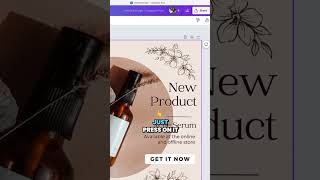
I search for, for example, real estate. I want to create something similar to one of these. There's some templates that comes with 2 pages that you can use if you have more than 1 page to use. So let's select this. Here you can edit every element on on the template. If you select— if you move your mouse over anything you see on the templates, you can edit it just by double-click on it. I'll cover more about this. You can do undo on the top. And let's search for something else like Instagram post. Same thing, you'll see the size of the design, like this one, Instagram Square, 1080 by 1080. And here's the template for it, so many different templates that you can use. Just press on it and all the elements here you can edit by double-click on them or just click and select. Where you can search for like real estate an example. Again, if you're creating something for real estate, you'll see these templates. Some of them are Canva Pro subscribers, so you need to have a Pro account to use them. And same thing, you can edit the website here or the title down there and also change the photos.