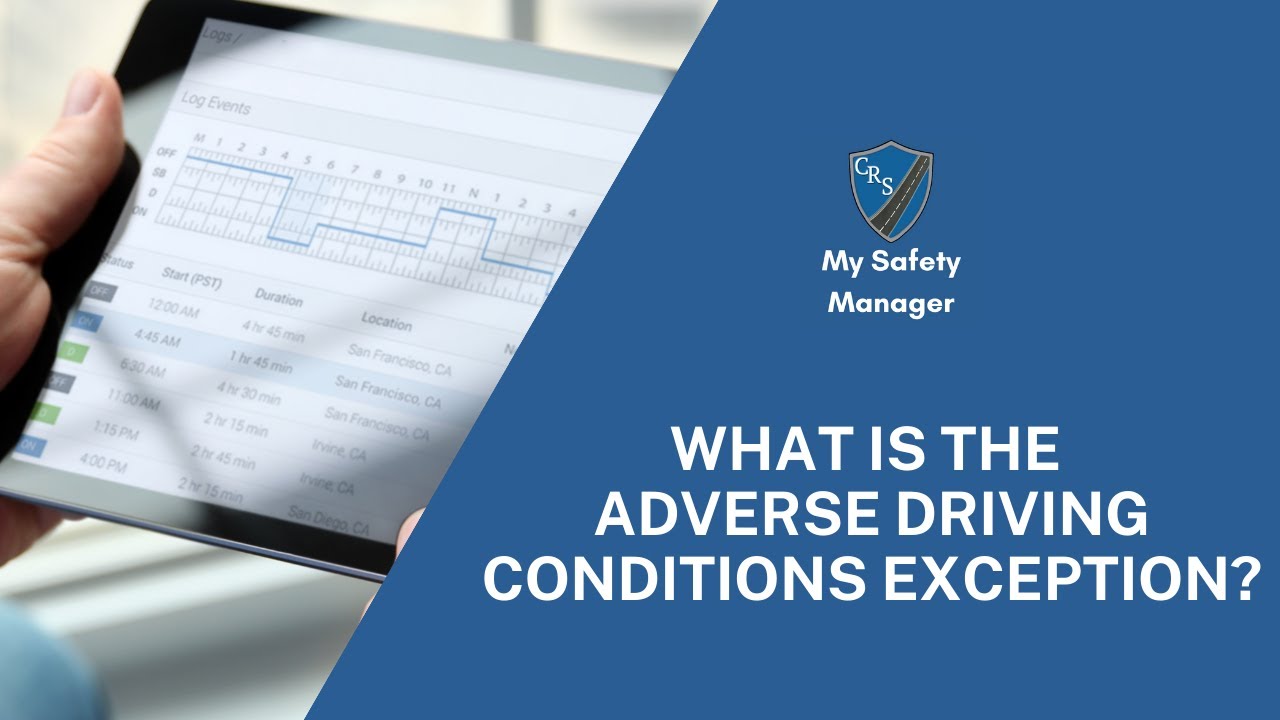
The video provides a step‑by‑step instructional overview of the FMCSA adverse driving conditions (ADC) Hours‑of‑Service (HOS) exception introduced in the 2020 revisions to §395.1. It explains that drivers may extend both the 11‑hour driving limit and the 14‑hour on‑duty limit by up to two hours when faced with unexpected, severe weather or road conditions that prevent safe completion of a trip. The presenter defines what constitutes an adverse driving condition, offers concrete examples (heavy rain, snow, fog, high winds, unexpected traffic, road closures, etc.), and outlines a two‑point test to determine eligibility. The tutorial then details the required actions: assess conditions, document the event in the electronic logging device (ELD) with date, time, notes, photos or video, notify the carrier if applicable, switch duty status to “adverse,” and return to normal duty as soon as conditions improve. It emphasizes that the extension is limited to two hours per duty day, there is no limit on the number of days it can be used, and that law‑enforcement may audit logs for proper use. Practical tips for logging the exception in various ELD systems are also provided. The overall purpose is to ensure drivers understand how to safely and compliantly use the ADC exception without risking violations.
Chapters
Today we're going to be discussing how to use the adverse driving conditions exception. What is the FMCSA adverse driving conditions exception? This HOS exception allows truck drivers to exceed the maximum number of hours they can drive in a day by up to 2 hours given certain road or weather conditions. The exception is intended to ensure that drivers are not penalized for circumstances beyond their control, and can safely continue their trip without putting themselves or others at risk. In 2020, the FMCSA made a handful of hours of service revisions including one to Section 395.1, which now allows drivers to extend both their driving and on-duty limits by 2 hours. Before the updated guidance, drivers could only extend their driving limit, but not their on-duty limit, by 2 hours. Now drivers can extend both their 11-hour and 14-hour clocks if they encounter adverse conditions during their trip, What are adverse driving conditions? Adverse driving conditions refer to weather or road conditions that are likely to cause safety hazards for the truck driver or other drivers on the road. Many events could potentially be considered an adverse driving condition for the hours of service exception. Adverse driving conditions examples include heavy rain, snow, sleet, ice, or other adverse weather conditions that were not forecasted, Heavy fog, high winds, unexpectedly heavy traffic, road closures due to accidents or other incidents, or other exceptional circumstances beyond the driver's control that make it difficult or impossible for them to complete their trip within the required HOS time limits. When can you use the adverse driving conditions exception? Anytime that you encounter truly exceptional situations that could prevent you from completing your trip within the normal FMCSA hours of duty. You just need to make sure that you document the use of the exception in your ELD before you use it. How do you use the adverse driving conditions exception? Drivers can use the FMCSA adverse driving conditions exception by following these steps. A, determine if you're truly driving in adverse weather conditions. You must first assess if the weather or road conditions are so severe that you are unable to safely complete your trip within the normal hours of service. You should use this 2-point test to help judge whether or not you should use the adverse conditions exception. Is the adverse condition truly unexpected or unforeseen? And 2, will the delay make it harder or impossible for me to complete my trip within the normal time windows? Document the adverse conditions. You must keep a log or other written documentation of the adverse conditions, including the date, time, and specific conditions. Most ELDs provide you with a pop-up window or text box to help with this. Also, taking a video or photos with your phone may help support your decision to C. Notify your carrier: If applicable, you should notify your carrier of the adverse conditions and that you're planning on using this hours of service exception. And D. Return to duty status as soon as possible: Once the adverse conditions have passed, you must return to normal duty status and comply with the hours of service regulations as Remember, the regulations state that the time limit on the exception is up to 2 hours. Also, it's not just an extra 2 hours on your 11- and 14-hour clocks whenever you need it. Always be careful when using the exception because law enforcement can review your logs and records to ensure that it's being used correctly. How often can you use the adverse driving conditions exception? There isn't a limit to the number of times that You can use the exception. You just can't use it for more than two hours in any given duty day. How do you log an adverse driving condition exception? Each ELD provider handles this a bit differently, so check out your user manual to be sure. Generally, you just need to switch your duty status from driving to adverse. Again, be sure to document the use of the exception when prompted by your device. Thanks for watching. Be safe out there.