Linda Ardisani shows how to fix a QuickBooks Online setup error where product items are linked to a bank account instead of a sales account. This misconfiguration hides invoice income from your Profit & Loss report and breaks reconciliation. You need to edit each item's income account and re-save affected invoices to correct the problem.
Chapters
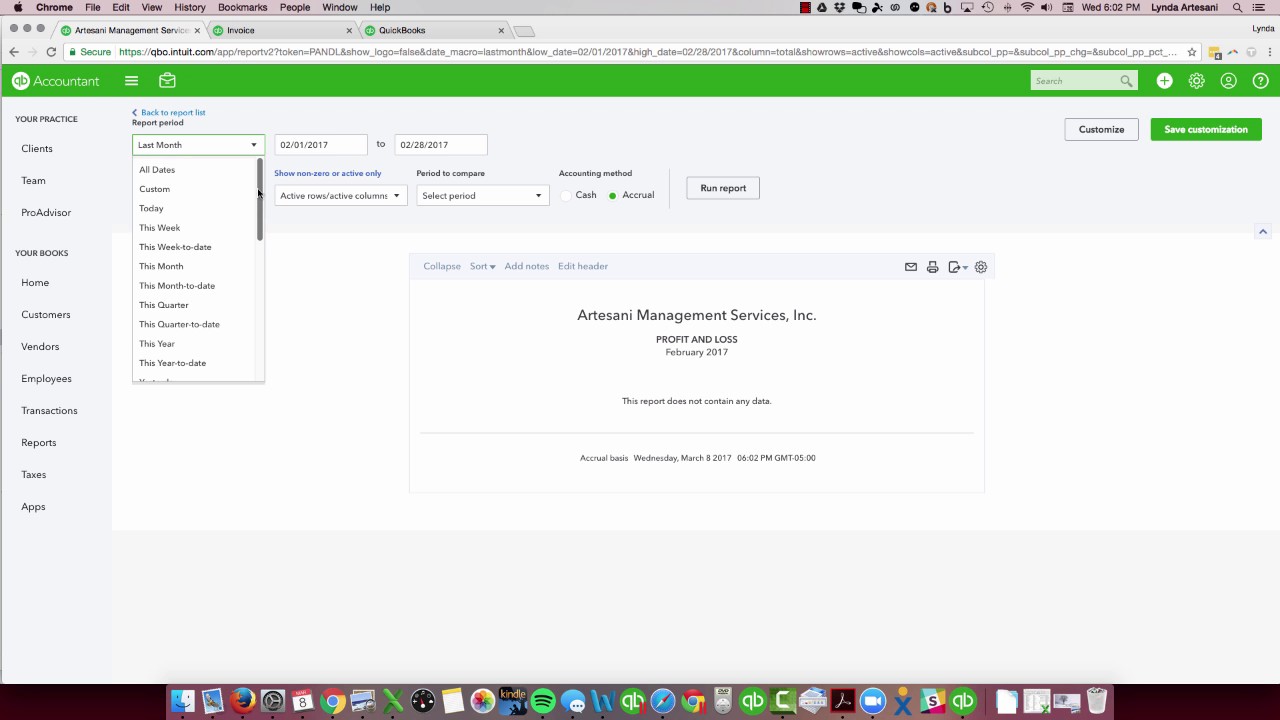
Hello, Linda Ardisani, Ardisani Bookkeeping, and I just wanted to do a short tutorial on a particular pain point in QuickBooks that I've seen over the years and I'm still seeing. I'm seeing it on the Intuit Community Forum and I'm also seeing it in a couple of my customers that I get annually. They did their own accounting work, their own bookkeeping reconciling Which isn't that hard to do, especially if you do a lot of downloading. Generally fairly simple. You do have to reconcile though. People think you don't have to reconcile if you're getting things downloaded from the bank feed, but the bank feed is not a perfect science. And if you look back at one of my other blogs, you'll see where one of my credit cards actually had duplicate entries and then also an offsetting entry that really didn't happen. So if I hadn't reconciled, I wouldn't know that that was there. So here I'm going to show you all I have in this company. It's really a blank company. It's my test company. You will see that I have an invoice for a customer and a payment for a customer. So I should see some income for this particular year. So I'm going to come over to this page and here's my report. I'm running it as of all dates. So my invoice should show here and I don't have any income. So where is my income? I had an invoice. Clearly I have an invoice here. So if I have an invoice and I have a product, why isn't the income showing? Here it is, I did some accounting work for him, I prepared the records for a month for $500. It's not showing. How will I know what account my accounting went into? Why isn't it showing on my profit and loss report? Well, a good place to go is to go to your products and services page, and I've already pulled up the accounting one, and I can see here that here's my income account. I put my money in my checking account. Well, that's not what they mean by income account. What they want here is your sales account, basically. So you want to come down and I'm going to call this Bookkeeping Income. I'm going to save and close this. I'm going to come back to my homepage, actually come back to my invoice and my report. So in theory, if I run this profit and loss report again, as of all dates, because I want to include that date of the transaction, which was actually today. It should show it. Why isn't it showing it? Well, just like when I did the list blog post, it's once I've saved this invoice, and I've already saved it and actually sent it. So once I've saved it and sent it, and you can see I've received the payment, so everything's in here. This stays at whatever it was at the time I generated the invoice, this actual item, even though I changed the accounting to where that item went to. Unlike desktop, it would actually change it or give you a date and say, you want me to change it as of today and do some of the back ones. Here in QuickBooks Online, it does not do that. So I need to go into here and to refresh this, I'm just going to grab Bookkeeping here. I'm going to click Save, save this invoice, and then I'm going to come back over here and change it back to Accounting, which is what I wanted it to be, put it back to $500, save it again. X out of that. I'll go back to my report, refresh my report, and I have now $500 in income. So that's what I had to do to refresh the item because the item was preserved in the original account that I had it in, which was my checking account, which is not where you'd want to see that. So if I had not gone to my Profit and Loss report to find this, I may see this same thing happen if I go on to reconcile, and I'll show you what happens when that happens. I'm going to reconcile my checking account. I'm just going to put in the end of this month and a zero. And here's my issue. I'm seeing this one transaction, this invoice and this payment. One series of transactions. The invoice is showing on my checking account as a payment or a check, and my payment is showing as my income. So if I check both of these off, I am at zero. So I don't show that $500 as income at all. So this is why you want to make sure that your items all point to your sales accounts. So that's one of the major reasons. you would have a problem reconciling because clearly when you got your bank statement, you would see the income there, but this check would not show. So if you ever run into a time when you're reconciling and you've got invoices under checks and payments, you'll know that that's an indication that your product and service are not set up properly. But you want to make sure that they are— income account is here, not your checking account. Thank you so much for listening in. I hope this was helpful. I'm going to do a couple more of these little things that you may not even be aware are in the program. And check out my Facebook page, my website, and of course if you need any help with QuickBooks, please reach out to me. Thank you so much. Bye now.