qbo.eft.pymt.demo
27 Nov 2016 · 0 min
0:22
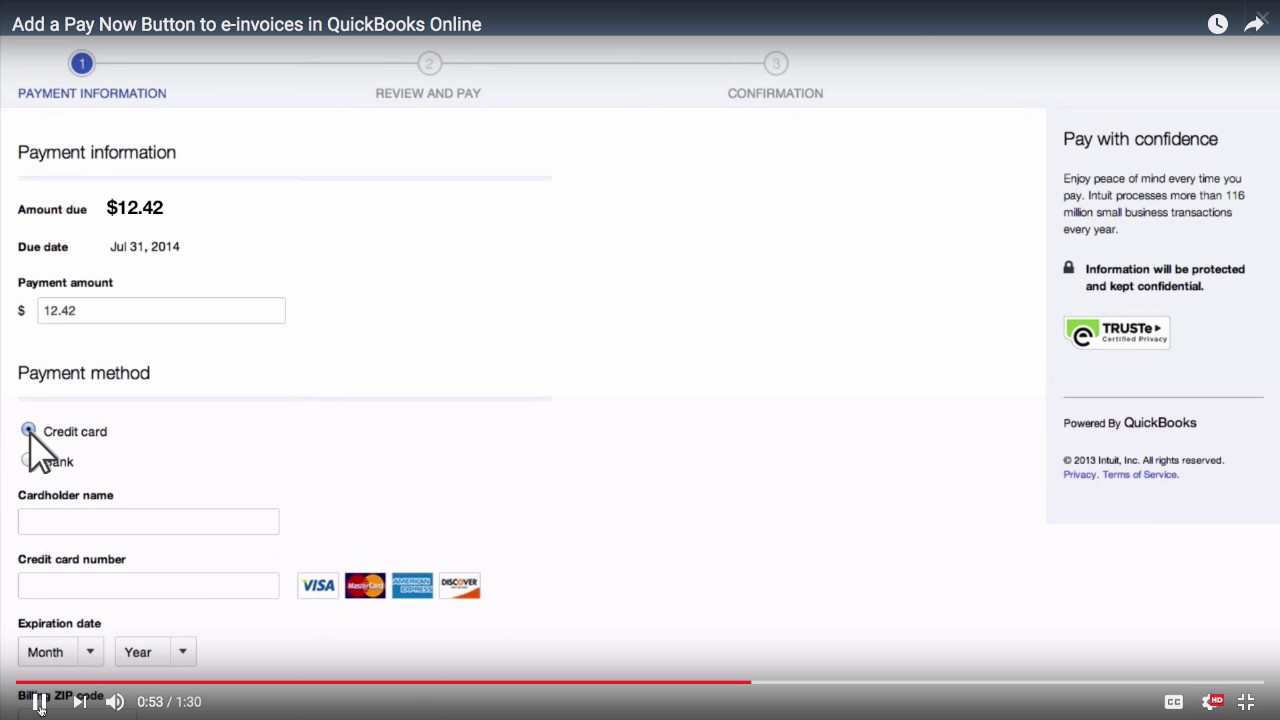
QuickBooks Online lets customers pay invoices through a secure link in email. They enter card or bank details, get instant confirmation, and the seller's books update automatically.
More from Sarah





youtube.com
Mid-Year Bookkeeping Review: How to Catch Errors, Fix Discrepancies, and Set Up a Strong Year-End
4mo ago

youtube.com
Best Bookkeeping Software for Mid-Size Law Firms in 2026 | Clio, QuickBooks Online & More
5mo ago


youtube.com
Trust Accounting Compliance: Avoiding Common Bookkeeping Pitfalls in IOLTA Management
7mo ago

youtube.com
Improving Client Billing Accuracy: Best Practices for Time Tracking and Invoicing in Law Firms
8mo ago

See all content
