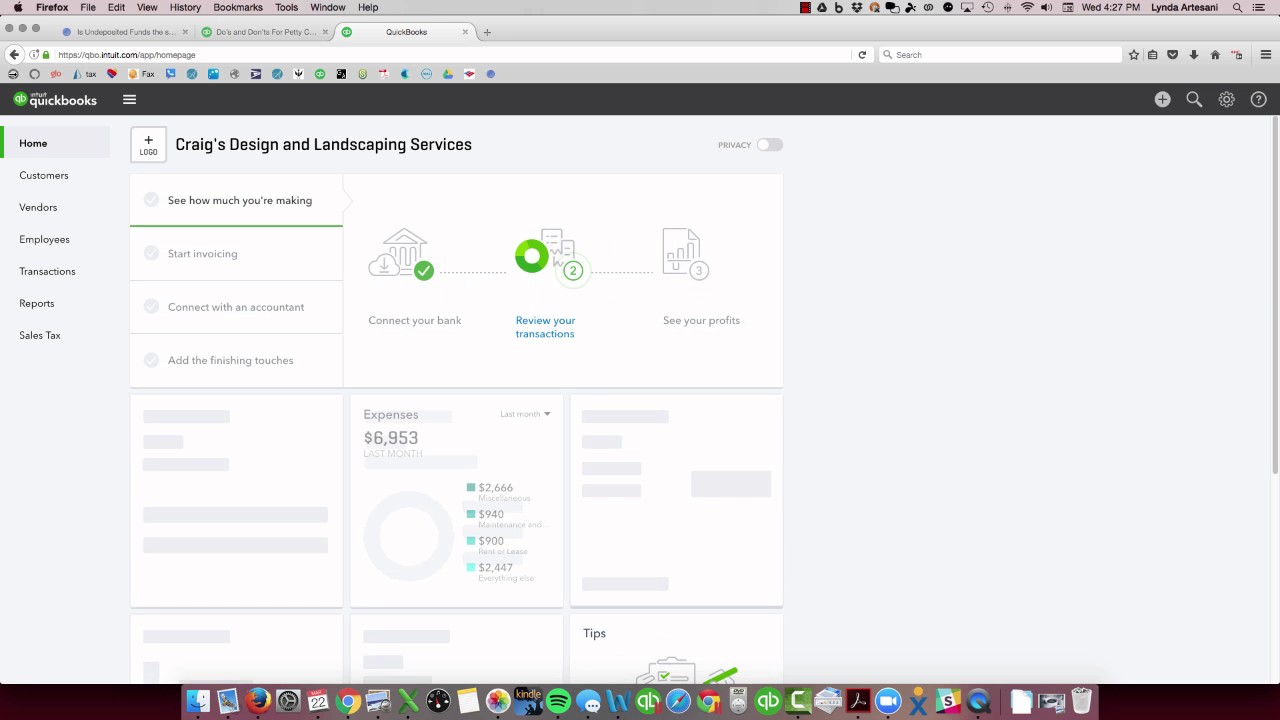
Linda Ardisani shows how to use QuickBooks Online's Undeposited Funds account to group customer payments before depositing them to the bank. Depositing each payment separately causes reconciliation problems; grouping them first matches how you actually deposit checks and keeps your records clean.
Chapters
Hi there, Linda Ardisani, Ardisani Bookkeeping, and I just wanted to do a tutorial on basically on how the undeposited funds account works in QuickBooks. It's something that's been going around for years. People really don't know how to handle it. It's just, it's a different account, so it's really quite simple once you understand the concept of it. So I'm going to imagine here this is the sample company and And I'm going to receive payments from my customers. This is something that I see all the time. Like, my client will call me up and we'll go to reconcile and it won't really work. So I'm going to come to the customer page. I'm going to receive a payment from Angie— Amy's Bird Sanctuary. I'm just going to pretend that she paid me a check. 1, 2, 3, 4. And she paid me $239, so it's checked off. I want to deposit it to undeposited funds because I've already collected a couple of other checks. This is basically— if you think of undeposited funds as your desk drawer. So the checks come in, you get the mail, the checks come in, paper checks, and the customers pay you. And every Friday, for example, you go to the bank. So I'm going to put them in undeposited funds. That's the proper way to do that if you're going to bring them singularly. Then I'm going to come over to the plus sign, make a bank deposit. So now I'm going to take those checks out of the drawer and put them in the bank. So I'm going to tally up my deposit slip. I'm going to handwrite it out. I'm going to— here's the 3 checks that were in my drawer. I'm going to select all of them, and I'm going to add them up on my calculator, and they should total to $2,300 and $1,059. And then I'm going to hit Save and Close. So now I've taken them from the drawer, I've taken and manually written them out to the, you know, made a bank deposit slip and taking them to the bank. So now what happens here is if we go to the bank register, and as you can see here, here's my deposit. It will show up as a deposit with a split, but if I click the word split, I can edit this transaction and see exactly what's in it. The reason you want to do that— and there's my deposit— the reason you want to do that is when you get your bank statement, the bank statement is going to show a deposit for $2,301.52. So what I see most often is someone will go to reconcile their banking and the deposits will be listed singularly. And this happens when somebody will come in and receive a customer payment, and instead of it going to undeposited funds, they're like, well, I'm going to deposit it to my bank account, right? That makes logical sense. And then they hit Save and New and they enter another customer payment and then they keep hitting Save and New. And what happens is each time they enter these payments— we'll just hit Save and New here— then they go to make their bank deposit and what happens is there's nothing to deposit. There's nothing here because you didn't put them in that little holding account of undeposited funds. So it's important to do that because if I go to my bank register, I'm going to see these deposits listed singularly. So we'll come to the register here. And now I see them listed this way, but they really were grouped together. So we want to make sure that they're grouped together because they actually went— I put them in my drawer and then I took them to the bank together. So how to fix that is I'm just going to open each one up and edit them. Change it to Undeposited Funds. I'll do the same thing for this other one. So it's going to remove it from my banking. It's going to remove it from my check register temporarily. And then I want to come back to make a deposit and then group them exactly how they went to the bank. This will make reconciliation a lot easier for you. And now you'll see my new deposit here, which is split, and both of those transactions are now in that account. So they're grouped together like they went to the bank. What I am doing with quite a few of my clients that struggle terribly with this, they don't quite grasp this concept of the undeposited fund account. A lot of my customers, what I've been doing is I've been having them download the app on their phone that's connected to their bank, and most of the bigger banks— Chase has it, Bank of America has it— and I have them deposit their checks individually. So it helps them to track their money. They actually physically get the check in the mail, open up the app on their phone, take a photograph of it, and then send it to the bank. So then you wouldn't want to have to bother at all with the undeposited fund account. You want to Have it go in the way you're putting them in individually, and that works out really well. It keeps things simple. If you're tracking a number, you can search by that number. So that's it in a nutshell, the undeposited fund account and what its purpose is. I hope that's helpful. If you have any questions, would like to see a future video on a specific topic, please reach out to me on Facebook. I am there Anytime, just find me. You can search me for, for my company, Artisanal Bookkeeping. You can add notes here underneath the YouTube page. Thank you so much. Bye.