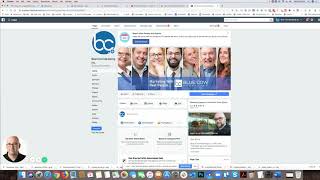
Shaun Whynacht shows how to disable Facebook Appointments on your page. Go to Settings, find Appointment Settings, and toggle off Online Booking. That's it.
Chapters
Hey guys, so I've been receiving some comments about the video I put up about how to configure your Facebook appointments. A lot of people want to know how to remove that from your page, so I figured I'd make a follow-up video to show you what that's all about. So I'm just going to go to our page here, and this is where you go. You go into your settings for your page, and we don't have ours turned on because we use a different system, but you're going to go down to find appointment settings. And then once you find your appointment settings, in there is going to be a toggle, and the toggle is right here for online booking. So it's off for mine, but if you turned it on, then it would show up on, on the site. So that's what you need to do. You need to go here and turn that to off, and then it won't show that calendar option on your website— or sorry, on your Facebook page. So hopefully that helps.