Crosschain on Bytom Blockchain
3 Jul 2021 · 2 min
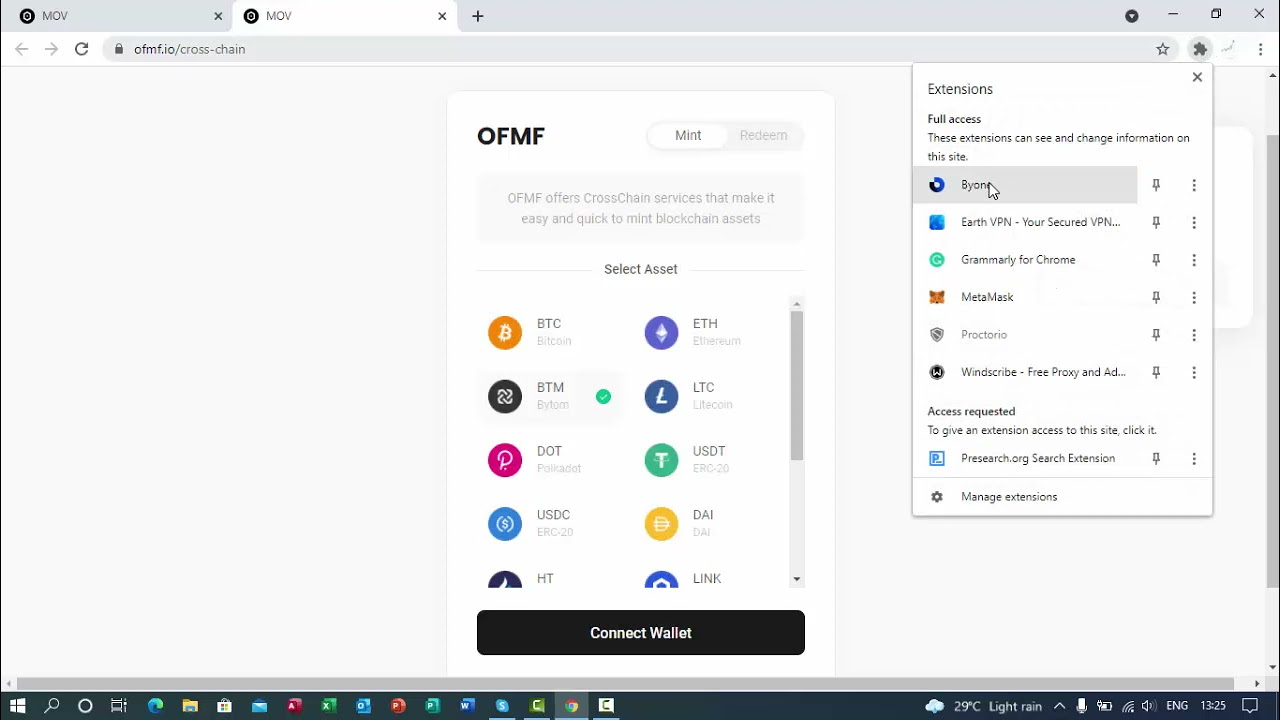
1:55
Simon Alagbe demonstrates how to move crypto across Bytom's blockchains using sup.finance. He transfers 1,199 BTM from the main chain to the Vapor sidechain in a single transaction, showing the wallet connection, asset selection, and confirmation steps.
Chapters
More from Simon

youtube.com
How the US General Election Impacts the Forex Market: Key Trends and Trading Strategies
2y ago





youtube.com
Hint: Average Hourly Earnings, Non-Farm Employment Change and Unemployment rate by 1:30 pm GMT
3y ago