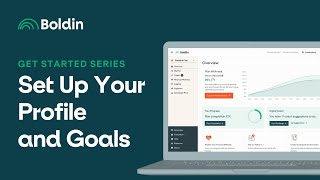
Nancy walks through setting up your Boldin Planner profile: entering your birth date, retirement age, tax status, and income dates. You'll also pick your financial objectives and add notes for anyone helping with your plan.
Chapters
Hi everyone, this is Nancy from Bolden and I want to welcome you to Day five of our Get Started series designed to guide you in accurately setting up your plan. In today's video, I'll discuss the Profile and Goals section of the Bolden Planner. Let's navigate to Profile and Goals and press Basic Info. This is where you can set your date of birth, longevity, age and retirement age. The planner currently accounts for two tax statuses, single and Married filing Jointly. If you add a spouse or partner here, the Married Filing Jointly status will be applied. The retirement age also resides in the Scenario Settings drop down menu. In order for the retirement age to impact your plan, you'll want to make sure to select the retirement age in drop down menus, for example, the stop date for your income and the start date for your pension. Once you've done that, you can easily change the retirement date to update multiple areas of your plan all at once. Below your profile, the Objectives section allows you to select the items that are most important to you. And below this you have the ability to add notes for yourself, a partner, a coach or advisor. Thank you for joining me in this video. I'll see you in Get Started Series six where I'll discuss the Accounts and Access section of the Bolden Planner.