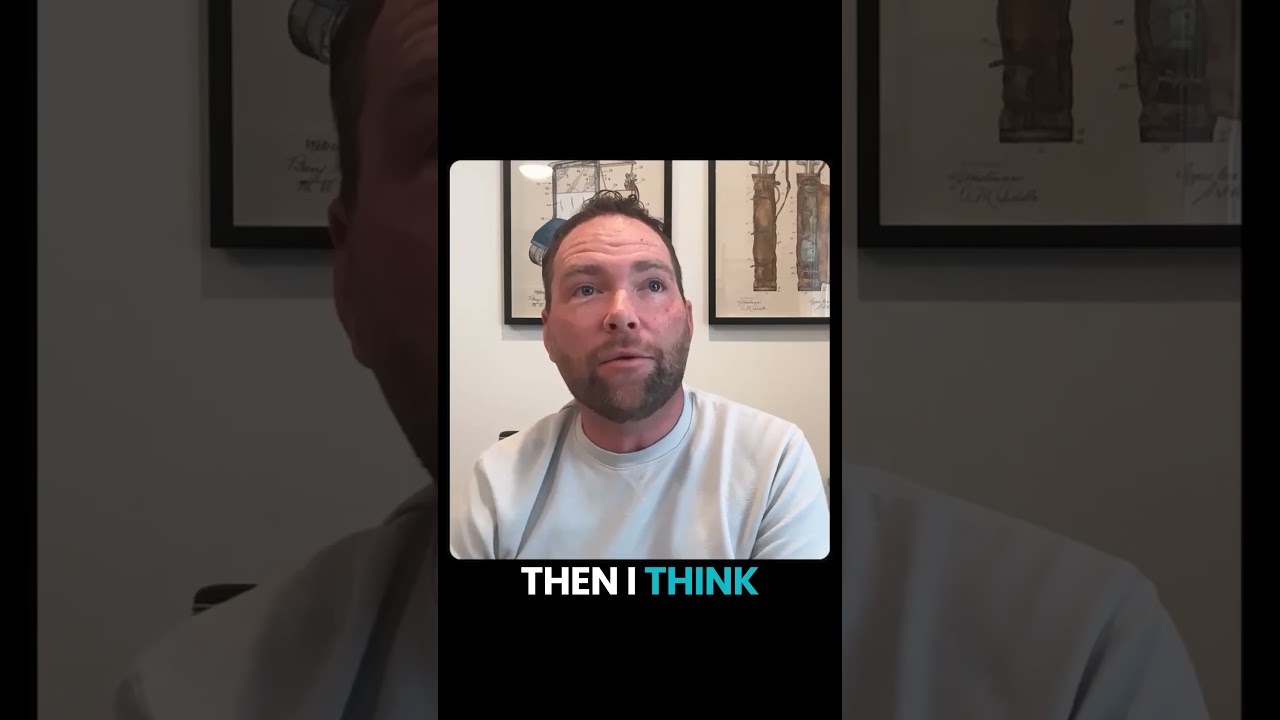
Ctrl + Z saves more careers than formulas.

14 Jul 2026 · 0 min
0:23

In this informal YouTube segment, Paul Barnhurst highlights his favorite Excel shortcut, Ctrl+Z, explaining that it undoes recent actions. He notes that Excel imposes an undo limit of 100 steps, sharing a personal anecdote about trying to revert a mistake made long ago and being unable to do so because the limit was reached. The clip serves as a quick practical tip about the capabilities and constraints of the undo function in Excel.

More from Paul

0:48
youtube.com

Great decisions need healthy pushback.

1d ago
31:52
youtube.com

The State of the Finance Stack 2026: Live Findings

1d ago
0:54
youtube.com

A level-five FP&A team isn’t enough.

1d ago
1:04:03
youtube.com

Trust and Leadership Lessons for FP&A From 100+ Top Leaders with CFO Jon Laudie

1d ago
59:52
youtube.com

Excel Hour - Learn to Excel with The FP&A Guy

2d ago
1:03
youtube.com

AI can build its own rules.

6d ago
0:43
youtube.com

You can’t vibe your way through planning.

1w ago
0:41
youtube.com

Excel has survived every challenger.

1w ago
0:32
youtube.com

Vibe coding needs serious guardrails.

1w ago
1:02
youtube.com

Stop chasing tools. Learn orchestration.

1w ago
50:05
youtube.com

Will AI Replace Enterprise Performance Management? | David den Boer

1w ago
See all content