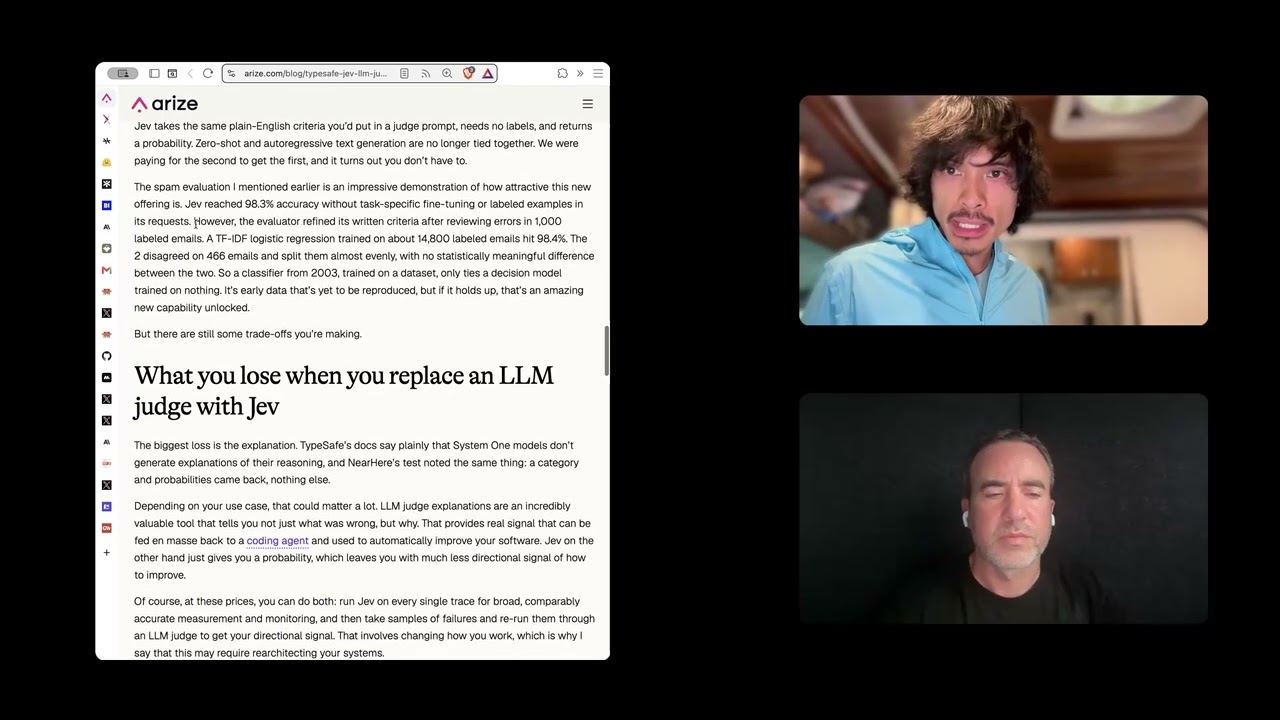
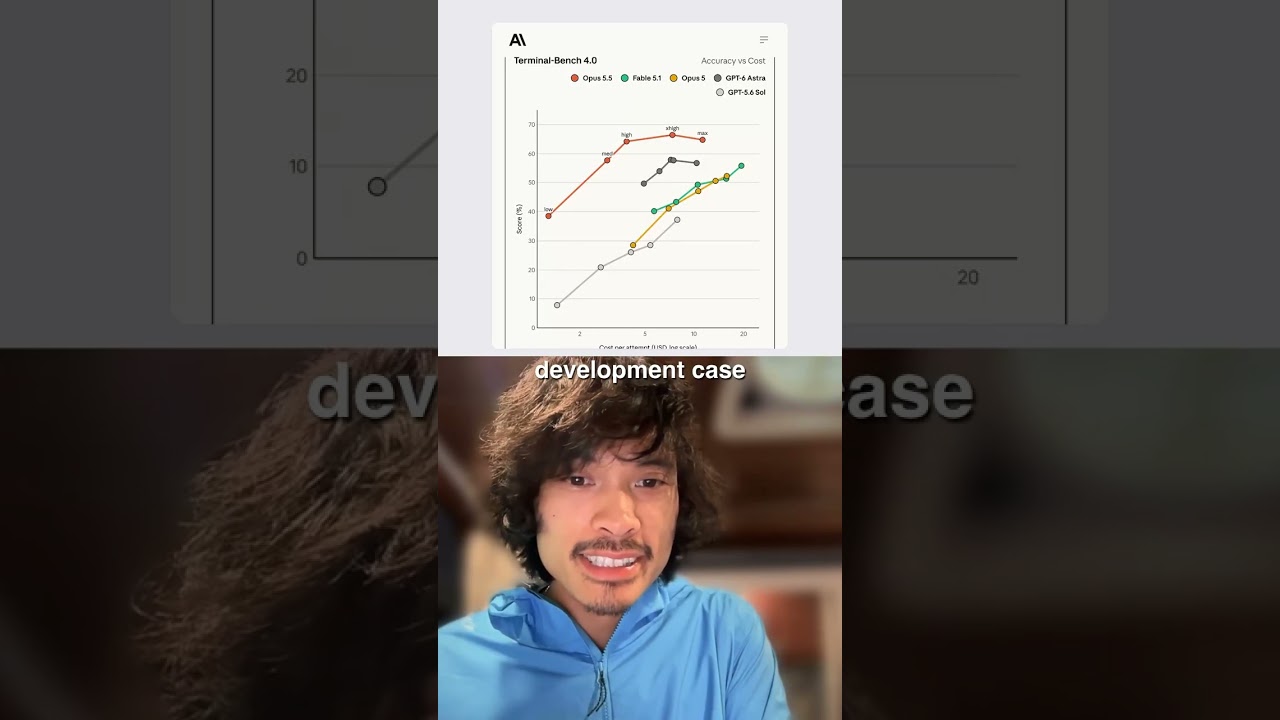
In this live demo conversation, Robert Ta interviews Jonathan about his hands‑on experience with GrokBot. Jonathan explains that GrokBot runs on its own cloud‑hosted virtual machine with a Chrome instance, distinguishing it from OpenClaw which runs locally. He showcases the agent’s ability to integrate plugins such as Otter, allowing seamless connection to external services, while noting that it cannot access local credential stores like 1Password because the corresponding plugin is unavailable. When GrokBot needs to use an API (e.g., X/Twitter), it opens its own browser window for authentication and then operates on the user’s data, providing real‑time screenshots and a picture‑in‑picture view to keep the user informed of its actions. Jonathan points out that the agent does not disclose which underlying model it uses and offers no configuration for it. The discussion concludes with Robert asking who the product is built for, hinting at a focus on accessibility for users without local hardware or enterprise deployments.
Jonathan, you've been playing around with GrokBot. Let's take a look live as a demo.
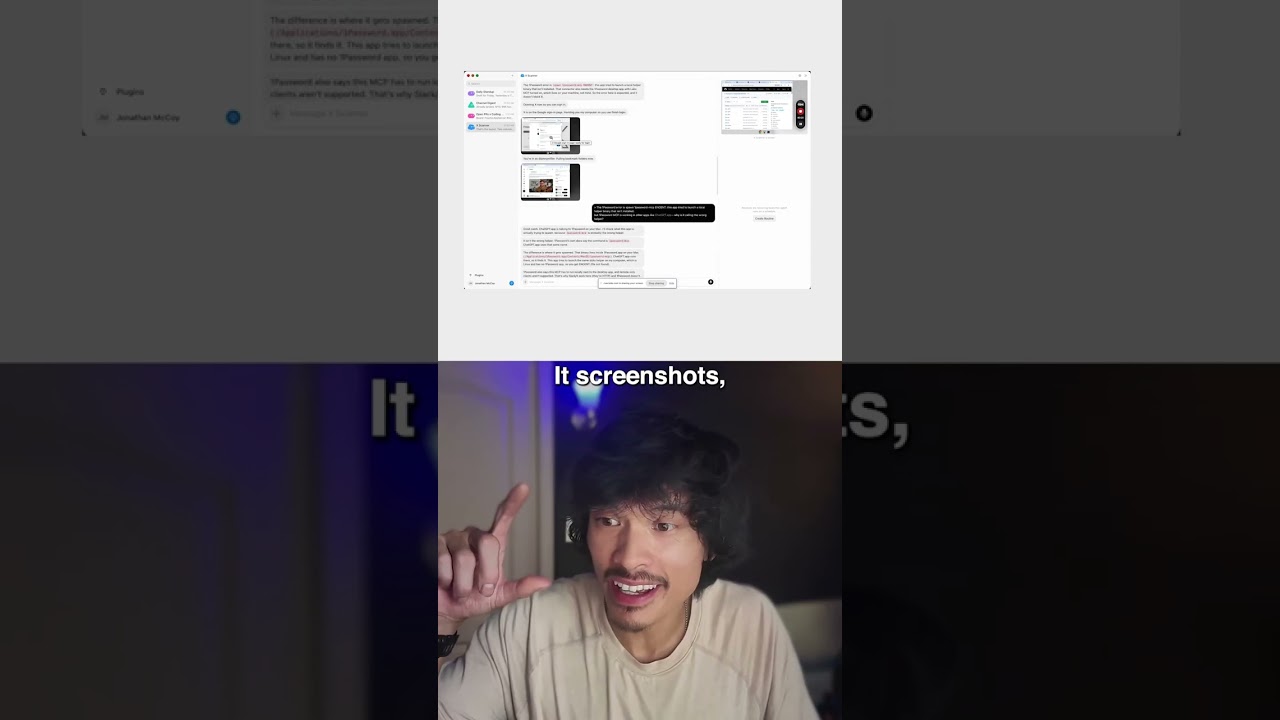
Yeah, I downloaded GrokBot, created a few different agents over here. The one I'll start with was scanning X for me. And I said like, hey, can you scan my X content of interesting content, look for some categories that match my X bookmarks? So I'm like asking it to like look at my bookmarks and predict like what are going to be new bookmarks from my X feed. What you have over here on the right is really interesting. This is its own computer. So it has its own virtual environment here with the Chrome instance. And that's going to be the difference between OpenClaw and Grokbot is that Grokbot runs in the cloud. It has its own virtual machine that it works with to do a lot of this stuff. It can also access your machine for computer use, but it's kind of limited. But first of all, Grokbot has a lot of plugins. It didn't have Otter in here. So I asked it to connect to Otter and it handled it seamlessly. And I was like really impressed with how well Grokbot lets you connect all your stuff into it. On the downside, it can't use your 1Password credentials because it actually can't access that in the local system. So it actually like has a plugin called 1Password that Grokbot can't use. When it can't use the X API, it just opens up its own browser window here. I authenticate into my X account and then it was able to like look at my bookmark folders from there. And it actually gives you like screenshots of like what it's doing.
It screenshots the computer to keep you in the loop about like, hey, this is how I'm doing it. So then you could steer, right? How did you find that experience? Because this is doing it by default as it's going, it screenshots for you.
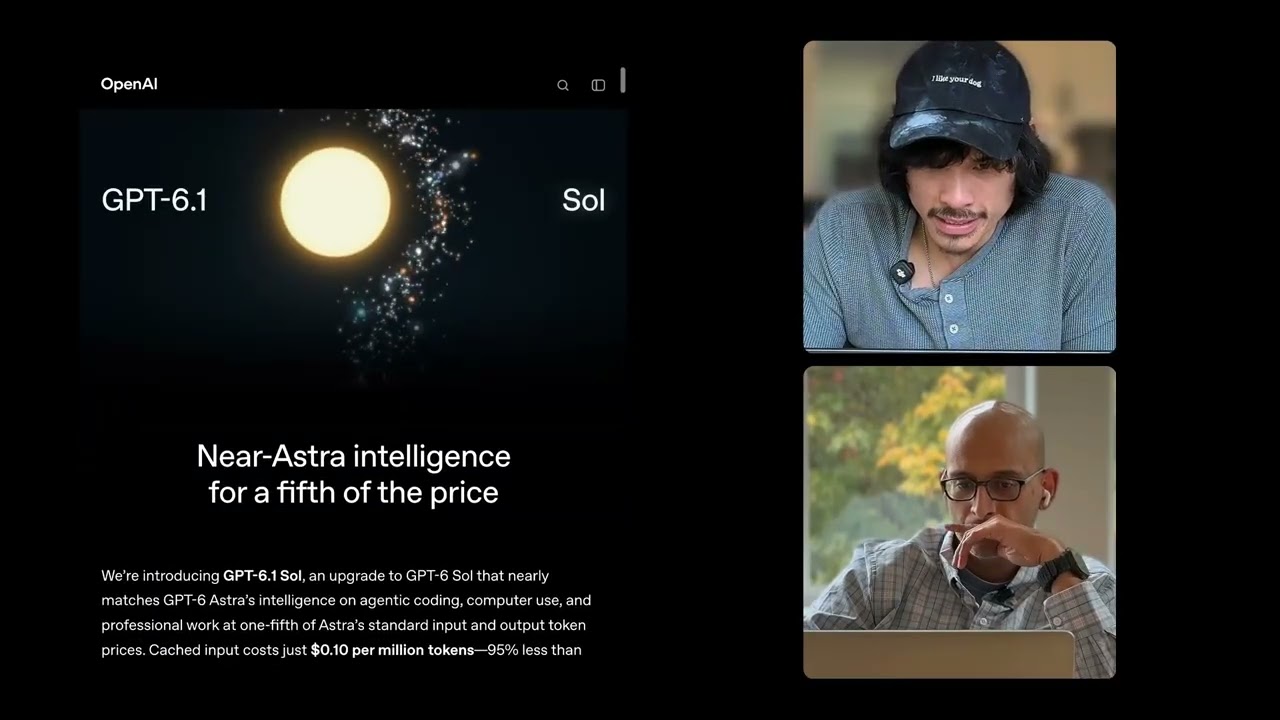
Yeah. I mean, it really helps with the coherence of like, what are you doing? It doesn't give you the same provenance. It doesn't tell you, think aloud and tell you what it's doing for the most part, but it does give you these visual indicators of like, here's what I'm looking at right now. And you'll see that in code. It has like a picture in a picture, but I found that these snapshots of the picture in the picture, I mean, I can understand what you're doing here. Another note about GroqBot is it doesn't tell you what model it's using. It's probably, uh, the, the new Groq models, Groq 4.6 or something like that, but it doesn't actually tell you and you can't configure it. So that's an interesting aspect of it.
Who do you think this is built for?
I think it's everybody who is like kind of interested in OpenCLAW, but maybe didn't have the hardware or the cycles to invest in it. This makes it really easy to just get started building agents, whether that means that you can run this in an enterprise environment or that, that means you can run this independently. I think that's gonna be more accessible to a broader set of people. So a really progressive, interesting design.