Robert Ta demonstrates how Claude's tools let teams create HTML specs that both humans and AI agents can read and act on. He shows a referral-system example, then introduces Clarity Align, an internal tool where a Clarity Agent automatically interprets specs, tracks decisions, and produces versioned docs that work like Google Docs for team alignment.
Chapters
rich references. So in plan mode, Claude Code has heavily relied on Markdown files with plans. Storing these files as plans helped Claude refer to them when needed. But we found that Claude can handle increasingly more complicated references instead of simple Markdown files. Claude can reference HTML artifacts created by our new artifacts feature. And I'll actually show like what, what is an HTML artifact. Here is one of the ones I recently made for improving a referral system. For a mobile app. And this had like visuals for design, what's needed from a different stakeholder to unblock dependencies, like on the IT side, what's the verification look like, any open decisions. And this was just like an easy way for me to like read a visual specification. I have more that are more visual. This is a project that Jonathan drafted for us just to discuss about dogfooding that we're doing. So an internal project that powers some of our customer development right now with us being the first customer. So we're We've been doing this and what the Claude team is basically saying is they're saying like, keep doing this. Like the models are only gonna get better at understanding these things. And there's something I really appreciate about that, which is, hey, these HTML artifacts are making it easier to align humans. And it's cool cuz now it's aligning the human to know how to, how to verify against the agent because the models are getting better. The, the agents are getting better at aligning against the HTML artifact. Yeah, we've come full circle to where we all just used to make slides in corporate America and now we're just making slides for agents.
We've gotten in the habit of creating the HTML docs to share with one another. It's referencing his actual Artifacts feature, which also creates HTML features, and you can do that in Claude Desktop or Claude on the web. I think we generate most of ours right from Claude code on the terminal, and we just ask it to generate an HTML doc. And the added benefit you get from using Artifacts in Claude Desktop is that they're shareable, and it's sort of like maybe you can keep the artifacts within your threads. We found for our business, right, we want to like kind of make these HTML docs first a foundational sort of way of communicating. We'll put them in the codebase. We've created tools now to like store these in the cloud so we can like comment about these artifacts. There's different ways to do it. So I think that's like one of the evolving metas is like, how do you best use these HTML docs and store them and sort of like synthesize the organizational knowledge that you're developing?
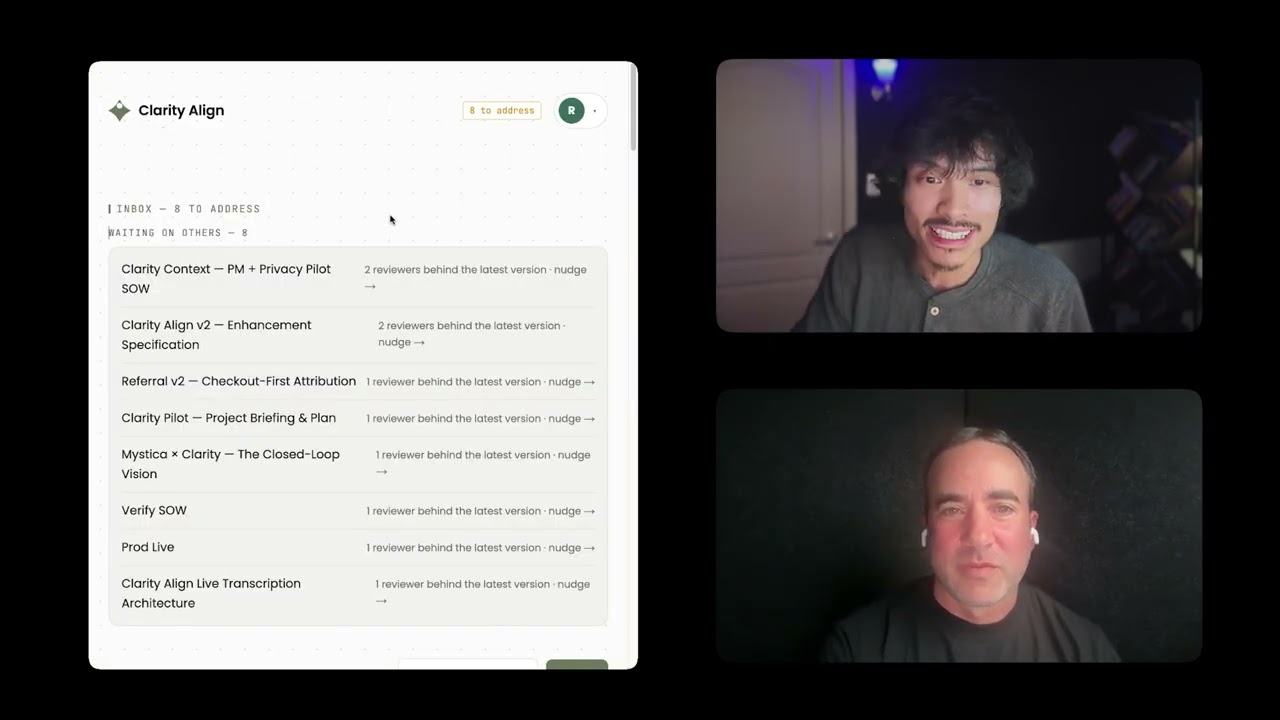
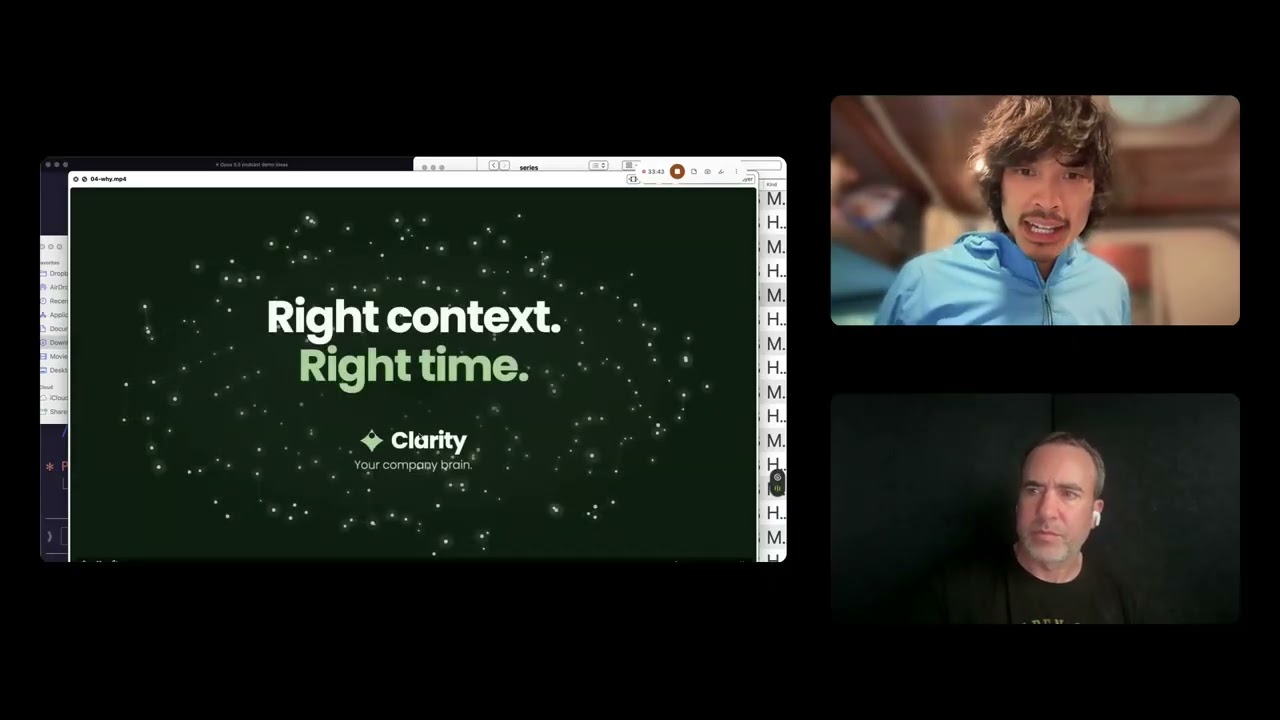
And that might actually be a good time to just show one of the tools that we've built to align internally. This is how we get aligned. We use Clarity Align. This is a product that we built internally. And you can see here, there's a little inbox people have left reviews on different HTML docs, that referral feature I was just talking about. We throw an HTML spec into here. I can open it on a whiteboard canvas similar to Miro. This is really cool. We're experimenting with this and still dogfooding it, but we actually start a session, start transcribing, and the Clarity agent backing this Align app will look at the spec and see like, okay, referral as a platform, not a path. And I'll say something like, let's say, let's change the executive summary. So it just says referral as a platform, remove the not a path, and then make this more of an architectural decision to align with the product strategy overall of maximizing the amount of growth experiments we have for top of funnel referrals. In O1 engineering problem section, let's have a cleaner delineation of what this is not. In the design section, let's go and remove all the iconography. It's making it a little— Distracting. Okay, so I just said a bunch of stuff and you'll see Clarity Agent, it's processing stuff on the side here, but it's saying referral V2 framed as an architectural decision and it actually records that decision here. So when we meet, we could look at these things. I could accept this. Okay, remove iconography. Great. And then what I could do is generate a spec and then it actually will just modify this in place. That way we're all just kind of, I think about it like we're kind of at a whiteboard. Startup mode, founder mode, aligning on the whiteboard. What is the goal? What are we trying to do? What's the initiative? What's the project? How does this move our business outcomes or engineering outcomes, product outcomes? What's cool is then we could confirm, okay, this is what I wanted. Perfect. Now it says this is an architectural decision, not a point feature. It reframed the engineering problem to be more clear. Like I mentioned, it removed the iconography here. And this is a little dogfooding product demo. And I should say, this is how much emphasis we place on getting aligned. It is so important to get aligned, and I think the spec as HTML file to get aligned on anything, whether it be a project or a business strategy or a product strategy, or like literally like a new feature like this one. Just doing this is really great. We vibe coded this. Honestly, it didn't take like too long. And I highly recommend people do something like this. We kind of made it to where it's like Google Docs-like. You could comment here and then you could see what's changed as well, version to version. I could share this out. Different modalities, synchronous, asynchronous alignment tool. And it all just sort of starts with the specification being visual. Yeah, you can see we exited the whiteboard view here and it took all my changes and I could look through and any stakeholder can go and look at what are the decisions. Like right here, there's D2 here on this artifact, the specification, and it says remove iconography from the design flow per D2. That's a decision we made. You can open the canvas back up and see who logged the decision, et cetera. This is something we're starting to use more and refer back to it if people are interested. The main idea being Get aligned with visual specifications and your agents now are really good at understanding these visualized specifications in the HTML format. And you can do a lot with the HTML format. It's way cooler than making slides. This is one of my favorite metas for getting aligned. And this whole AI era is just easily making these very beautiful visual specs to align the team on.