In this short demo, Robert Ta and Jonathan introduce Codex’s new AppShots feature, which lets users capture the entire content of the frontmost Mac app window—including text that is scrolled out of view—and send it directly to a Codex thread. By pressing a Command+Command shortcut, the window’s full text is packaged as an “AppShot” and appears in the Codex interface, eliminating the need for manual screenshots and file‑system clutter. The speakers highlight the developer workflow benefits (quick context hand‑off for coding agents), the polished onboarding experience, and the strategic value for AI builders competing with rivals like Anthropic. Jonathan adds a CTO‑level perspective, noting the feature’s role in OpenAI’s enterprise positioning and its potential to become a daily productivity tool for engineers.
Chapters
AppShots by Codex. Give Codex context from any Mac app. AppShots lets you send the frontmost app window to a Codex thread. Use them when you're actively working in another app on your computer and want to provide Codex with your current context so it can help you with the task. TL;DR: stop screenshotting and filling up your desktop with clutter. I think that's what this is for AI builders out there like me who are screenshotting like a mofo everything everywhere, end-to-end testing the web pages that show up, whatever you're doing in verification and screenshots to like then give to the coding agent for context. I now see that as we have a neat way to do that in Codex without cluttering your file system. What do you think of this? AppShots, Jonathan? We've all run into this scenario.
Say like you have a server log and on the screen you can only screenshot like a portion of it. But what AppShots does is it takes the whole server log. It takes the window and it can take the whole context from all the content in the window. For things like that. You're going to be using this multiple times a day. This is an innovation on the screenshot itself. By the way, the experience is beautiful. You just hold down both your Command keys on your keyboard. It automatically takes the App Shot and puts it into the Codex window. So you can just jump over there and add whatever you want to or just send it and you're done. So once you press Command Command once and you realize what this is doing, you're going to be using it from that point forward. And so it's like one of the most useful tools that I've seen in these harnesses introduced.
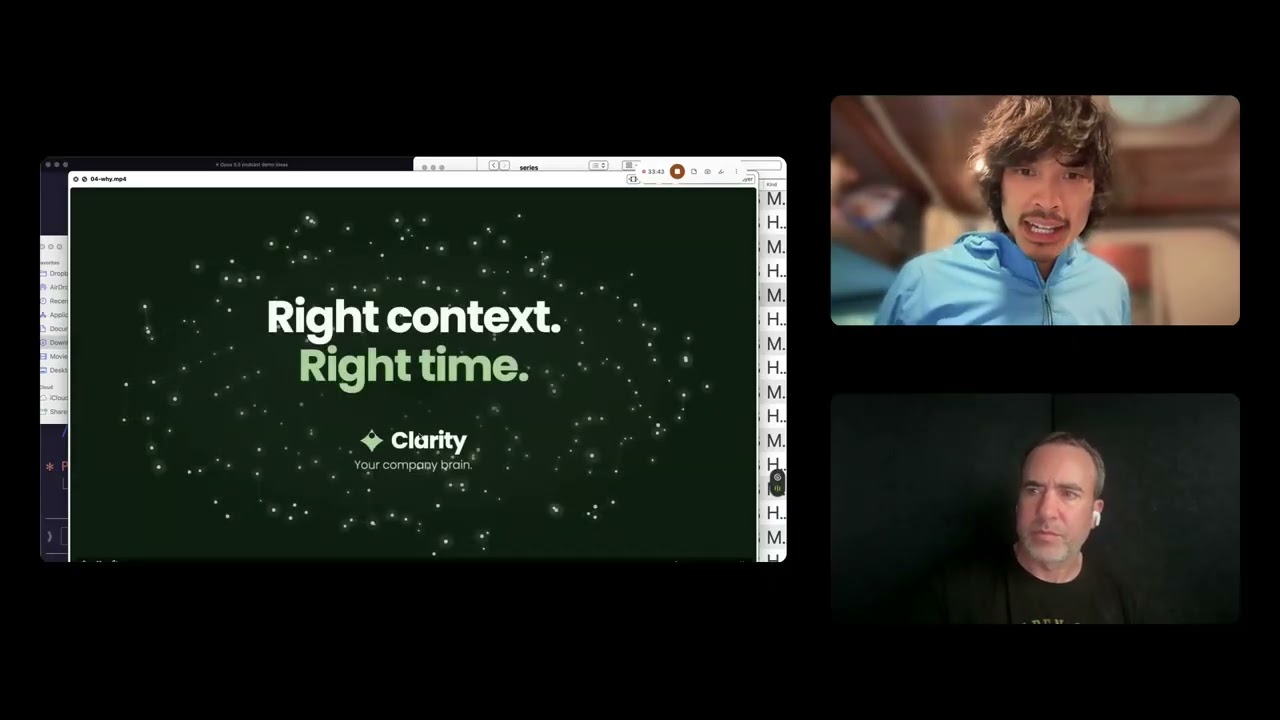
And that's AppShots. So I just went to Codex and I clicked Command Command, like Jonathan said, and AppShots popped up. Enable AppShots. AppShots lets you attach your current window to Codex. AppShot includes all window text, even what's scrolled out of view. That is, like Jonathan said, an innovation on screenshots itself for the use case of, oh cool, hey, like it already tested this out. It pulled in my screenshot of me and you recording this pod. What are we doing? You're in a live Riverside recording session called Jonathan and Robert. About 1 hour in, you're sharing your screen and the shared screen says, shows Codex open in the psychic app repo with the prompt, what should we build in psychic app? So in plain terms, you and Jonathan appear to be recording or discussing what to build next. Not quite Codex, but I'll give you that one. Here's another one. It took this page here, which is the app shots page. This was where it was at. And when you take a normal screenshot like this, you only get this level of the page, right? But what AppShot does is you get the whole page context and text, even if you have to scroll. So you're looking at Codex AppShot's docs. Good job, Codex AppShot. That is so cool. I love from a product manager nerd perspective and design perspective, the user experience of onboarding into that functionality is magical. What just happened, like what you all saw was a very well-defined magic moment and product and design and engineering team execution to get that done. And that's so cool. And I'm now bought in. And I love this part too, where I just tried it on the AppShot docs and then it reinforced the habit they want me to build. Good job. That's like chef's kiss. Like you guys are just trying to get me to use it more. I'm going to do it. Jonathan, anything else from your CTO perspective on Codex AppShots, the new feature from OpenAI? I'm loving this developer experience. Focus that they've honed in on with their enterprise tip of the spear kind of focus in the, uh, enterprise wars with Anthropic. And as an AI builder and founder myself, we are benefiting for sure from these really cool features. Any thoughts with your, uh, CTO perspective before we round out here on Appshots?
I'm just going to say when these harnesses give you the tools to easily include context, learn them. They're going to pay off in dividends and they have a certain delight factor to them that makes the work more fun. So just, uh, keep up and use them, uh, in your own workflows as soon as you can.