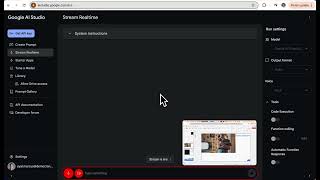
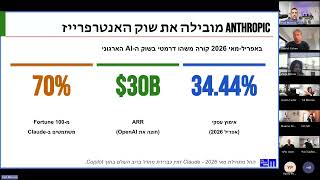
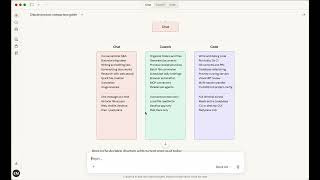
Short YouTube screen-sharing demo (creator: vivacious-hieroglyphs; uploaded 2024-12-15) in which a user asks Gemini how to place a title on top of a video in PowerPoint. The assistant explains changing element order (select title box and use "Bring to Front" or similar commands).
Hey Gemini, so I'm not very good with PowerPoint. I'm more used to Google Slides on the slide that you see. How do I change the title so it can be on top of the video and not underneath it? I need to change the order of elements on the slide. How do I do it?
Sure, I understand you're not very familiar with PowerPoint and you're more comfortable with Google Slides. It sounds like you want to change the order of the elements on a slide so the title appears on top of a video rather than underneath it. Is that correct?
Yes.
Okay. In PowerPoint, you can change the order of elements by selecting the title box, right clicking, and choosing Bring to Front. Would you like me to walk you through the steps with more detail.