AMP SEO: SEO Considerations to Implement and Optimize Accelerating Mobile Pages (AMP)

Aleyda Solis breaks down when AMP makes sense for SEO: sites with serious mobile-speed problems, publishers chasing Google Top Stories inclusion, or new sites that benefit from AMP's built-in components. She covers three implementation approaches with real examples (BBC, Tasty, wikiHow) and warns against common mistakes like missing menus or mismatched content between versions.
Chapters
Crawling Mondays! I am very happy to announce today that after 10 episodes we have reached more than 1,000 subscribers on YouTube. So I'm very, very happy and thankful. It means a lot. Thank you very much. And if you see me around and want to support Crawling Mondays even further, or would like one of these awesome stickers here for your laptop or backpack or whatever, just let me know whenever you see me around. I'll be more than happy to give it to you. Thank you very much. And today's Scrolling Mondays episode is going to be about AMP, Accelerated Mobile Pages, which is a topic that I have spoken already about a bit. It has been already a while since it was It was released, launched in 2015 at the end of the year as you can see here. When they released AMP a few years ago, it was targeted mainly for publishers and media sites to improve the speed experience that they gave on mobile results, right? Mostly by using these pre-optimized resources, AMP HTML, which is HTML with a few restrictions for a better performance The same with AMP.js, these are JavaScript libraries that are again optimized to render a better speed experience, and by using the AMP Cache as a CDN, pretty much the goal was to use all of these technologies and resources in order to make the mobile versions of many websites that were not delivering the best possible speed experience to make them very, very fast. In fact, Google at that point made AMP a requirement to be included in the top stories. So for example, if right now I search for something like Brexit, we can see that all of the results here in the top stories carousels, we can see the little AMP logo over here because it is a requirement. And most of the media sites, of course, they had to implement AMP in order to be able to continue being shown there. Realistically though, Google also gave preferences to the AMP versions of any website. So in case if a website had an AMP URL for any specific page, that will be the URL that will be shown here in search results. And as with everything, AMP has its own pros and cons, right? One of the things that people didn't like about AMP is like whenever we clicked on any page result here, AMP page result, The URL that we can see here is the Google cache URL instead of the original one. Google already confirmed last year, we can see over here, that at some point they were going to change this, that they were not going to— now they were going to start showing the original URL. However, this was already in 2017 and this hasn't happened yet, so I am really looking forward when this happens. They also shared that at some point they were not going to require to use AMP in order to be included in the Top Stories carousel, but what they will be doing is to require to have a certain speed in order to be included in the Top Stories carousel and making the speed the requirement instead of the AMP technology itself, right? Which was one of the aspects that a lot of people had complained about. This particular change hasn't been yet released, AMP is still a requirement in the top stories carousel. So in today's episode, what I would actually like to do is to share with you which are the main scenarios where I can see that AMP can be profitable, actually beneficial to implement from an SEO perspective, which are the different types of configurations that you should take into consideration when assessing the different ways to implement AMP and the one that would make actually more sense for you based on your own characteristics and restrictions and goals, and which are the most common challenges that I have seen that happen in organizations, and then again, a few tools that you can use in order to facilitate the implementation and identify opportunities within AMP too. The idea and the goal should be that, well, you know AMP, it is there, but when and how it is actually much more profitable for you to use it in your own web project to maximize the SEO benefits. So let's start by answering the most typical question that I get, the most common one and reasonable one, like is AMP actually relevant for me? And usually it might be in 3 different scenarios. The first one is when you have serious issues, if you have especially mobile speed issues and you cannot improve your current website, you cannot optimize it because maybe in a few months you are going to migrate it towards a new platform or because you have some sort of restrictions in resources or because of many, many, many other reasons, right? However, if there's feasibility and flexibility to implement an AMP version for your website. So that will definitely be a first scenario to consider AMP for. Then of course there's the scenario that you need to be included in the Google Top Stories carousel as soon as possible and you cannot wait any longer, especially if you're a news and media site or if you have a blog, if you have a news section and in your website and you see that there's top stories, there's a news carousel and you are not yet there, right, and you would like to be and the only way to be there is by having an AMP version to include it in the carousel and you really, really want to make it happen as soon as possible. So that is another scenario where definitely AMP will be a requirement and and potentially beneficial and the way to go. And then a third scenario is that you're building a website from scratch. And we are going to see next that there are many, many ways to implement AMP and integrate an AMP version within your website. And potentially you have identified that you want to implement certain functionality that it is much harder for you to do, and AMP provides an easy-to-implement way to do it. That might be also an option. Last year when I was in Amsterdam for the AMP Conf, there was a set of announcements that actually positioned AMP, and I'm going to show you now, as a way to build websites, building the future of the web together. And actually, AMP Stories were disclosed at that point and they were released, so we can see that it's a very nice-looking visual storytelling format for the open web indeed. So maybe you really want to redesign your website and you can see that AMP is the technology, the platform that will allow you to implement the experience that you want in a much more straightforward way. So actually AMP, although it wasn't born as that, now provides so much different type of functionalities and options to implement many, many, many of the most common functionalities on the web that will likely help you to accelerate the process or to help you to implement the process in a much more easier way that you know that it will be also optimized from a speed perspective. So that can be also another option, an alternative. What is important to take into consideration is that if you are in any of these 3 scenarios when AMP will be actually relevant and useful, is that you validate and you verify that you can actually replicate your current design, your current functionality, or the desired functionality in your AMP version because in many, many, many occasions nowadays, we can see that there are even plugins or templates that are automatically generated that unfortunately they don't allow you to actually replicate your current web experiences, which is actually a pity because you do really want to, yes, use AMP to not only attract users but also to keep your users happy and provide the best possible experience. And what you should definitely try to avoid is being in one of these type of scenarios like this Kinsta case study that they shared with us how at some point they implemented AMP, right, and they ended up actually losing instead of winning or earning or improving because on one hand they were already pretty fast on mobile so they actually didn't need an AMP version to become faster on one hand, and then on the other hand, they don't publish news. So they didn't actually need AMP in order to attract much extra visibility or to keep their visibility because they wouldn't actually leverage much of it to be included in the Top Stories carousel. So it is very, very recommended to come here to the AMP Project Guides, Tutorials, References, and actually check if the components that are available with an AMP and verify and validate also with the AMP by Example website, that is something that actually, on one hand, your developers, they have the capacity to implement on one hand by using them, and then on the other hand, that if all the functionality that you have right now in your website is actually replicable by using any of these AMP components that already exist. So this, I will say, that should be the first step to validate that it is actually also a viable option for you after you have found yourself in any of these 3 scenarios. So critical when implementing AMP is to validate and really verify if it is possible for us to implement the same type of of interface and provide all of the features that— and functionalities that we're providing with our original mobile pages in our AMP versions. Most of the issues that I have seen related to this is websites are providing a navigation in their original mobile pages, like in the case of Verge here, and then when we go to the AMP version of that same particular URL, we can see that there's no navigation. There's only a logo at the top. The same for here in the other case, The Independent, here we can see a hamburger menu here, no hamburger menu in the AMP version, and across many different other websites here, another example of The Atlantic a while ago. Validate at the beginning before implementing anything that we are able to replicate as much as possible and provide the same type of functionality to not hurt the engagement of the users. We want that the switch between AMP and non-AMP URLs is It's similar to the— it's interesting because Google has already specified as a good practice and something that we should actually follow in order to be validated as AMP compliant and to be shown in their AMP results, right, is that we should show the exact same content in the AMP versions as the non-AMP ones. The original canonical ones when these are different. And for example here, and these again are results from a bit of a time ago, we can see how Reddit for example, they were generating landing pages or the top information of some of their channels here in an AMP version and then if you wanted to look more information, they will feature and include a button to go to the original URL of this page that will have the complete information, right? Google has already specified that this is not correct, like they want that we show the exact same information with our AMP and non-AMP URLs in order to provide the best possible experience to the user. And I will say that we shouldn't only take this as a good practice from from a content perspective, but also from a functionality and navigation. So if your reason to implement AMP or to consider AMP is because you want to be included in the Top Stories carousel, it's important that you verify first if actually Google is showing the carousel for your related relevant top terms at least, right? Because of course, if Google is not showing the Top Stories carousels for your queries, your relevant queries, you will end up implementing AMP for nothing, right? You don't want that. So the easiest straightforward way to validate this is to go to Ahrefs or Semrush or Sistrix, any of the competitive tools, and check for your domain and the domains of your competitors or top players in your industry and check for which terms the top stories carousel is being shown. It's important that you validate this first per domain and then when doing also a keyword research validation, it's important that you check for which of any of your targeted terms that maybe you are not yet ranking for but you are working on ranking for and you know they are important for you and part of your SEO process goal. For which of them also the top stories carousel is being shown. And for this, I love the Keyword Magic Tool from Semrush because I can include here and verify this for any query, for any topic here in the case of backpacks, and I can select here in the filters, show me those queries, those terms that are actually showing a top stories carousel. And in their features here and I'm being shown here like for example, for backpack in general there is local pack, top stories, images, and reviews. Or for Nike backpacks I see also top stories. By doing this we can also validate that potentially it might not necessarily be worthy to implement AMP for every single category, subcategory, and page of our website, but maybe yes for certain areas Maybe yes for certain type of pages, maybe yes for our news section or blog section. After verifying that it's actually beneficial for us to go ahead with an AMP implementation, the next step is to validate which is the best way to implement AMP within our website structure. And of course that will depend a lot on our own resources, our capacity, our flexibility, and so on. We can see that there are Definitely different types of implementations nowadays. At the beginning, the type of implementations that we had is like this one, like the BBC, right? For any given page that was usually also already a responsive page like this one, you can see, so that it was already mobile-friendly, or for each one of these pages, a new version was generated that was made with AMP. An AMP version for each one of the stories. So we can see here this particular news has an AMP alternate here that is included under an AMP subdirectory. The same we can see across many different websites and subdomains or with a subdirectory. It will generate this AMP-compliant alternate new versions here that you can see that if I come and check with the Chrome extension. I just switched to Chrome to show you here. It will be shown in green or we could also go to the AMP Validator here from the AMP Project and it will also pass the validation, these alternate versions. For each one of these, they will need to point out, for example, each one of these original URLs. Will need to point out to their AMP versions like this with the AMP HTML tag. And then the other way around, the AMP versions will need to point out with a canonical, you can see here, to their original version. So the actual page in this case that is indexed is not the AMP URL. The content that is actually indexed is the one of the original page. Page still, right? And then of course, there was much more capacity, websites that started to be redesigned completely once that AMP started to evolve and provide many more functionalities and components and resources. So for example, Tasty here is completely designed and developed with AMP. So if we go to the source code, we can see that the whole Tasty HTML is AMP HTML actually, and that if we actually go and validate the tasty HTML here of the homepage, it will pass the validation. So of course in this particular case, you don't need to point out to another URL as the original one because this is the original one, the canonical one, because the whole design, the whole website has been built with AMPs. And in the case of the BBC, we could see how their desktop URLs were the same than the mobile URLs because they were responsive, right? So the content, the HTML is the same. It is only changed through CSS and they generate a new URL for the AMP versions of each one of them. However, this can become a little bit much more complex if you do have an independent mobile website already. So for example, in the case of wikiHow that you can see in the screen, they have desktop URLs. They have also mobile URLs under the m. subdomain, and they generate also an AMP version for each m. URL. So they ended up generating for each page 3 versions, so that can be a lot. And again, you can choose if at some point you are not able to redesign your independent mobile web version to become AMP directly, which will be likely much more straightforward. So for example, AliExpress here, We can see that they have an m. subdomain version that is mobile-friendly and they have made that m. version here, as you can see, AMP compliant. Well, it has an error here anyway, but yes, it's made with AMP directly, right? So instead of generating 3 URL versions for each page, they just have 2 because they have, you can see AMP HTML here because they have reused and redesigned their m-dot version here with AMP. So it's important that you verify this very well and validate this very well to understand all the implications. It's not only about, yes, it's great to target all of these queries and to be included in the carousel now or to improve the speed in case that you were not providing the best possible speed already with your website, but also to understand all the implications understand if it is actually beneficial for you. And if so, for which area of your website, for which query, for which content you should be prioritizing really, and it will be much more meaningful to do it so. And in which way you can make sure to provide the best possible experience and with which type of configuration it will be much easier for you to maintain AMP. And I hope that these tips and criteria will help and facilitate and simplify the the implementation process for you of AMP. And if you have any other question, unrelated questions that have to do with SEO, please do let me know in the comments. I will be more than happy to clarify and help you to implement all of any type of AMP requirement in a much more straightforward way. Thank you very much and see you on the next Monday.
More from Aleyda

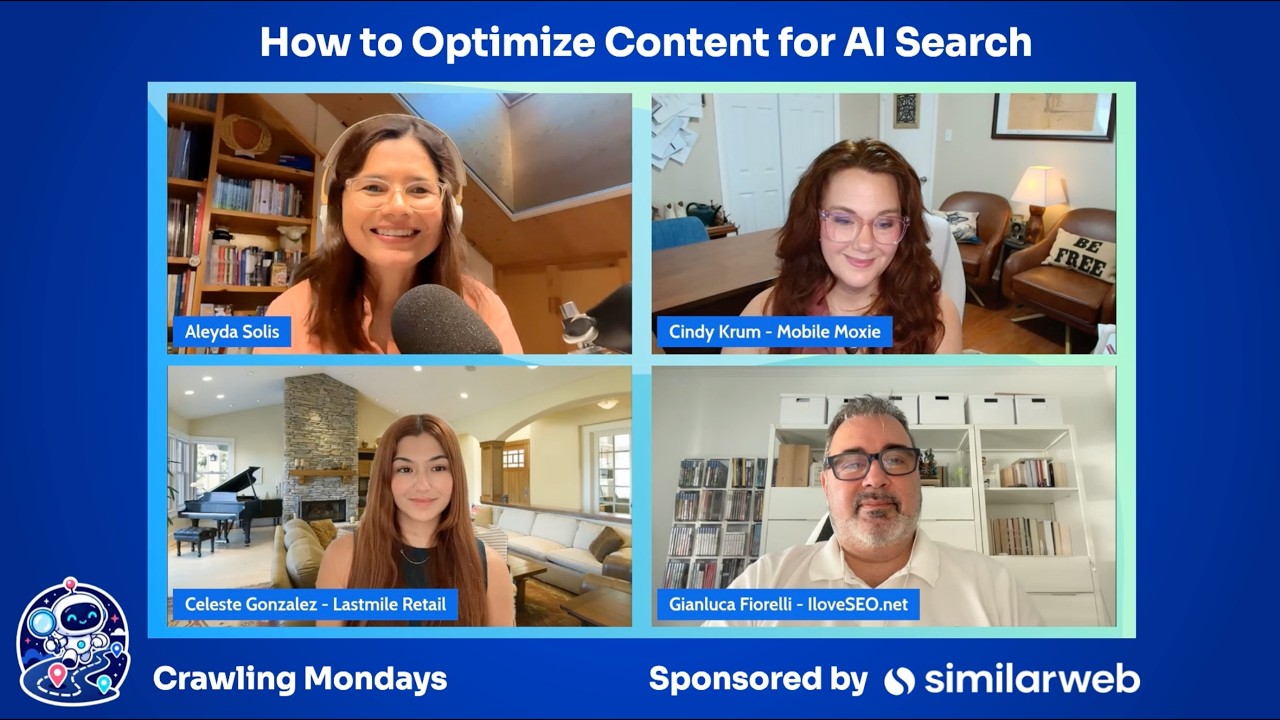

How to Communicate and Sell AI Search Optimization (GEO, AEO, LLMO) to Decision Makers



AI Search Optimization (GEO, AEO): What is it, Common Errors & How to Optimize AI for Success



OpenAI has introduced shopping research in ChatGPT - #SEOFOMO TL;DR December 1st, 2025

OpenAI announces Instant Checkout and the Agentic Commerce Protocol - #SEOFOMO TL;DR Oct 6, 2025

Google's August 2025 Spam Update Finished Rolling Out - #SEOFOMO TL;DR September 29, 2025