AI That Organizes 3 000 Files into 7 Folders #tips #claude #claudecode #ai #organization
11 Feb 2026 · 1 min

1:25
In this short tutorial, the presenter showcases an AI tool’s file‑organization feature. By selecting “work in a folder,” the AI connects to the user’s local drives (Desktop, Downloads, Documents) and, after answering a few prompts about desired organization criteria (e.g., by file type, whether to move files), it scans the chosen location, identifies all loose files, and automatically creates a set of new folders. The demo processes roughly 3,000 unstructured files and groups them into seven newly generated folders, illustrating the speed and convenience of the AI‑driven solution.
Chapters
More from Ary






youtube.com
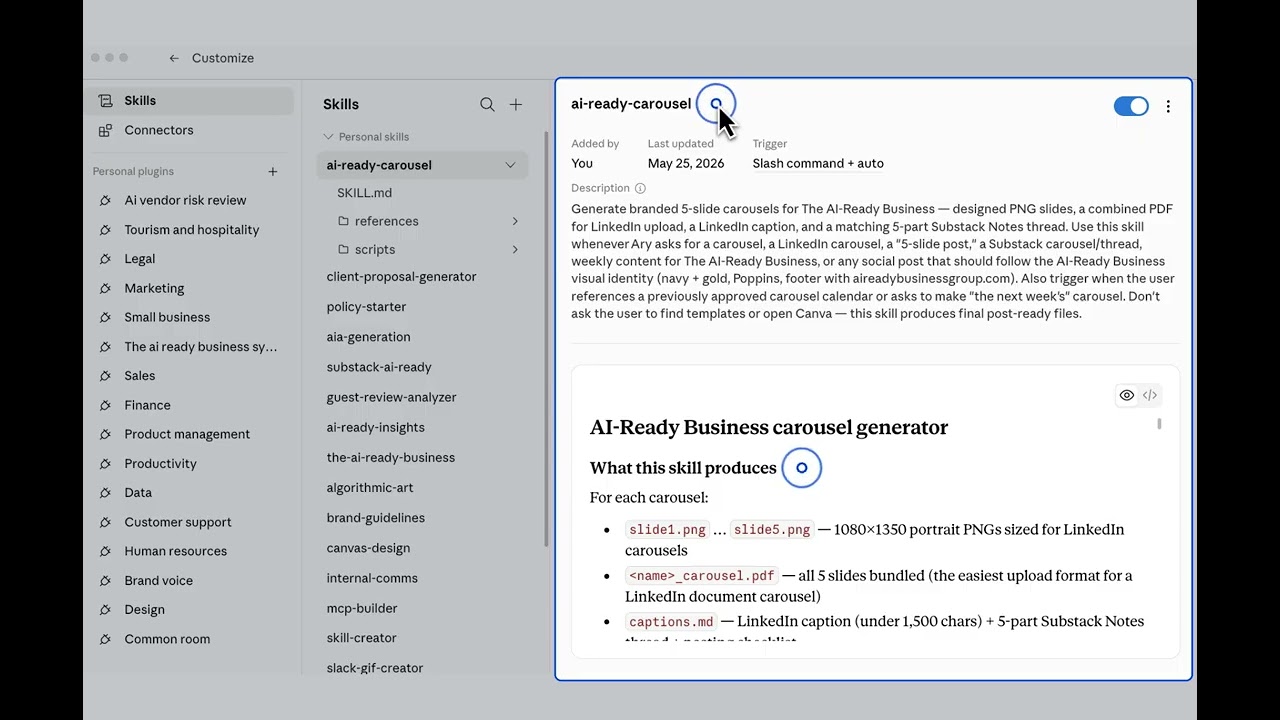
Create and Automate a Scheduled Task in Claude that Scans for YouTube Videos about AI for SMBs
4mo ago

See all content