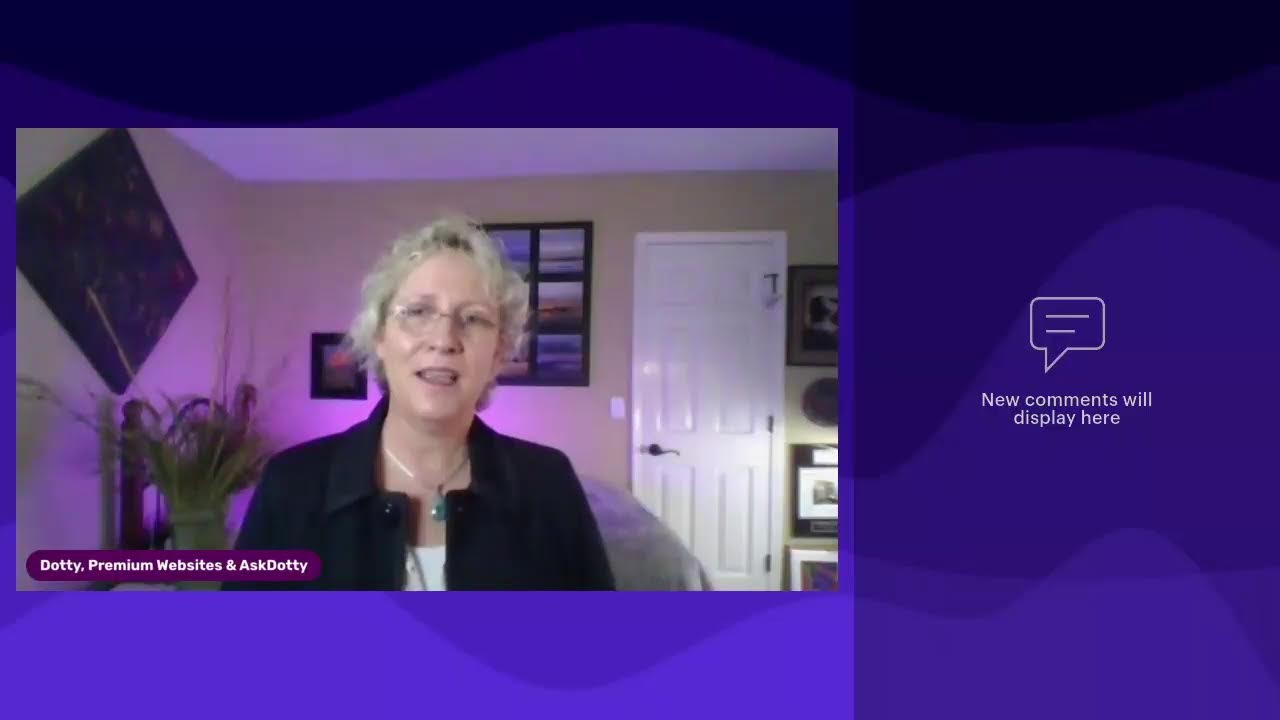
Dotty Scott walks through why contact forms break on websites and how to fix them. Use a domain email address for submissions, keep plugins updated, test monthly, run PHP 8.0 or higher, and avoid cheap hosting. One client's site got hacked and corrupted because of these mistakes, making a rebuild cheaper than repairs.
Chapters
Customer calls you up and says, hey, your website form isn't working. I sent you an email, you didn't respond, or I sent you an email and your, your website said there was an error or something like that. Has that ever happened to you? I know it's happened to me and it's happened to a lot of people. What on earth do you do? Well, if you want a simple answer to this, keep listening. There is no simple answer. But if you want several options of what it might be, I'm here to let you know what it could be going on. I am Dotty. I empower business owners to embrace technology in their business so that you can grow. What is going on with website forms? I can tell you I've been building websites for 18-ish years and And this has been a problem since day one. Website forms are very unreliable, and yes, they do break, and there is a multitude of reasons why they break. And it's super embarrassing when somebody calls you up and says, "Hey, I tried to send you an email through your website and it didn't work." So personally, I don't rely on those forms. However, everybody needs to have a website form or a form on their website because you know what, that's what customers expect. Whether they use them or not, they expect them there. So here is a list of possibilities that it could be. If your website email address, or the email address set in your form, does not correspond with your website, so my website is premiumwebsites.net. If I had an email address that went to Gmail or Outlook or Yahoo or something like that, it wouldn't work. It won't work reliably. It will work on occasion, but not every time. And if it's going to a different domain, so if I on my premium websites have a form and the email address is going to dotty@askdotty.com, which is a valid email address, it's just not on the same domain. Again, it will work, but it will not work every single time. So never do that. This is one reason as a website designer I encourage all of my customers to get at least one domain-based email, whether you use it or not. You can just forward it to whatever Gmail, whatever system you're using, Outlook, Gmail, Comcast, whatever it is. Um, forward that domain-based email so that you will get that. That is one thing that you can do to ensure that your forms will work. Now, that being said, they're still not gonna work every single time. Uh, here's the other issue. As things move forward and upgrade and update, um, if you're on WordPress, you can now set your plugins to automatically update when there's an update available. I do encourage you to do that. It saves time on your part. You don't have to manually go in and update them all the time, which most business owners don't. And then you have the problem of, well, my website was hacked, and usually it's through a vulnerability of a plugin that wasn't updated. So go ahead and set those auto-updates to update. Just be aware that you should check your form manually yourself. Every once in a while, do it once a month, do it after things update. WordPress does send you an email that says X number of plugins automatically updated. Check your forms because things break when things update and you may be something you need to deal with. So check your forms by going there and manually putting in your information, sending yourself an email, do not use the same email address that the form goes to, otherwise it may not work. So use a different generic email address. Uh, other things that might happen when things update is PHP updates as well. If your theme updates and it is no longer valid with the current version of PHP, Things will break, including forms. So that's another thing, keep everything current, including PHP. We are currently at 8 point something. If you don't have your PHP set to 8.0 or higher, then you are leaving yourself vulnerable to your website being hacked, to your website being slow, and to things not working. When they update. And if you are on a hosting provider that is not allowing you to update to 8.something, then your hosting provider is being lackadaisical in getting the PHP versions current. I can tell you, you should be with a host that is using current technology. If you're with a host that does not allow you to do that, you are in the wrong place. Fix that immediately. Other things that might cause your website forms to not work is just simply they have broken. The plugin that runs that form may no longer be current and active If it's with a, bundled in with a theme that you're using, maybe you need to update your theme. There's all kinds of reasons that it could be. I can tell you the very last customer that called me saying my website form doesn't work had a multitude of problems. Her website got hacked. Her core database files or her core WordPress files were corrupted by, hmm, we don't know who. She was on shared hosting and nothing was current on her website. Nothing was kept up to date. So it could have been a million ways that they got in there. I don't know. I can tell you in this situation it would cost more to fix everything broken on her website than it would to simply get a new website. You never want to be in that situation because why would you? As a business owner, to protect yourself, get into quality hosting. Do not use shared hosting. Do not use cPanel hosting. Do not use cheap hosting. It will haunt you someday in the future. This poor person now is faced with rebuilding her entire website because she had cheap hosting and it got hacked and nobody at her hosting support can help her. So do not find yourself in that situation. If you have questions on hosting or WordPress or or forms not working or anything like that, feel free to contact me, uh, through whatever platform you are seeing this on. And follow me and go ahead and ring that bell if you are on LinkedIn so you will get notified every time I post a new helpful tip. Have an awesome day.