
How to Write Blogs Faster Using GPT Canvas: Ultimate Guide
Dotty Scott walks through a custom GPT that turns images and data into blog posts using ChatGPT's Canvas feature. You can adjust titles, keywords, section length, reading level, and add CTAs, then export straight to WordPress for faster content creation and better SEO.
Chapters
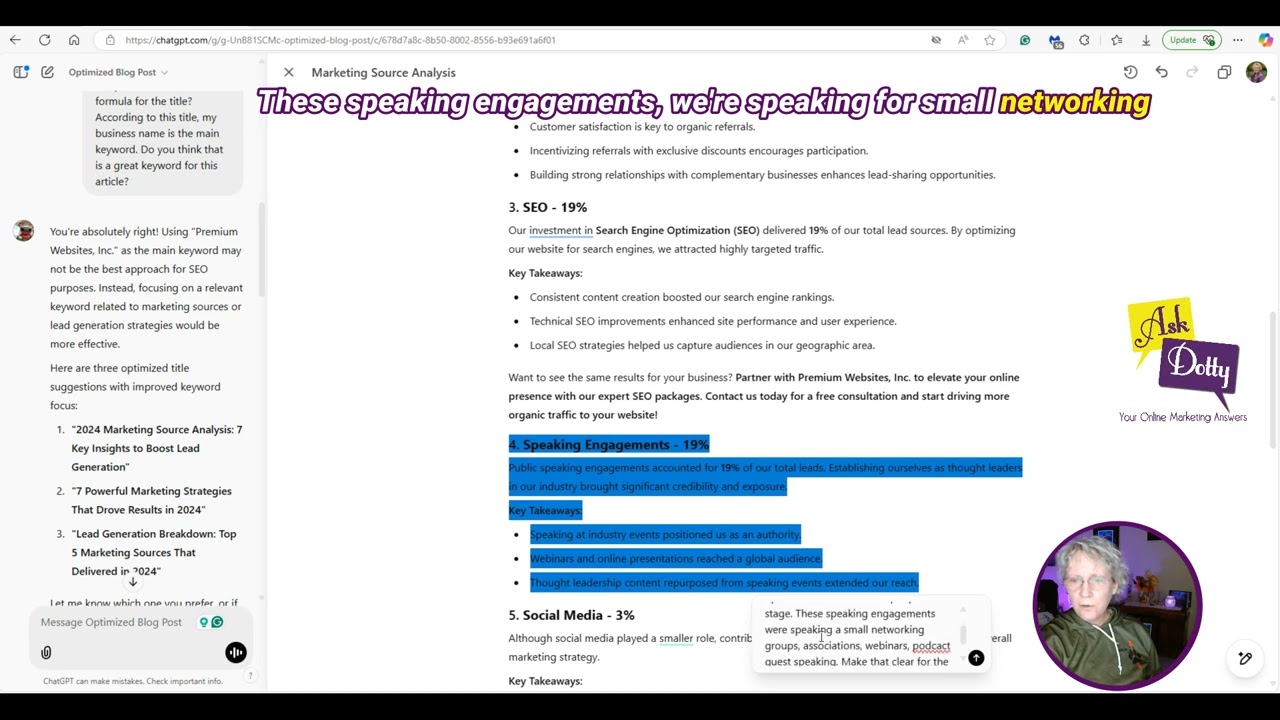
I have recently updated the Optimize Blog Post custom GPT to use the new Canvas feature that ChatGPT offers. So I wanted to go ahead and show you how this works. And although this is a done-for-you tool, keep in mind that you need to have your expertise behind it to actually get a great outcome. So here we go. I'm going to create a blog post on some data that I have created for my business. First of all, we need to give the company name and topic for the article. So I'm going to go ahead and type in here exactly what it asks for. So I put, look at the uploaded image and write a blog post based upon that data. Now, your topic could be anything that you want to write about., and this one I'm using the, uh, ability for ChatGPT to analyze images. And I'm gonna go ahead and upload an image from my computer and let's just see what it does. And then I'll walk you through how I adjust it. And you'll notice it's using Canvas. And I'm going to show you in this tutorial here how to use Canvas and why I think it's so much better than the old way. That ChatGPT used to display the articles. And you'll notice over here on the left is your prompt, and what you put in there, string of information here, is an editable document. So instead of in the past, I would go back and I would say, edit this section or expand this section, and it would rewrite that section in the stream. And then while I was putting it together, I'd have to copy and paste all of the different sections that I had it change into a Word document to get a cohesive document. So now we're going to do this all right in ChatGPT, which makes my workflow so much easier. So it's got a title here. I think it's a little bit long. And here's your meta description. This is for SEO purposes. It's does not get displayed on your article. You put it in an SEO section, whatever system you're using, and yeah, it goes in literally where it says meta description. So it starts with the introduction, and I'm going to read this and just see what I think of what it created here, and then we'll get back to it. So generally speaking, this is a great article. All I did was upload some data, and actually just an image of some data, and it created an article for it. Now you can just type in a topic that you're thinking about writing. The topic suggestion could be just a few words or it could be several sentences, completely up to you. So what I want to show you here is how are we going to enhance this. First of all, the title is too long. So when we're in Canvas, we can go ahead and highlight a section, and then we've got right here, ask ChatGPT. So I'm going to just put in here what I think, and I just asked for 3 options. We'll see what it does. Now I have set within this custom GPT a formula for the title. And the formula is the main keyword followed by an odd number and then followed by whatever it's doing. In this instance, my main keyword would be my business name. Not really what I want. So I'm actually going to come over here to chat and I'm going to ask it. I'm just going to question it. Okay, so I put, did you look at the formula for this title. According to this title, my business name is the main keyword. Do you think that is a great keyword for this article? So I'm just gonna, I'm just questioning it. And let's just see what it says. You're absolutely right. Premium websites is not a good keyword. So here it gives me 3 more suggestions. Okay, now I think this is way better. 7 powerful marketing strategies that drove results in 2024. I really wanna take off the 2024 because the data I gave it is for more years than just last year. It's historical data for my company. So I'm gonna do lead generation breakdown would be another great, and Powerful Marketing Strategies, lead generation breakdown. Let's ask Chat. Of those two, Powerful Marketing Strategies or lead generation? What gets searched more. Lead generation is more commonly searched. Now you can actually go out and do some keyword research on this, or if you're using this as part of the Keywords Made Simple program, use the keyword that it gives you because that's the whole point of that program. So I'm going to go ahead and choose the lead generation one. I'm going to come over here, I'm going to highlight this and I'm going to say— so I just said replace this title with this one because ultimately this document is going to be our working document for the article that we're creating. There you go. So it replaced it. We're good with that. So now what I want to kind of read down through here— again, I don't really want 2024 mentioned in here, so I'm going to go ahead and I'm going to go to chat and I'm going to say, please rewrite this article to ref came from many years and I do the number of leads mentioned, just the percentage. Now the reason I'm doing that is because I want this article to be for business owners, solopreneurs who are doing their own marketing and looking at what lead generation sources are working in the industry. And I don't want them to think, "I don't have that many leads in a year," or, "I don't have many years of historical data." I just want them to get a percentage of my leads that came from a certain source. So, there isn't any doubts or they're not looking at going, "Oh my God, this is too hard," anything like that. I want this to be an encouraging article Again, it's what you want your article to be. Don't just take what this gives you, but put your expertise and thought, and the end result you want needs to be mentioned in here so that it can give you the best article. Okay, so now let's look at this. We've taken— it's taken out all the 2024s. It's taken out all of these specific numbers. So it did exactly what I asked it to do. Now without using Canvas, had I done that just over here in the stream like it used to work, now I'm gonna have a whole bunch of different sections that I need to copy and paste. And it's really frustrating because you end up scrolling and copying and pasting and then scrolling some more, and it's all broken up. But with the Canvas, it's all on one place. Super cool. Okay, so now I'm going to take some time and read through this. And ask it to make some adjustments based on what I'm reading. I love this. Over several years, historical marketing sources, insightful trends. Perfect. That's exactly the message I want to get across. And it's talking about lead generation strategies, again, our keywords. So that's perfect. So here's the marketing source breakdown. Okay, networking is our biggest source. So I'm going to highlight this because I want more information about networking. It could mean different things to different people. So let me just put into chat, and you highlight the section that you want, and it will replace just that section instead of scrolling to the bottom and rewriting that section. So super cool. And again, I'm wanting this to be super helpful for other business owners. So I put in here, since this is the biggest source, please give more detail about networking. Give ideas how other businesses can utilize this method. Let's see what it does. Okay, this perfect small little blurb about networking, how businesses can utilize it, give some ideas of different things that can be done. And then the key takeaways. Perfect. Now, the other thing, when I actually put this into my blogging platform, which I use WordPress for this, I'm going to insert some stories in each one of these of something I've done that I can relate to in my business. A story relating to networking, a story relating to referrals, etc. So that it's not just chat. Again, this gives you 80% of the way there, but let's now infuse parts of yourself and your experience into it. So that's one thing that I definitely want to point out. Now let's look at referrals. I'm just going to leave this one. If I expand every one of these, we're going to get an article that's like way too long. But SEO is another one that I really want to emphasize. The reason for that is because I offer SEO packages that I sell to my customers. So why not put some of that into your writing so your blog posts can lead to conversions? Super important. We're not— we're writing to inform people, to educate people in things that they can do. But we're also a business. We are wanting to bring in leads. The whole point of blogging, bring in leads. So in the SEO section, I'm gonna go ahead and just say, let's highlight this a little bit. Let's just see what it comes up with. It says, this section is super important for my business. I sell SEO packages and I would like a CTA for this section. Let's see what it does. And you can adjust it again if whatever it comes up with is not what you had in mind. So it added— kept that pretty much the same— added, want to see some results for your business? Partner with Premium Websites to elevate your online presence with our expert SEO packages. And I would actually link this to my sales page for my SEO packages. Speaking engagements. Now, this is another one that, I mean, tied for SEO, but this could be speaking at networking groups, small groups, associations. If you do webinars, if you are doing like online classes, challenges, anything like that where you're Speaking to a group of people. A lot of people would look at this and they'll go, "Oh my God, I'm not gonna get on a stage. Way too difficult. I'm shy. I don't like public speaking." All of these things. That's not what this is. Getting on the stage? None of these leads came from being up speaking in front of hundreds of people. It's not what it is. So I want to make sure that's emphasized in here. So again, We're going to highlight it, and I'm just going to tell ChatGPT. Okay, so what I wrote is, please rewrite this section. I did not get up in front of hundreds of people on a stage. These speaking engagements were speaking for small networking groups, associations, webinars, and podcast guest speaking. Make that clear for the readers. I'm not sure why this ended up getting highlighted. I must have done something with that. We'll see what that changes. Perfect. It put this paragraph in here. Which explained exactly what it was. So that's perfect. It didn't do anything with our extra part that we had highlighted here. But the social media, I always get questions, why on earth spend time in social media if it's only 3% of my total lead generation? It seems like I would be better off from this data to go ahead and quit doing social media and put all of my efforts into one of the other four. Logically, that would make sense. However, thinking through it, even though social media doesn't directly drive a lot of revenue or leads from my efforts, what it does do is it keeps me top of mind for referrals, which was higher up on the list. It is a place where I can find speaking engagements. So that would boost that one. It gives me some quality backlinks, which helps my SEO. And it is a place where I do networking. So Even though it shows small, it contributes to everything. So that needs to be conveyed in here. Otherwise, people are going to say, why on earth do I want to spend any time at all doing social media? Because they're not getting the nuances of how it contributes to every single one of the other categories. So I need to make that clear. So again, highlight, and we're going to just add this into ChatGPT. Okay, let's see what it does. There we go. Social media is more than a standalone platform. It amplifies every other marketing channel. So perfect, that's what I wanted in there. And it gives some examples here. So here we got big picture, that's good. Network and referrals together account for 60%. Lessons learned. Let's see if we can boost this lessons learned section. And I'm just going to ask ChatGPT that in a question. You notice I wasn't really specific. I literally said, can you boost this? And let's see what it does. And if it doesn't do what I want, I will be more specific. Based on our analysis, strategic insights we're implementing moving forward: enhancing networking efforts, boosting SEO investment, Perfect. Leveraging speaking opportunities, refining our social media strategy. This is way better than just that little list we had before. Now, if I wanted to put more effort into this particular one, because you know what, every one of these could be a call to action for something I do in my business. But I'm not going to go that far again because I don't really want to have a 2,000 plus word article, and I want it to be easily digestible for the readers. Conclusion FAQ. Perfect. So this is how you use this. Now, this is the entire article. One other thing I wanted to show you, they do have this thing over here on the side, suggested edits, adjust the length. If you want it shorter, longer, you can do that. Reading level, if it came out to be too complicated or too simple, you can put in the reading level. It'll rewrite the whole thing. Add Final Polish. I'm not quite sure. I will show you what this one does, and then I'll show you how to undo it. For this particular custom GPT, I don't think the Add Polish is there because what it does is it gives you a better search engine optimized article. And I have written this into the custom GPT, so you don't really need to worry about it. But if you're using Canvas for other things within ChatGPT, this could be a really good feature for you. And this is add emojis, and I'm not going to do that. So I'm going to just click this add final polish and you will see what it does. Actually, sorry, I needed to have it highlighted. Add final polish. And you see it's doing— it's not doing a whole lot because I already had this optimized. It's like reading the whole thing right now. You can see over on the side it does everything I asked it to do. Is put into different sections here. And it failed to do the polish. It, you know, it says it did it here, but it failed to do it. And we noticed it didn't change anything. And the reason for that, again, is because the way I have this specific custom GPT written, it's not necessary. Now, if it had changed something and you thought, ah, that's not really what I wanted, there's this little magic previous version button right here, or undo. If you were to click this, then it pops up a message down here and it says, "Revert to previous version, yes or no?" Just click that and you've got your previous version there. So if you ever make a mistake or it gives you something you're like, "What was there was better than what's there now," just do the revert and then you know how to just start chatting with it to figure out why did it do it that way and fix that. So this is how this works. I absolutely love it. It will make your blog writing way easier. As far as the Keywords Made Simple program goes, it will take the keyword that you give it and it will create the article for you or you can use the article that's given with the program, copy and paste it, and have it expand this section, add to this section, whatever it is, wherever you feel it's weak. And you can also take the— as a separate article, take the outline that is given to you at the bottom of the information of the article that's in that text document and go ahead and have it do the same thing. And now you've got two different articles for the same set of keywords, and you can post them on different websites. You can post them on the same website. It's up to you how you want to use this content, but I'm giving this to you. Please use it. Thank you.







