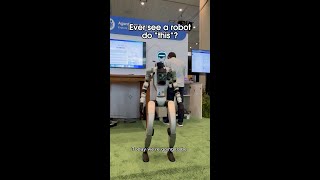
Salesforce's Agentforce coordinates a repair workflow when a wind turbine sensor detects a fault. It summarizes the case, selects resources, and dispatches a field robot named Henry to fix it. The demo shows how the agent integrates with a knowledge base and Data Cloud to reason through the problem.
Questions this video answers
Henry
Today we're going to be doing a demonstration of how a robot is being used in the field to be able to make repairs using Agent Force in the back end to coordinate and orchestrate and understand everything that's happening in the whole process. We have a turbine in the field and then it's going to break. It has sensors on it that understand that there's a fault. That fault then creates a ticket.
So I see that a new notification has popped up. So let me click on that. I'm going to click on summarize case right here. Here Agent Force is actually summarizing the case for me, getting the additional information so I can, you know, look at this case. The next thing what I want to do is I want to create a work order so I can actually have my Henry the robot go out in the field and actually fix the wind turbine for me.
This is where Agent Forest comes in to get the right resource to do the right thing. So he's going to work through the problem and fix it. So now he's fixed the turbine on the back end. We have again data cloud. The case is evaluating all the knowledge base articles that we have, understanding which resources are the most appropriate. We have an interface. This is the agent builder. What this does is makes it very easy for you to be able to create different topics like the one that we just saw, which is deploying the robot. It's a threaded conversation between all these devices, data that we have, the knowledge base, the robot and be able to prompt into this. And this is a great interface because it allows me to test it and see what the reasoning is that's happening on the back end and make sure it's correct.