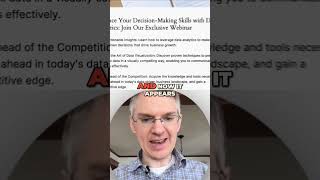
WordPress demo showing how to create content variants that change based on who's visiting. The speaker builds a default version and a CEO-targeted variant, then embeds it live on a page so different visitors see tailored copy.
Chapters
It uses smart content to dynamically show different information depending on who views it. So what we're seeing here is the default text, but I've also created a variant for CEOs who view this from an ad. In that case, we show a slightly different set of information. Let's go back to WordPress and see how this looks. So here in WordPress we select the content embed we want to use and now it appears in this page. If we go and look at the live page, we can see the difference between the two variants. Here we have the default version which talks about enhancing your decision making skills with data analytics. And here we have the CEO version which talks about elevating your decision making abilities through data analytics. Using content embeds, you can bring the power of your CRM Data to your WordPress pages.