In this tutorial, CPA Bill Hanna demonstrates how to transform a raw, unformatted balance sheet export from ERP systems like NetSuite or QuickBooks into a polished, audit‑ready presentation using a single, reusable mapping schedule. He walks viewers through four concise steps: (1) deciding on a clean final layout that groups assets, liabilities, and equity into auditor‑friendly buckets; (2) mapping each general‑ledger (GL) account to those buckets via a dedicated Mapping tab; (3) applying Excel functions (XLOOKUP to assign buckets and SUMIF to aggregate amounts) and performing a tie‑out check that assets equal liabilities plus equity; and (4) repeating the process each period by simply swapping in a new raw balance sheet. The video emphasizes the strategic advantage of this skill, provides downloadable templates, and promotes further learning through the Controller Academy and Controller Lab.
Chapters
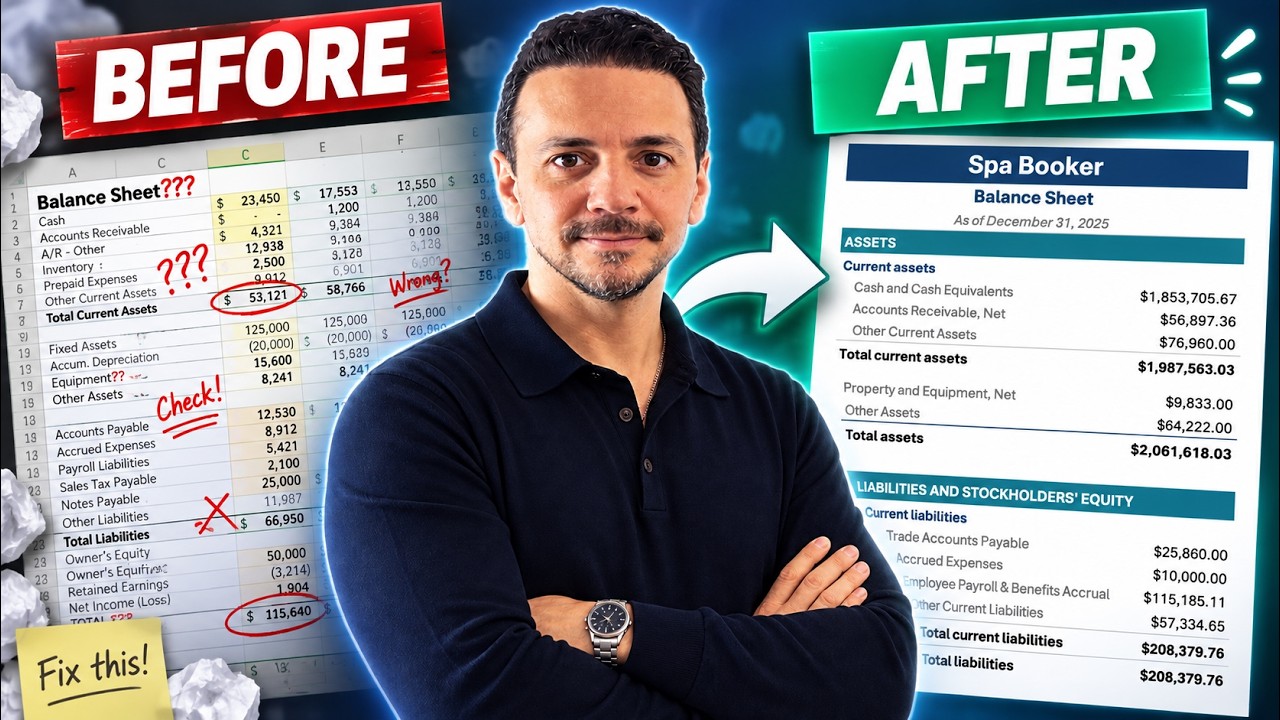
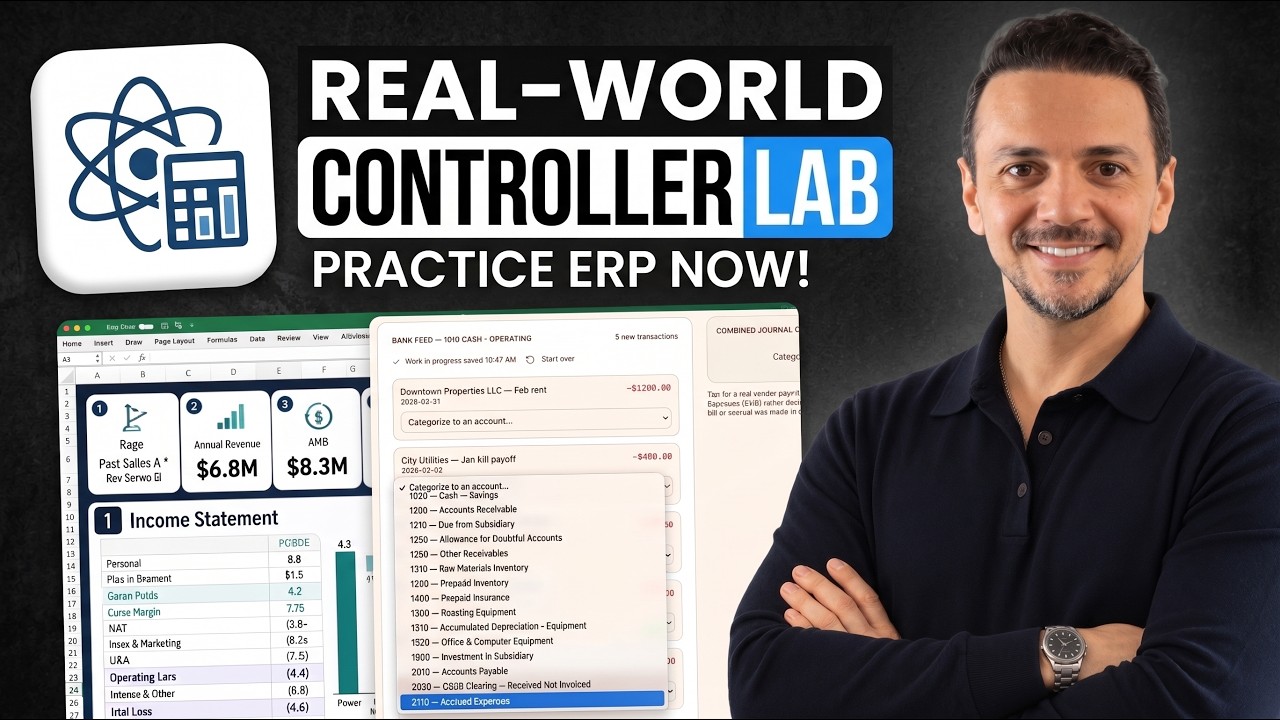
So this is a perfectly balanced balance sheet, but still I would never share it with auditors. In today's video, I'm going to show you how to prepare a balance sheet that's ready to share with auditors. What we'll be doing is taking a messy balance sheet download like this one here and use one simple mapping schedule to prepare an audit-ready balance sheet. And the mapping schedule is really the secret recipe here, because once you build it, you can use it over and over every single period. This is also one of those high-level skills that separates an accountant who composes journal entries from an accountant who's able to think more strategically. So if you are as excited as I am, let's dive right in. All right, so we'll begin with a balance sheet like this one here. It's a messy balance sheet that you download from an ERP like NetSuite or QuickBooks, and it looks pretty messy. It's not ready to be distributed in an audit report or an investor report. So to show you a final version, this will be the final balance sheet that we will share with auditors to put in the audit report. And as you can see, it's more cleaned up, it's bucketed, it doesn't include every single GL account on the balance sheet. And this file here is going to be available for download in the description of this video. So we're going to follow 4 easy steps. The first step is going to be decide the layout of the balance sheet. The second one is going to be to map the GL accounts. The third To tie out. And then the 4th step is going to be to rinse and repeat every single period. All right. So step number 1, deciding the final layout. This is my go-to layout. I'm going to show you right here. And this is one you can borrow as well. And it's pretty simple. It shows the cash and cash equivalents on the current assets, accounts receivable at net value, net of allowances, other current assets. And then I go into other assets like property, plant, and equipment. And any other long-term assets. Under current liabilities, I have trade accounts payable, accrued expenses, employee payroll and benefits accrual, and other current liabilities. And then I have the typical stockholders' equity section, which is common stock, APEQ, and accumulated either earnings or deficit. In this case, this is a company that's still losing money, so they would have an accumulated deficit. So you can use this one by all means, or you can decide your own layout Or you can discuss it with your controller, CFO, to come up with the best layout for your specific situation. But once you decide your final layout, you can move on to step number 2, which is to map your GL accounts to these buckets. Let's go ahead and do it together. So we have here a tab for the download of the balance sheet. And we have our final balance sheet in a different tab. We'll create a 3rd tab. We'll call it Mapping. And in this tab, we'll list out all of our GL accounts that we see on the balance sheet. So we go ahead and list all the cash accounts, all the AR accounts, AP, and all of that. We'll list it here on the left. And then we'll map it to an audit presentation group. And this is here where we'll map every single GL account here to one of these buckets that we see for the audit report. So to make things fast and easy, I'm just going to copy this column here and take it to my mapping tab and paste it. And then I'll just begin to grab it. So first account is checking account. That's going to be cash and cash equivalent. Same for the next one over, and I'll go ahead and do that for every single account. All right, once I'm done with this, I can get rid of this column. And I can bring in these buckets to the balance sheet itself in the first tab. So I can go to my first tab and next to each account I can say bucket here on top and I can say equals XLOOKUP and I'm looking up this value here. And which lookup array? Well, in the lookup array which this value exists, which is my GL account, comma, return array. I want to return this value here. Close parenthesis, enter, and I can pretty much drag this down. You'll see that it's showing as an NA where you have an empty row, which is fine. That's not a problem for us. And now to bring in these values here for my messy balance sheet, I can go to my final balance sheet and in front of each bucket I can say equal to SUMIF. It's asking me for the range. Well, the range is going to be in sheet number 1, which is all the buckets. Criteria, well, my criteria is this bucket itself, comma. Sum range, well, the range I want to sum is the total for my balance sheet. Close parentheses, and that's going to sum up my cash and cash equivalents. If I then drag this down, it's going to begin to sum up my other areas. So I'm just going to copy this formula down in every bucket. And then I'm going to have a check that my assets equals liabilities plus equity. I'm going to say my assets minus my total liability and stockholder equity is going to be 0. That means I tie out. So now I'm done with step number 1, deciding the final layout, 2, which is mapping the various GL accounts to the presentation groups. And 3, that was that tie-out that we just did. And if you're enjoying learning with me, there are 2 other ways you can learn from me. The first one is the Controller Academy, which is, uh, program-focused, career-focused courses that are CPE approved. And the other source is the Controller Lab, which is a place where you can go and engage in ERP simulated environment similar to a real job, and you can learn hands-on skills I'll leave 2 links down in the description for that. And the final step in this process is to rinse and repeat. This is a template where you can repeat every single accounting period. You go to the first tab and you drop in the new balance sheet, and your lookup here are going to do all the jobs for you to bring in the final balance sheet that's ready to share with investors and auditors. If you enjoyed the video, give it a big thumbs up and share it with someone who is learning about accounting and the balance sheet and will benefit from this video, and I'll see you on the next one.