Wix Point of Sale Register Overview | Wix
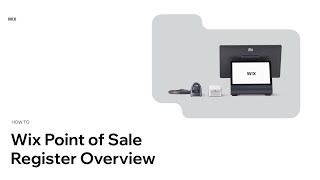
The video provides a concise walkthrough of the Wix Point of Sale (POS) register, highlighting its omnichannel integration and key functionalities for merchants. It explains that the POS syncs online store products, customizations, inventory, customers, and sales in real time, allowing merchants to start without manual setup. Login requires only a Wix account and a four‑digit passcode, after which users can navigate via a bottom menu, most often using the Checkout tab to sell products, apply discounts, coupons, or custom amounts, and select payment methods (credit card, cash, gift cards, manual entry) or split payments. The tutorial also covers payment‑related settings such as receipt customization and tip enablement, as well as on‑device actions like viewing sales history, processing refunds or exchanges, and accessing reports, product catalog management, and device settings—all without needing a back‑office computer. The overall tone is instructional and upbeat, aiming to equip merchants with the knowledge to launch and operate the Wix POS efficiently.
More from Cardinal





Chef Noah was tired of dull tools - so he made his own #cooking #knives #chef #fyp #kitchen #shorts


every day Chef Noah wakes up and chooses violence... professionally🔪 @forgetotable #knives #chef

Mother Nature knew what it was doing with these color combos #graphicdesign #design #designinspo


Trying Modern Bread & Bagel for the first time 🥯 #nyc #glutenfree #food #shorts #foodreview
