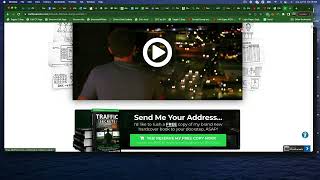
A short demo video by Matt King (CF Pro Tools) introducing a new add-on called "Expand First Faux Bump." The presenter demonstrates how, on the Traffic Secrets website order/pop-up form (step two), entering a legitimate credit card number causes an additional row to expand — in this case revealing content tied to an Add/Remove Products content toggler — and teases a follow-up video showing setup details.
Chapters
Hey, what's up everybody? Is Matt King here with CF Pro Tools. In this video we're going to take a look at a new add on called Expand First Faux Bump. Alright, so let's take a quick look at what this does and how this could help you out. Alright, so you may have seen this and you probably didn't even realize it, but if you go to the Traffic Secrets website and you open up the order page or the order form which is on the pop up, you can actually see here. So as long as you're on step two, when you enter the credit card number or something like this, what it does is it opens up an additional row here. It's going to be this same row that's opened up with the content toggler in this case. So what happens when you add in a legitimate credit card number expands this row that you've created here and in this case it just happens to be. It just happens to coincide with the Add remove products and content toggler. So there's a lot going on here. So let's unpack this one step at a time. I'm sure you'll find some cool things to do with this and how to use it. So I'll see you guys in the next video and give you guys an idea how to set this up.