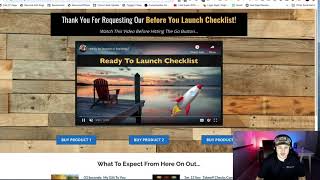
Matt (CF Pro Tools support) demos the "Pass" product add-on: it lets you pre-select a product on an order/payment page based on which button a user clicks on a separate sales/opt-in page. The demo shows the two-page flow (buttons on a source page → resulting pre-selected product on the order page), highlights the UX benefit of simplifying purchases, and teases follow-up videos that will show setup instructions.
Chapters
Foreign. What's up everybody? It's Matt with CF Pro Tools support. And in this video I'm going to show you how to use the Pass product add on. This is actually just a demo video. I'm going to show you exactly what it does in this video and then I've got some subsequent videos to show you how to set it up real quick, real simple. So what this does is it allows you to go from a different page. And then as you're like if maybe you've got buttons on a different page and you want people to click on a button that corresponds with one of your products because you have more than one, more than one core product, as they click on those buttons, then when they end up on their order pay on the order page like this. And what happens is the corresponding button and product that they selected is already pre selected. So let me show you just how that works. This page. So all you need is two pages, a sales page or an opt in page, some kind of a page where you're gonna put some buttons on it like these, like hey, I've got this product, this product and this product. And if you click on one of them, guess what happens? They click on the button and then it pre selects that order or that product once they get to the product page, just like that. So it's real cool, real simplistic and it can can give the user a little bit better of a user experience when it comes to the purchase flow. I'll show you how to set up every bit of this in the next, in the next couple videos. So I'll see you guys over there and hope to see you guys soon.