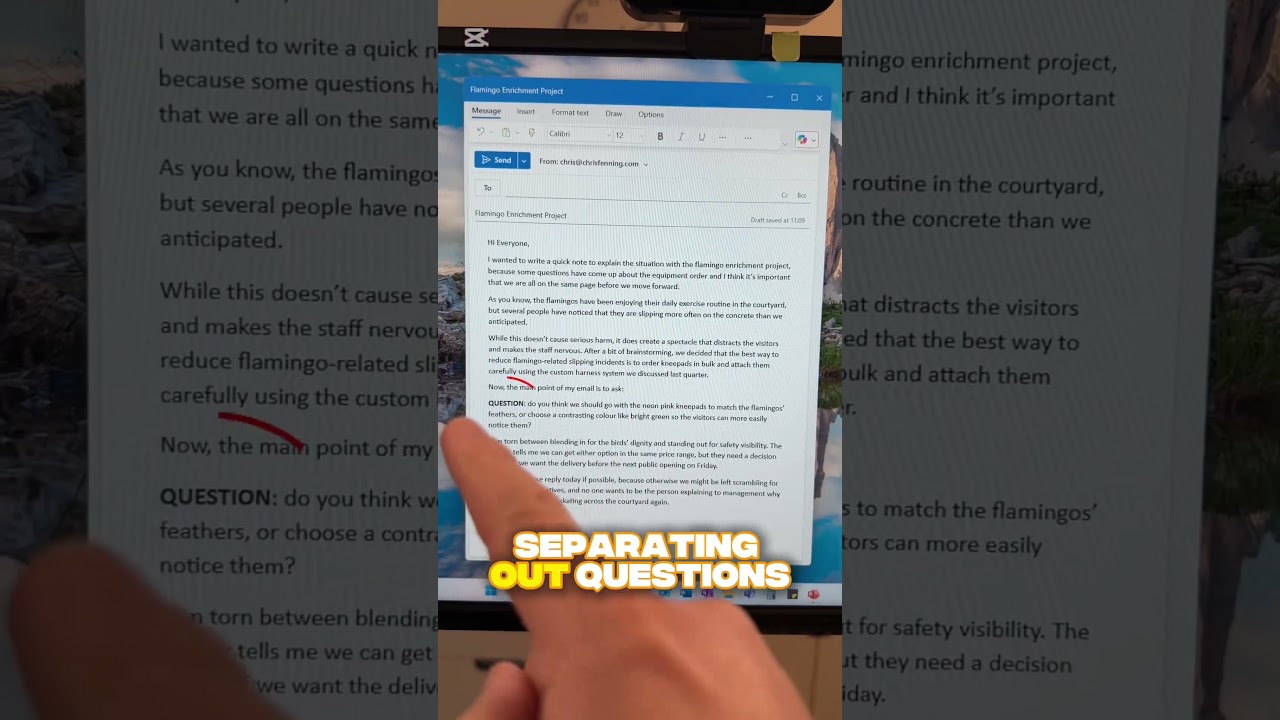
Chris Fenning explains why large blocks of text get skipped in work emails. Keep paragraphs to two or three sentences, use line breaks between them, and bold the word "question" so people actually answer what you're asking.
Chapters
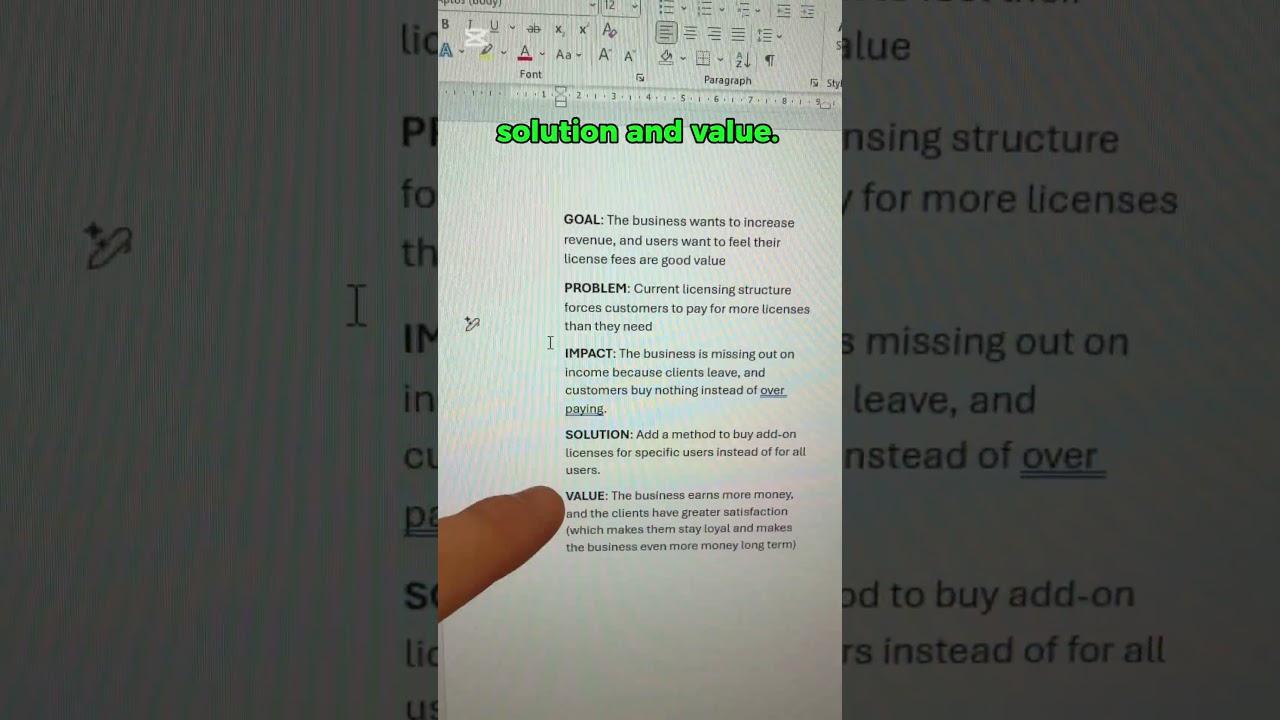
How to write great emails. Tip number 7: Use short paragraphs and bullet points. When writing information in your email, don't include it all in one big chunk, one big paragraph. That's difficult to read. It's much easier to read information that's broken into small sections and bullet points. If you don't do this, people may skim read and miss important details. If you don't do this, you may bury a question in the middle of a paragraph and someone miss it and not respond in the way that you need. So the way to break up an email is to include 2 or 3 sentences at a time in a paragraph. Put line breaks between the paragraphs. Put bullet points if you're listing a few options or ideas. And use clear identifiers. If you have a question, write the word question, put it in bold, and then it's obvious that there is a question you want the other person to answer. So if you want to write great emails, make sure you use short paragraphs and bullet points.