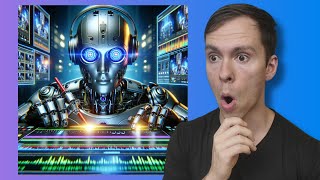
Generate AI images directly in Descript using Dall-E. Write a detailed prompt with style and lighting details, get four variants, then drag your pick onto the timeline to resize and crop it like any other asset.
Inside your project. Go to the underlord, come down to where it says, generate an image. Click on that and then it asks you to describe an image. You can type anything you want in here. I suggest you type In a style, for example, hand drawn, 3D, digital art, things like that. And then describe what it is. The more detail you give it, the better your results going to be. So you can specify colors, lighting, perspective, things like that. I'm just going to put in a simple one here. Digital art image of a robot editing a video. You hit submit and then the underlord is thinking, it's processing that. Let's just give this a moment. And here we go. It comes up with four different options. You can click this little circle button to regenerate it. It'll generate more variables. Run that prompt again. Or if you like these, you can simply click on it and it adds it to your video. And if I look at my timeline, you can see here it's just a normal image layer. So I can expand it, I can shrink it on the timeline, I can go into my canvas and I can reposition it, I can make it smaller, I can crop it, I can do all sorts of things that I can do with a normal image.