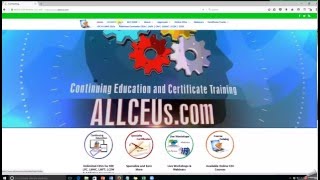
A short tutorial video by Dr. Dawn-Elise Snipes showing how to access and complete CEU courses on the platform. It walks through logging in, viewing membership/subscription status, searching or browsing for courses, taking the course exam, and printing the certificate once the exam is passed.
Chapters
Welcome to your brief video on how to take a course with all CEUs. The first thing you'll do is come to the home page. Click on member login. Then you will put in your username and password. This is your member management page. It tells you what subscriptions you have when they expire. In order to go into the classroom, you just click on your membership and here you are to take a class. You can either search courses by putting the title of the course or the keyword in here, like depression. If you can spell there we go or you can navigate and just browse through the course category. Click on the class that you want, review the material. Take the course exam. Once you pass the course exam, a link will pop up here that where you can print your certificate.