Chiropractic Coaching Tips | How to Create a Virtual Spinal Care Class!
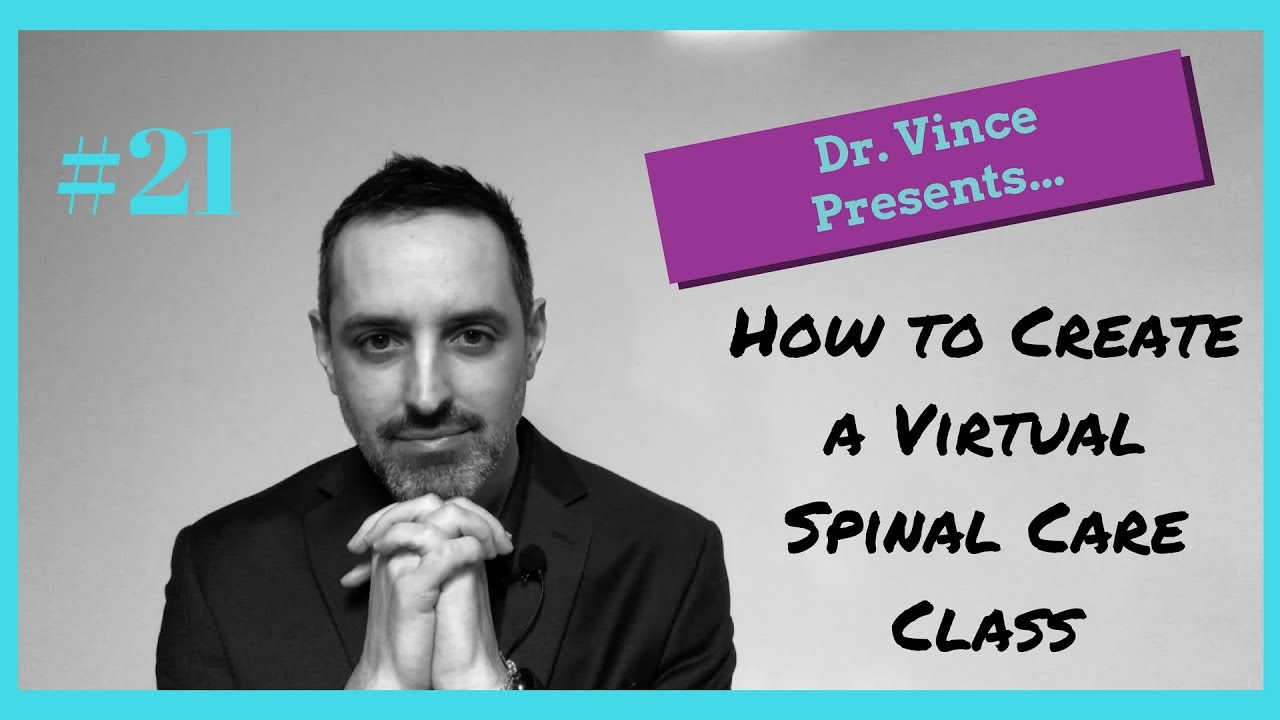
Dr. Vince Leone shows chiropractors how to build an automated email course that educates patients and boosts retention. Create a 20-25 slide PowerPoint, record a voiceover, shoot simple video on your phone, upload to YouTube, then write matching emails and set them to send daily for two weeks via a CRM like Mailchimp or AWeber. The system runs on its own, delivering your spinal care class 24/7.
Chapters
Hey everyone, Dr. Vince Leone here. Welcome back to another episode of Dr. Vince Presents, and today's topic is how to create a virtual spinal care class. Isn't that cool? Because look, spinal care classes that you hold in your office are valuable, right? But they can also be a little bit of a pain in the butt, not only for you but for the patient as well. So we're going to dig into that in just a second. But first, are you a subscriber? If you're not, go ahead and hit the subscribe button if you're on the YouTube channel. If you have any questions or comments, please leave those in the boxes below. And then also, if you're looking for some more free training, go visit www.leoneconsulting.co. That is the DC Micro MBA, How to Increase Profitability in Practice by 25%. Great video training there. Go check it out. So let's go ahead and dive into our training today. Hope you guys are having a great day. Very chilly in Washington today, about 25 degrees. So I am ready for spring. Let's dig into the training. Enough of that. So why do we want to do this? Why do we want to have a care class actually just to start with? Well. It deepens the relationship with a patient, for one, right, in terms of, you know, you and between doctor and patient. It educates the patient, which is super critical, right, so that they know why they're doing what they're doing, and so we can talk about health and function and all that good stuff. And it helps with retention for sure. So, so they are valuable. It's just that, I mean, I don't know really anyone that loves doing them. I know people that are super diligent about doing them, and they continue to be helpful, both in stimulating referrals and all the other stuff that we talked about. But there is another way. We have all these tools, social media and automation tools, so let's go ahead and dig into how we're gonna do that. So, you're gonna start with creating a PowerPoint presentation, okay? And so, what we're gonna do, fire up the computer, get your PowerPoint going, and you wanna create about 20 to 25 slides. Right, and you're gonna lay out your spinal care class, right? One major point per slide, okay? And so, and look, however you do it, if you're super philosophy-based or whatever, you can talk about function, you can talk about the, you know, the hairpin cycle or whatever the heck that thing's called. Well, you know, whatever you want to convey to your patients so that they understand what's going on with their body, will stick with their care so they get the best results, all that type of stuff. Everything that you want to convey, put it in your PowerPoint. Then we're going to record an audio version, okay? And so what that means is you're going to— in your iPhone or your Android, there is a basically a voice recorder app, and you just have your computer in front of you and you Hit record, and you're gonna go through your spinal care class on your computer, right? So you're just going, you go through each slide, you know, introduce yourself. Hey, I'm Dr. Vince Leone, blah blah blah. And then just go through your whole spinal care class like you're giving it to a, um, to an audience, right? But you're going to use your PowerPoint as your guide. Okay, so record that. Boom, done. Next step. Now we're going to shoot a video. And again, um, you can just use your iPhone or your Android. The, the cameras are so good you don't need it. Now you do have to make sure that it looks good, sounds good. Um, so, you know, get a tripod. Go on to amazon.com, get a tripod for $20 so it's stable. Um, get a lavalier mic from amazon.com for $20, you know, get a long— you can get an extension cord so that it reaches all the way. This is a wireless version for a couple hundred bucks, but if you want to do that, do it. Great. Whatever you want. But you just want the sound to be good. You don't want it to sound like you're on the other side of the room, that type of thing. So put it on sticks or a tripod, get some good sound, stage the set. Okay? What this means is just have a nice setting. And if you notice, use the rule of thirds. Like, I am on, you know, kind of 1/3. And the rule of thirds is where the screen is divided up into 9 squares, and you want to have your kind of target subject in the, you know, where the lines cross. Google it. Use Mr. Google. He'll tell you exactly what I'm talking about. But what that does, it just creates a, you know, people don't notice it. But they will appreciate it, if that makes any sense. The reason why is because this is how films are shot, this is how TV is shot, and so if we can use a little bit more professionalism— in other words, if I was like, hello, my name is Dr. Vince and I'm going to talk to you about spines today, versus, you know, I'm over here and I can talk about this, it's just a better presentation. So stage your set, maybe put a plant, you know, maybe have your diploma in the background, whatever, just make it look good. Okay. Okay, enough of that. Then give your presentation, and if you want, you can have your PowerPoint, you know, just behind the camera and have your staff, someone like hit the button so you go through it, or if you just know it, whatever, whatever works. The point being is give your spinal care class. Make it 10 minutes, 15 minutes, 20 minutes, whatever you feel that you need to convey the message. Now, You are going to take that video and you are going to upload it to your YouTube channel. Perfect, right? So do you have a YouTube channel? If you don't, go to Google, type in, how do I set up a YouTube channel? If you need more instructions, guys, just email me. I have a PDF that walks you through exactly how to do this. I'd be happy to send it to you. But you want to get your YouTube channel set up. You want to make it look nice. And so, but we're gonna upload your spinal care class to YouTube, okay? Then we are going to write emails on each slide. So for each slide, you're gonna create an email, all right? Dear Mrs. Jones, hey, Dr. Vince here. How are you today? Just wanna talk about, you know, Uh, or scratch that part. Uh, not just we're gonna talk. Say, um, today we're gonna talk about, okay? Because the— and the very first one you wanna say, dear Mrs. Jones, thank you so much for being a new patient of ours. You are gonna be hearing from me over the next 30 days because I really wanna make sure I put a lot of effort into this, um, that we get you all the information you need so that your body can heal the best. Today's topic is Okay, and you go into it. And it can be— and then you're gonna write an email, short email, right? Just like 2 paragraphs, 3 paragraphs, you know, something like that about one topic. And that one topic is that one slide from your PowerPoint. Okay, so you have about 20 to 25 emails. Does that make sense? Okay. Number 6. Then you got to make sure to collect emails. Gotta be collecting emails, right? So usually on all intake forms we have the emails. So Collect the emails if you don't, and then we are going to create an account. Sorry, collect emails, and then we are going to create an account with a CRM. Okay, so a CRM, if you're not familiar with that, is an auto customer relation management, right? So that is your AWeber, that is your. Mailchimp, that is your ActiveCampaign. If you're super savvy, that is your Infusionsoft. So what that's going to do is you're going to collect all your emails, and you're going to dump it in there, and then you have a list, right? And that's your email list. It's like a patient database, super valuable. You want to be growing this onward and upward. Okay. And so you have your CRM, then you want to create an autoresponder. Okay, what is an autoresponder? What that means is, as you put patients into a list, it is going to tag them and it's going to say, start this sequence. So we are going to create a sequence of those emails that go out every day for the next 30 days. And I would do every day for the first 2 weeks, and then every other day for the latter 2 weeks. Okay. And this is great because it's educating your patient. It's getting them great information to help them heal and go through that process better, and it's going to get them used to having you in their inbox so that you can communicate with them after. When they're done with the autoresponder, then they'll go into your other list, which you would communicate with them on a weekly basis and just give them general health tips, if you wanna do that. Not necessary. Okay, then number 9, link in the email To your video. Right? We forgot about that video up there. Link to your YouTube video, your spinal care class, and say at the bottom, by the way, Mrs. Jones, I care about you so much I shot this video. It's super important that you watch this. And it's just all— don't tell you this, but it's just all the same information. So, and so just click here and go watch this video. Or if it would be more helpful or convenient or to listen in the car, click here and you can download the MP3 that you recorded here, right? And so give them options so that they can, however they want to get it, uh, or, you know, digest the information, whether it's in a car, working out, or just sitting and watching YouTube. Give them those options so that they can It's whatever's most convenient for them. But we want to get them that information and then ask them about that in their subsequent visits. Hey, did you watch the video? Did you listen to the MP3? Yes, no, maybe so? Bug them. You want them to watch that thing, okay? You're going to continue to educate them via the emails, but it's better— or we actually want to just reinforce it either by audio so they hear your voice or on YouTube so they see you talking. It lends an air of credibility, and it deepens that relationship and educates the patient. Number ten, you're done. No more. That's it. And you know what's cool about this is you can literally do all this in a weekend, and this will be working for you 24/7 because you are no longer. If you don't want to do your care classes anymore, don't do them or. Do them and then have this as a backup if people don't show up. And again, you're not doing anything after this. Once it's all set up, then your staff is taking the emails, putting it in the autoresponder, and then that just is shooting emails out 24/7, educating your patients. So it's a one-and-done thing, super value— valuable. You're creating an asset here that will continue to increase your patients' education base on chiropractic, deepen the relationship with yourself, and you're going to improve your retention as well. So hey guys, I hope this was helpful for you. This was how to create a virtual spinal care class. Deploy this stuff. This is great. I mean, this is how we use modern-day tools To leverage our time, leverage our information, and improve our patient education. So I'm Dr. Vince. Hey, if this was helpful, go ahead and subscribe. If you have any comments, ask below. If you want that PDF on setting up your YouTube channel, just email me, drvince@drvinceleone.com. I'd be happy to send that to you. And if you want more free training, just go to leoneconsulting.com. and sign up for that 3-lesson video course on mindset, marketing, and systems, and it's called the DC Micro MBA. We'll help you improve your profitability by 25%. So have a great day. I'll see you next week. Take care.