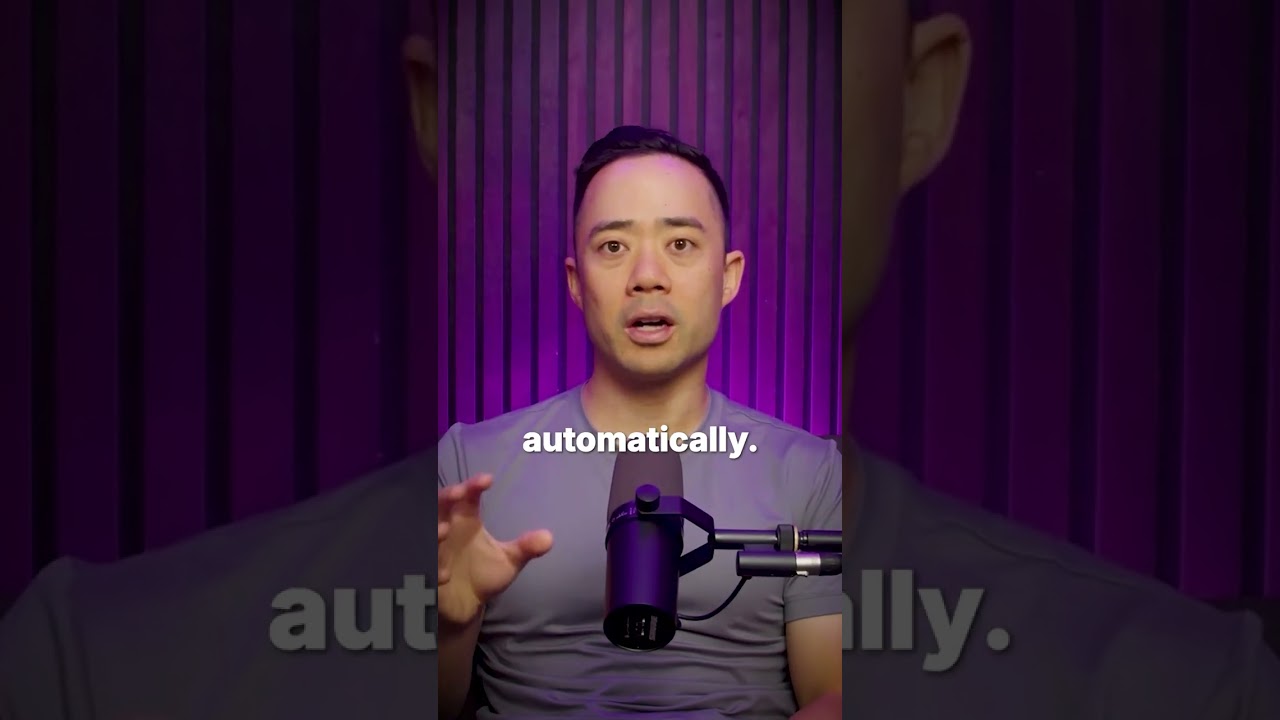
Eric Siu walks through a five-step AI workflow using Cursor to repurpose long-form videos into platform-specific posts. Upload a transcript, pull viral moments, generate X threads and LinkedIn carousels, score them by virality, and schedule them all. The setup produces 50+ pieces of content in under an hour.
Chapters
How to use AI to repurpose your content. Step 1, use Cursor as your command center. Cursor is your command center where all of your AI sub-agents live. It connects tools like YouTube, LinkedIn, and X through MCP so they can talk to each other. Step 2, feed your long-form video. Upload your YouTube video transcript or simply just link to it. The AI will analyze it and pull key timestamps and find the viral-ready moments automatically. Step 3, use a repurposing agent. It turns those clips into platform-specific posts, X threads, LinkedIn carousels, even short-form videos, each rewritten in the right tone and format. Step 4, layer a virality score. It doesn't stop there. Each idea gets scored for virality based on past performance data, so you only post what's likely to hit. Step 5, automate scheduling. Finally, connect it to your social scheduler. The system uploads captions and queues everything automatically so your content runs while you sleep. You can build the same setup in under an hour. That's how we turn one long-form video into more than 50 pieces of content, all on autopilot and at production-grade quality. Follow for more AI strategies that actually make you more money.