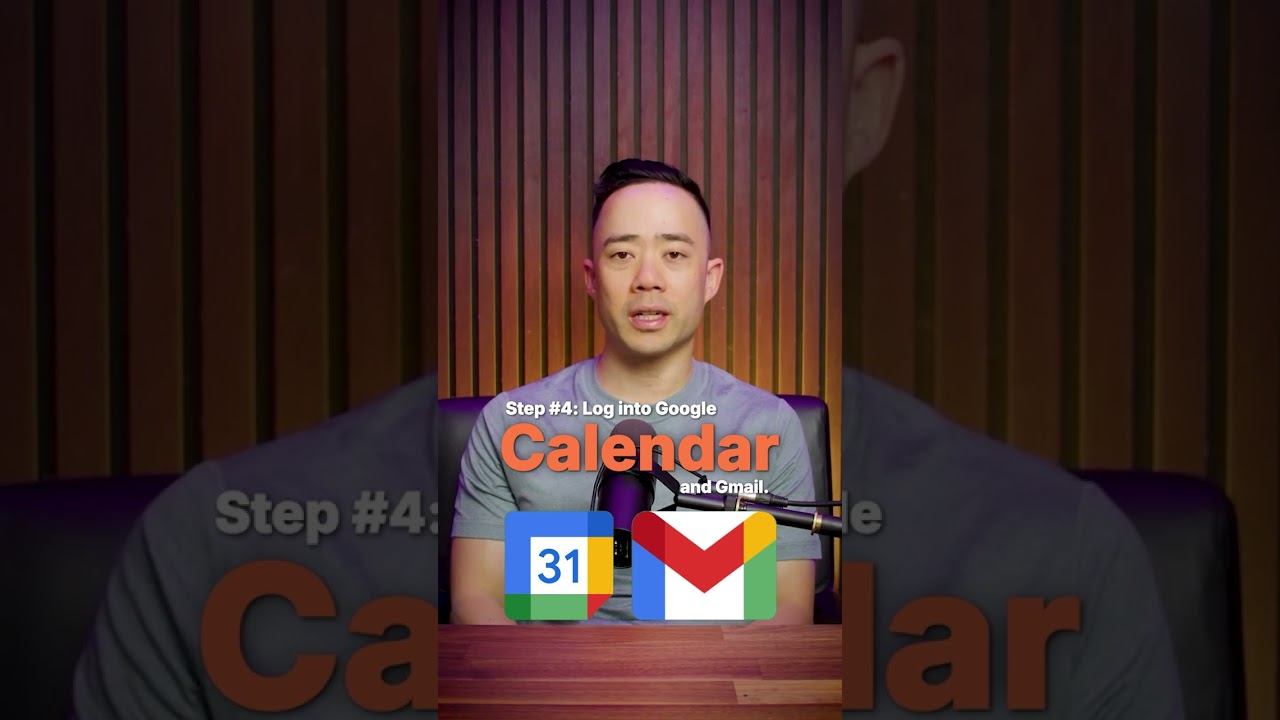
Eric Siu shows how to build a working AI agent in five minutes using Lindy.ai. Enable voice, set a clear mission, answer clarifying questions, then connect Google Calendar and Gmail. Repeat the process for reporting, lead nurturing, or client check-ins.
Chapters
If you wanted to triple your revenue in less than a year while saving 10+ hours per week without wasting time on boring daily tasks, then you need to start creating AI agents. Here's how to create AI agents for your business in just 5 minutes. Step number 1, go to Lindy.ai and turn on voice message and give your agent one clear mission. Don't expect it to be a multifunctional slave. Something like this. Make sure you screenshot the prompt. Step number 2, answer Lindy's clarifying questions. Step number 3, confirm everything is correct and wait for Lindy to finish building your agent. Once it's done, step number 4, log into Google Calendar and Gmail. This gives the agent access so it can think, gather info, and email you daily. That's it. You've got an AI agent with one specific purpose that has been built in less than 5 minutes without needing to know how to code. The next thing is to repeat this process and create other AI agents for things like weekly automated reporting, lead nurturing follow-ups, client check-ins, client sentiment scoring, and things like that. Want more step-by-step strategies on implementing AI in your business without prior experience? Just hit follow.