
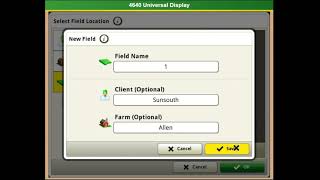
This is a YouTube video titled "Gen 4 Documentation Setup" containing a tutorial-style presentation from October 26, 2021, demonstrating how to set up documentation on a Gen 4 display, including managing clients, farms, fields, equipment, crops, and target rates. The content is instructional and presented by a single speaker.
More from Francisco




youtube.com
Desh Ke Superhero | Mr. Madhava Rao | Faster Pole Installation with GreenSystem™ Post Hole Digger
3w ago



youtube.com
En CasaToro John Deere encuentras el respaldo que necesitas para mantener tu maquinaria lista
3w ago



See all content
