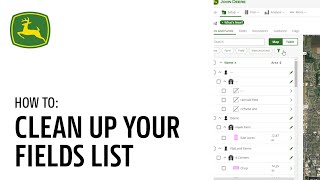
A walkthrough of cleaning up your fields list in John Deere Operations Center. Learn how to use filters, archive old fields, and delete data you no longer need to keep your workspace organized.
In this video, we are going to walk you through some of our best practices for cleaning up your fields. List in Land. This will be the quickest and most efficient way to clean up any undesired clients, farms and fields. From the map page, navigate to Setup, then select Land. We will utilize the Table view to maximize visibility of your fields and field assets. In this view, you are now able to filter your fields, boundaries, guidance, tracts, flags and or work. Select the Data Cleanup Smart Filter and select the cleanup filters you would like to filter by. For example, if the no Flags, no Guidance, and no boundaries filters are selected, this will filter out your selections that have no boundaries, guidance and flags associated with them. Now you can select the checkbox by the clients farms and fields that you have filtered to and would like to archive and later delete. You can select the Archive button to archive your selections. Now select the View Archived Smart Filter to view the fields and field assets you just archived in the previous step. Select the checkbox by the clients farms and fields that you have filtered to and are wanting to permanently delete. Then select the Delete button. Do note deleting an entire field will permanently delete the field and all the data associated with it and there is no way to recover it. With this delete action completed, these clients, farms and or fields will no longer appear in your organization.