
How To Do An Over The Air Activation | John Deere Generation 4 Display
22 Aug 2019
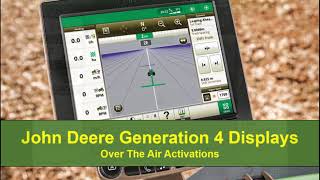
John Deere technicians walk through activating a Generation 4 display over the air. The process requires an active internet connection and covers both automatic and manual activation checks to get the system running.
More from Francisco




youtube.com
Desh Ke Superhero | Mr. Madhava Rao | Faster Pole Installation with GreenSystem™ Post Hole Digger
3w ago



youtube.com
En CasaToro John Deere encuentras el respaldo que necesitas para mantener tu maquinaria lista
3w ago



See all content
