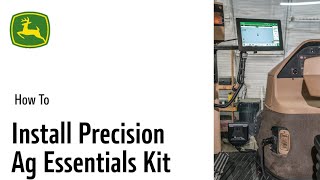
Step-by-step guide to installing the Starfire 7000 or 7500 GPS unit on John Deere equipment. The video walks through each component setup for precision agriculture, recorded in February 2024.
Start by removing the currently installed Starfire from the roof. Apply the provided serial number on the underside of the new Starfire 7000 or 7500 and install the unit on the pre existing bracket. Remove any installed extended display and keep the current mounting in place. Plug the harness into the three pin locking auxiliary port. An adapter may need to be used if plugging into the auxiliary power strip. Plug modem into harness and lock connector place on floor or attach using adhesive strips. Take one end of the fiber cable and plug it into the harness. Plug the other end of the harness into the diagnostic port. Apply the serial tag to the back of the G5 display. Attach the desired mount or mount adapter to the G5. Plug in both main harness and other end of fiber cable and mount display. Turn key to the on position. Complete setup by reading owner's manual and verifying that the associated profile matches the tractor. Verify or change any offsets. Lastly, verify Starfire is connected.