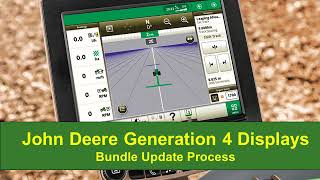
Nathan and another speaker walk through downloading and installing software updates for the John Deere Generation 4 display and its controllers. The video covers the step-by-step process needed to keep your equipment current.
Hi everyone, it's Nathan from John Deere Customer and Product Support. Today I'll be showing you the process to download the Generation 4 software bundle and installing it.
This includes the display software update as well as other controller updates. Before we get started, you will need an empty USB with the following requirements.
First we will need to go to the website on the screen, then follow along. We will then save the file to our computer and open it. Follow the prompts to complete Software Manager setup.
Once Software Manager setup is complete, open.
The application to download the software update.
Next, we will use Software Manager to download the update to our USB drive.
Select the drive that your USB is connected through. Click do all the following portion has.
Been sped up for this video software.
Has been loaded onto the USB and is ready to take to the display. After inserting the USB into your display or designated USB port, you will select Install Software.
Since we want to update the display, we will make sure View updates for the display is selected.
We will now show the process for updating the display software. This clip has been sped up for this video.
Restart is required after the software update.
Updating other components connected through the CAN bus is very similar.
This time we will select View Updates for other devices.
When you click on version next to a device, you will see your options available for software to pick from.
Once a software version is selected, click Install to update the software. When the software update is complete, take the USB back to your computer and open up Software Manager. Click Upload. If you have any questions, please reach out to your local John Deere dealer. Thanks for watching.