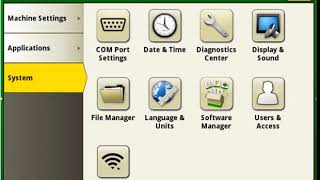
This is a YouTube video titled "How To Update Software | John Deere Starfire™ 3000" containing an instructional talk from August 3, 2020, explaining the methods to update the software on the Starfire 3000 receiver, including over-the-air updates and USB port updates. The content is a single-speaker tutorial focused on technical guidance for users.
Hello. Today I'm going to be talking to you about the different ways that you can update the Software on your Starfire 3000 receiver. The two ways to update your software are over the Air and through the display USB port. First, we will be walking through how to update your software over the air. In order to use over the air reprogramming, your Gen 4 display must have a connection to the Internet. An Internet connection can be established either through an integrated MTG or or by connecting the integrated WI FI to a customer owned Internet device. The download time for the first step time wise depends on the Internet connection. The actual software update typically takes up to 20 minutes. Once you have installed the update over the air, you have to restart the system to complete the update. If you are not planning on using over the Air reprogramming, you will need to use the display software bundle to complete the software update. Check out the Display Software Update How To Videos to learn how to update.





