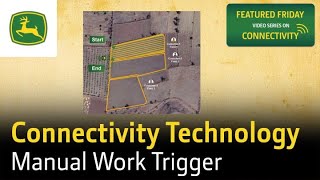
Manual Work Trigger lets you draw separate boundaries between adjacent fields to stop automatic systems from merging them. On JDLink, toggle the switch twice before and after each field; on Green System Link, hold the menu switch for three seconds until it buzzes. Distinct boundaries appear instantly in Operations Center, ensuring accurate acre counts and fair billing.
Chapters
Introducing the Manual Work Trigger, an efficient way to get precise work boundaries in adjacent fields. Automatic work boundaries may sometimes merge adjacent fields, leading to disputes between farmers and contractors over accurate field measurements. However, with the Manual Work Trigger, you can create separate and accurate work boundaries with ease, ensuring clarity and fairness for all parties involved. Imagine you are working on 3 adjacent fields: Field 1, Field 2, and Field 3, owned by different customers. For JDLink, simply press the toggle switch twice before starting the first field and twice after completing the first field. Similarly, for Green System Link, press the menu switch for 3 seconds until the buzzer sounds before starting the first field, and press it again for 3 seconds after completing the first field. Follow the similar procedure for every new field to get the correct work boundaries. With the Manual Work Trigger, you'll see distinct work boundaries instantly in the Operations Center app. This ensures accurate acre measurement, allowing you to charge customers correctly for the work done. By providing precise field measurements, the Manual Work Trigger helps resolve conflicts between farmers and contractors, fostering trust and transparency.