
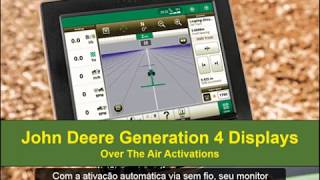
This is a YouTube video titled "Monitores Geração 4 - Ativações sem fio" created on November 25, 2019, providing a tutorial on how to perform over-the-air activations using the John Deere Generation 4 display. The video features two speakers explaining both automatic and manual activation processes to ensure the machine has an active internet connection.
More from Francisco




youtube.com
Desh Ke Superhero | Mr. Madhava Rao | Faster Pole Installation with GreenSystem™ Post Hole Digger
3w ago



youtube.com
En CasaToro John Deere encuentras el respaldo que necesitas para mantener tu maquinaria lista
4w ago



See all content
