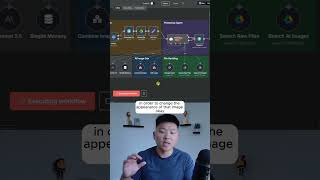
A no-code workflow in n8n uses Nano Banana's Photoshop AI to composite a granola bag in front of the Eiffel Tower from a natural language instruction. The agent searches a file repository, retrieves the image ID, and generates the final composite. Low resolution limits text readability, but the presenter expects prompting and models to improve.
Chapters
I just built a Nano Banana Photoshop AI agent. All right. And just to show off the functionality of the edit image tool, I'm going to shoot off this message that says to create a photorealistic advertisement of the granola image, make it look like it's being held in front of the Eiffel Tower. So this one is going to have to find the file ID of the granola image, whether that's in the memory or if it has to search the raw files. Looks like it just searched the raw files, as you can see. And now it's going to call the edit image tool in order to change the appearance of that image. Okay, so it looks like that just finished up. I'm going to go to the AI image generation folder. You can see we have granola ad Eiffel. If I click on it, you can see that it is our bag of granola, which looks exactly like that, and it is being held in front of the Eiffel Tower. So if that's not a good ad creative, then I don't know what is. And so all of the words are pretty much spot on except for right up here at the top. As you can see, this is supposed to say ingredients you can see and pronounce, but two things. The first thing is that in the raw files, this is a pretty low quality image. So like I can't even read what that says right there. And then the second thing is this image generation model is only gonna get better and better. And of course the prompting that is in this current workflow is very minimal. You wanna watch the full breakdown, then click on that play button right here and I'll see you guys over there.