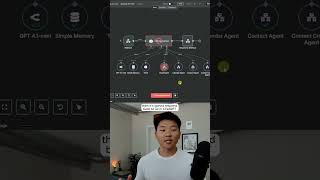
Dr. Violet Howard shows how to trigger n8n workflows directly from ChatGPT using webhooks. Ask ChatGPT to email someone, and it sends the request to n8n, which handles the task and confirms back to ChatGPT. You can also drop an invoice into a custom GPT to automatically process it through n8n.
Chapters
Here's how you connect ChatGPT to your n8n agents. On the left, we have ChatGPT. On the right, we have my n8n assistant. And what I'm going to do is send off this message that says, can you send an email to Dexter Morgan to see if he has an update on Project Panda? I'm going to allow it to talk to my n8n, and you can see over here it receives that message from the webhook. It's going to get Dexter Morgan's contact information and send him an email, and then it's going to respond back to us in ChatGPT using this Respond to Webhook node. And it says, the email to Dexter Morgan asking for an update on Project Panda has been sent. Let me know if you need help with anything else. And as you can see over here, we have that email that was successfully sent to dexter@miami.com. Okay, so how the system works is we're going to build a custom GPT, and in that GPT, we're going to give it an action, which is the ability to send data to our n8n webhook right here. So the demo that I just showed was a pretty fun example, but we're going to go over an example of a very practical one where you can drop in an invoice into your custom GPT, and then it will send the data to n8n for you to upload into like a database. If you want to watch the full breakdown, click on that play button right here, and I'll see you guys over there.