You can increase your leads by 15% simply by telling people what you do, learn how to use auto sign
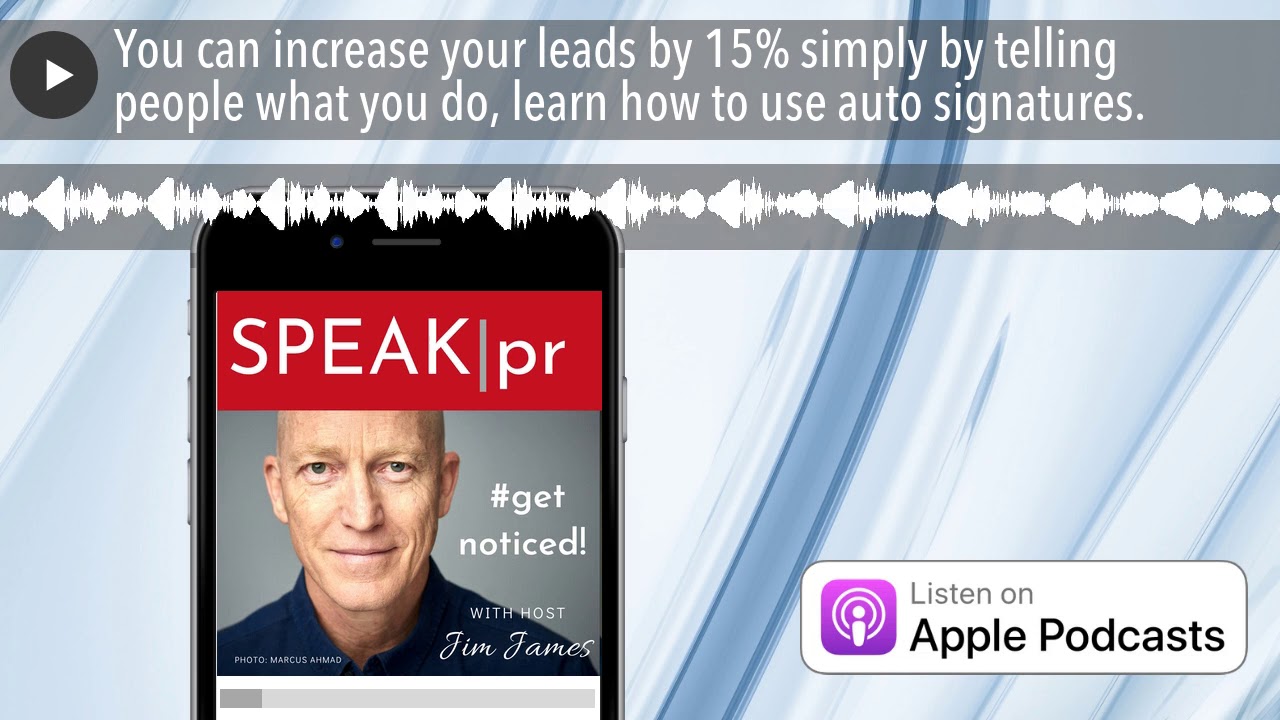
Jim James from EastWest Public Relations explains how email signatures can boost leads by 15%. A professional sends roughly 23,000 emails annually, each one a chance to promote your brand. Include your name, title, photo, and tagline, and use tools like Yesware or WiseStamp to automate it.
Chapters
Hello, my name is Jim James. I'm your host on the Speak PR Podcast, and on this show I'd like to share tools and tips and technologies that I've been using for over 25 years as an entrepreneur building my own businesses, but also as the operator of a multinational agency, EastWest Public Relations, since 1995. Today I'd like to share about auto signatures. The power of the email that we send every day and receive every day, and that most of us don't necessarily take advantage of. I'd like to do this because I've been working recently with a virtual assistant in the Philippines to outsource my email. Now, in my inbox, I have some 18,000 emails. And I don't think that means that I've got a lot compared to anybody else, but it, it seems like quite a lot to manage. Now, in that sort of 18-odd thousand are a treasure trove of contacts, clients, consultants, media, business partners, and so on. And of course, I sent as many emails as I've received nearly over the last 25 years. Now, one of the key differences between the emails that I'm receiving and the emails that I'm sending is the auto-signature. Now, the auto-signature in our email is something that we can use for free, and if we calculate that on average people get about 120 to 130 emails every day and send about the same, when you, when you add that all up what you'll find is that it's a potential opportunity for direct marketing. When you do the maths on that, if we assume that it's about 125 emails a day and we work for about 180 days a year, you've got over 23,000 emails that you will be sending during the course of a year to various people. Now, in the course of talking to the virtual assistant in Manila, there were a number of people that I wanted to reach out to and to find the contact details of and to make appointments. And what we find is that the majority of people don't have an auto-signature, so there's no way to phone them. But also, they haven't put in there what their business title is, where their business is located, or even a potential call to action. Now, If I said to you there are 23,000 emails that you can send to people that are directly interested in what you do, and that's free PR. So I just thought I would look at the opportunities that exist for all of us to help build our brand and awareness using this tool. Now, there are some 294 billion emails sent every day across the world. Now, obviously, if we're pitching to the media, for example, or to a customer, what we write in our body of the email is important, but as is the auto-signature. So I thought, let's look today at some tools and some tips that you can adopt to help get your emails noticed. Now, There are a number of different footers that we can include in our email, and there are a couple of tools that we can use. One is called Yesware, for example, that actually helps to create an auto-signature for you. Now, the, the main elements that we might want to include, and the, the view of, of this company Yesware, is that we should only have 3 to 4 lines of text our name, our title, our company linked to our website, for example, and also a phone number. Personally, I find it very frustrating when people don't include a phone number. I was trying to ring someone yesterday for a last-minute project, but with no phone number, in the end I had to just write them off. So we can also include our social media profiles, and I personally link to my LinkedIn profile because that LinkedIn then goes to a lot of other pieces of information about me. But also, if we've got a product to sell, we can include that. So if you've got a particular strapline, we have on ours, keep on communicating, and I also include the line, getting clients noticed since 1995. So just a couple of small things that would tell somebody that may not be so familiar with my company what I do and how long I've been doing it for. There's one view which is not to include your email address in the email signature because the view is that you're actually a bit like sending an envelope with your address on the front. It's a duplication. Now, the other thing though that you can do and that I started to do is to include an image. In my email, I personally have a photograph of myself—not because I'm in love with myself—but many people, most people, especially now during lockdown, will never meet me. So many partners, suppliers, prospects will be people that have no idea who I am. But of course, as we know, body language and our facial expressions are. Are key to creating a culture of trust between partners. The view is that the most memorable photographs do contain people. This was some research done by an American university at Stanford showing that the most memorable photographs are not your logo necessarily, but you, and also that memorable photographs are color photographs. Now, interestingly enough, the same research from Stanford showed that the impact of misspelled emails is not that great if we write the phrase sent from my iPhone or sent from my handphone. It's almost like a get-out-of-jail card. So if you use the iPhone stock, you know, apologies for typos, I'm using my iPhone, Actually, people may forgive you for that. It actually also implies that maybe you're working at a time and you're mobile. But if you do use email, ideally of course one would use correct grammar and spelling and punctuation. And if you do so, then the same research found that the sender was considered to be credible. Now of course, if you're in a business like public relations and you're sending things that are grammatically incorrect, then no one's going to trust you. I certainly find that when I'm corresponding with freelancers, writers, and so on on platforms like Upwork, if their correspondence with me is littered with errors, I think they're only going to do the same when they correspond on my behalf. And so I don't even consider them for my work. Now, we can use plugins like Grammarly which will work with browser-based emails, and that'll double-check both the tone of your email signature and your email itself, and also the grammar. Grammarly, by the way, also works when you're creating, for example, tweet posts or LinkedIn because it's browser-based. Now, there are a number of platforms that can be used One is called WiseStamp. That's wisestamp.com. And they claim to have 1.2 million professional users. And in their research, they claim that using a professional auto-signature, which includes, for example, a picture of yourself, your name, your job title, your phone number, and for example, a LinkedIn or a website link to you, plus icons to your social media, will get 32% more replies, a 10% increase in social reach, and a 15% increase in leads. And that translates to 22% more clients. Pretty astounding numbers really when you think about it. If you can go from— if you're sending 120 emails a day, if you can get almost 30 email replies more per day, uh, then that's going to annualize at being nearly 5,000 people replying more. Now another one is called New Old Stamp. So that creates some unique and slightly interesting sort of colors and formats and increases your visibility with incorporating a photograph and social buttons. For example. It's almost like an Instagram-style feed, and they have 11 email signature templates that you can choose from. Another option is called HTML Sig, which again allows you to create some very simple auto-signatures. You're uploading your content, your name and your phone number and so on, and your LinkedIn profiles, and it'll auto-generate for you a graphic Now you can also, of course, create auto signatures in your mail platform itself. Outlook enables that. The iOS enables that both on the mobile phone and on the iPad and on the desktop version. Now interestingly enough though, they don't share, so one has to enter the email auto signature into all 3 platforms. You can just send it from one and cut and paste it into the other. Those are not as easy, I found, to integrate pictures or links. What I do now with Zoho is I create 2 or 3 different auto-signatures because I have one, for example, with a photograph for people where I'm sending an email to people that I've never met and I'm writing to for the first time. And then I have an auto signature without the photograph for people that I know well, and perhaps you know men that I correspond with regularly that might think that I'm you know being a bit forceful in coming onto them if I keep sending them pictures of myself. But the point is that auto signatures, which are in the footnotes for everything we do and every day. Are an amazing resource for our PR work, and they're entirely free. Remember, maybe some 23,000 emails get sent by you, and let's not even then mention if you're doing direct mail campaigns and you have multiple emails going out on your behalf. Now, there are a number of different footers that you might want to include. One, for example, might be a legal and confidentiality footer. Now, that may not be relevant for every, every email, which is why having multiple email footers could be a good idea. I get from, obviously, law firms and listed companies always have these long and legal entity footers. It could actually just be a click to a link to an online footer if they wanted to make it a little less obnoxious. And also, I find, especially if you're doing a reply including receipt, you end up with a lot of the email including the the disclaimers. You can have the GDPR-compliant footers, and these are available online, especially if you're doing a lot of email marketing. You can have a security or virus disclaimer. You can also have, for example, a green email footer. So I have, please think before you print and click on Ecosia for your search. You can have a social media button or multiple, which is really a great way then of getting people to know that you're connected on online without listing them all there. And then they just click them, it'll take them to the buttons. There's also the unsubscribe link, of course, if you're sending emails. I personally find it annoying when unsubscribe links are buried at the bottom and almost impossible to find, because if I don't want the email, it doesn't mean because I can't unsubscribe I'm reading it, it just means I'm ignoring it. So better to make the unsubscribe button nice and obvious. Don't want to listen to me, don't want to read what I send you, just tell me. And it'll give me more accurate numbers as well to the number of people who are actually interested in what I'm sending. And then of course there's the marketing email footers, which can include a call to action. For example, if you like this, click here to get more information or to download this product. I personally include a Calendly link which says book a meeting with me because I'm trying to reduce the time it takes from someone to find out about East West Public Relations and the Speak PR program and all the work we do around the world to actually having a conversation. So all the elements within the email auto-signature really are there to serve a purpose. It's not just filling in to look nice. What is the goal of the email that you're setting and you're sending out? Is it to inform someone? Is it to reprimand somebody? Is it to enable them to pay a bill? Is it enabling them to make an appointment? Is it enabling them to, to correspond with other people on your behalf? Which is where I use the auto-signature for the vacations. So emails can, for most of us, take up a huge amount of time. So if you think, if you get 121 valid emails a day and you're sending that many a day, if you're like me and you're looking to outsource that, creating rules in the inbox is useful. But each rule where an email gets forwarded, for example, to a virtual assistant or I'm forwarding all the emails that have a finance-related element to the different bank and bookkeeping companies that we have in Singapore and India. Those would also then have a rule to send them forward and an auto-signature to say, thank you, please take account of these bookkeeping issues, and my contact details in case they have any problem. So we're really moving into the areas of automation. But what the studies by people like Yesware and Stanford are showing is that site visitors that come to make purchases, that visit websites from emails, are up to 4% more likely to make a purchase than those that just find us by search engines. In other words, if we're sending out emails to people We've already got their address, and assuming it's by valid means, we're a trusted correspondent already. The email, be it a general email or a personalized email with a specific intent, can lead to a transaction. It should lead to some kind of action, or why have we bothered to send the email in the first place? So email signatures and auto signatures, as we've seen from the YStamp research, can lead to a 15% increase in leads and a 32% increase in replies. Now what we want to avoid is maybe getting another 30 emails because we've already got 120. We get another 30, I don't necessarily want to invite another group of emails to my inbox. But what I can then do is to automate the auto-response replies, which says, thank you for responding, please visit my website to get this offer, to get this download, to buy with this purchase discount. Email management there is very important, as I've mentioned, and I think that all of us will associate with that. And finally, just make sure that the email you're sending it from, the domain name has what they call a TLS setting. Okay, this is the trusted setting for emails because not all emails come from a domain name which has this trusted encryption. Okay, now you can go to a website which is called checktls.com, because if your email is coming from a website or a domain name that does not have this standard TLS encryption, which stands for Transport Layer Security for the geeks amongst you, then your email will go to the spam box whether you like it or not. So TLS and SSL which is Secure Socket Layer encryption, are 2 requirements. And if you have your own domain name, for example with GoDaddy, for example, it's worth just double-checking because in some cases one actually has to verify the domain name in order for it to have the encryption. And if you haven't gone through that step and you're wondering why your emails are not getting received, it It could be not because your auto signature isn't good, not because people don't want to hear from you, but they're simply not getting your email. Someone asked me today about free PR because they don't like to spend money on public relations where they can't see a direct result. I'm working hard to bring tips that are free, tools that are free, because this is a podcast not to sell you things. But to share what I've learned as an entrepreneur to help other business owners to get noticed without spending a lot of money, but a little bit of creativity and a little bit of ingenuity. So my name is Jim James. Thank you for listening to this. If you'd like to send me an email, my email is jim@eastwestpr.com. You can also find us at the eastwestpr.com website. Thank you so much for listening to this episode of Speak PR. I wish you a profitable business, good health, and that you keep on managing your email. Thank you so much. Bye-bye. Bye-bye.
More from Jim











2 people, infinite agents, 1 billion dollar idea #AIAgents #Startup #Productivity