Joe Fier walks through eight tips for running always-on engagement with Delphi Actions. Write guidelines instead of scripts so the Delphi personalizes messages, keep it to a couple thoughtful messages per week rather than daily, set clear custom delays, and test flows thoroughly before you launch by checking the trigger occurrences sidebar and Action Occurrences log.
Questions this video answers
A couple of thoughtful messages per week.
Chapters
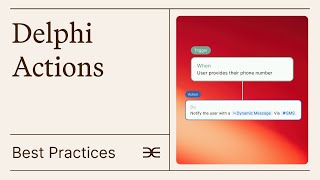
Now that we've covered the ways to create Actions, let's review some key best practices we've discovered while working with this powerful tool. You can go through those in detail by following this link. First and foremost, respect your users experience. While Actions offers exciting automation possibilities, it's crucial not to overwhelm users. Aim for quality over quantity. A couple of thoughtful messages per week is often more effective than daily communications. Second, remember that actions that send messages require instructions, not scripts. Many users mistakenly try to write exact messages, but the real power lies in providing clear instructions that allow your Delphi to create personalized interactions. Think of it as giving guidelines rather than writing a fixed script. Third, be specific with custom delays. The clearer your timing instructions, the the more accurate and effective your automated responses will be.
The last tip is to test your Delphi flows before deployment. After setting up your flow, interact with your Delphi to activate the trigger or have someone else do so. Then reload the flow and check the trigger occurrences sidebar. If the trigger appears, this confirms it's properly configured and will execute based on your specified timing. For actions, verify execution through the Action Occurrences log.
Remember to allow sufficient time for delayed actions to execute. Immediate actions should occur right away. Note that alerts and responses are now seamlessly integrated into conversations.
When an alert triggers during a chat, your Delphi can immediately send a contextual message that fits naturally into the conversation flow.