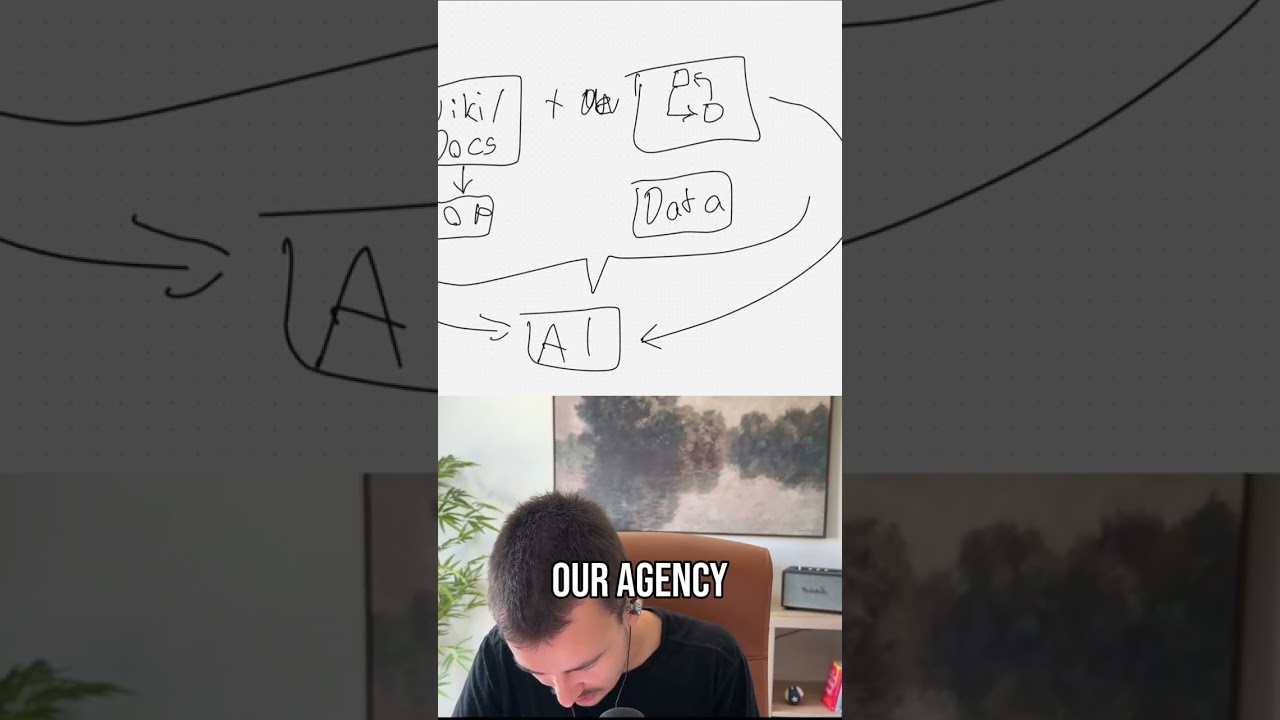
In this tutorial, the speaker explains how to dramatically boost employee productivity by creating Claude plugins that bundle relevant skills and MCPs (tool connectors) for specific business functions. The process involves prompting Claude to generate a plugin for a department (e.g., marketing), supplying it with access to company knowledge sources such as Google Drive and internal wikis, and letting Claude design the necessary skills and MCP configurations. Claude then outputs the plugin as a ZIP file, which can be distributed internally. Team members install the ZIP in Claude, connect each MCP to their own accounts, and instantly gain access to the curated skill set and tools, accelerating onboarding and daily work. The speaker recommends building separate plugins for each role (marketing, ops, sales, delivery, etc.) and points to a longer video that details how to keep these plugins continuously updated as company documentation evolves.
Chapters
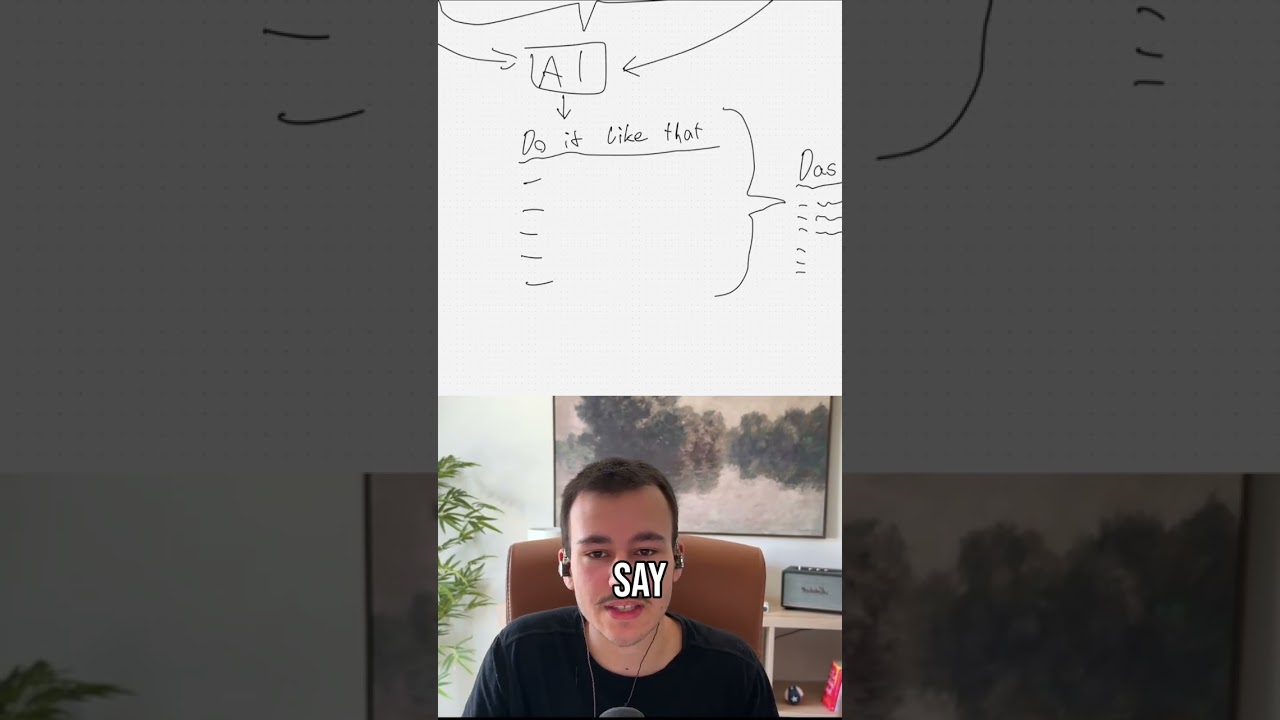
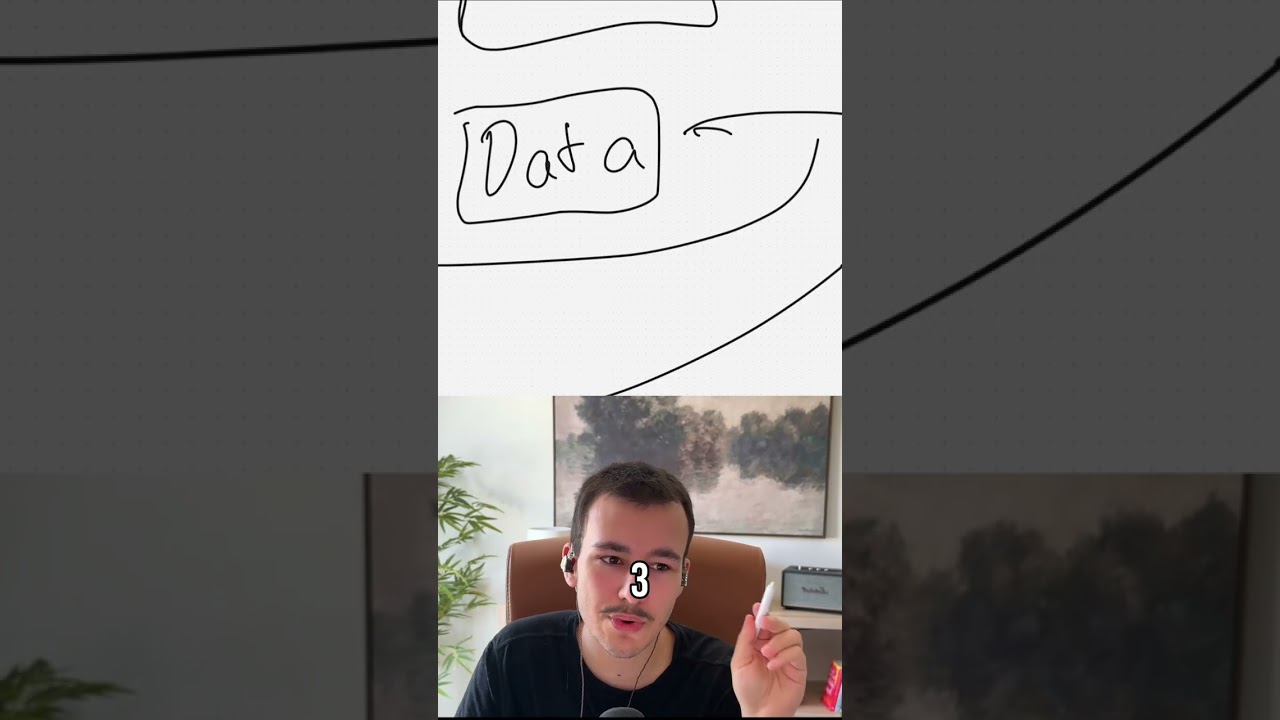
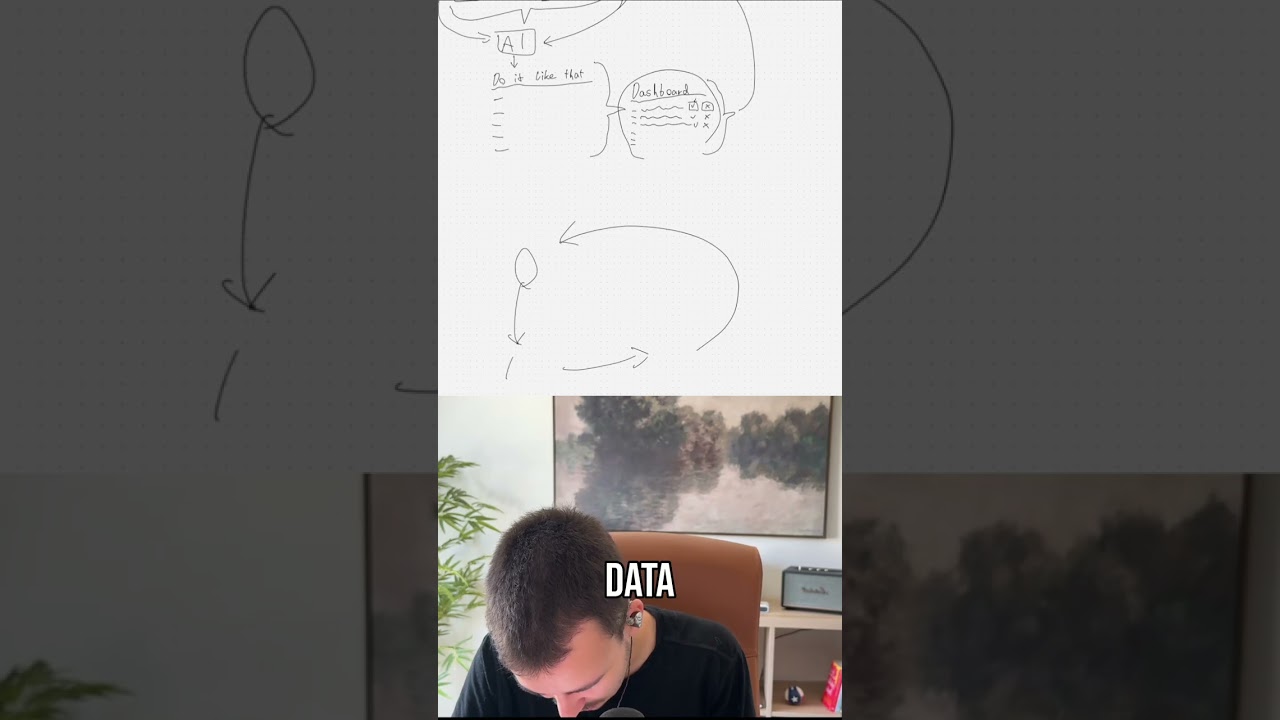
Claude becomes pretty much 10 times more effective for you and your employees if you just create plugins. Now, all a plugin is, is a collection of skills and MCPs. Now, you, you probably know what skills and MCPs are, right? MCPs are basically just connectors to tools. But what you can do is just go into Claude, just open Claude, uh, go into Cowork, and tell it, create a plugin for me, for my marketing department, which has all of the skills they'll need as well as all of the MCPs and just tell me how to set it up, just walk me through the process. And Claude will pretty much just ask you what different tools are they using and then also what are the different day-to-day tasks that they are doing. And you can just drag your entire, you can drag your entire, you can copy your entire wiki into Claude. Anything you have about marketing, you can, it already has Google Drive access. You probably have Claude connected to Google Drive already. So you just give it access to anything it needs in terms of marketing. Just dump all you have in there, tell it, create amazing skills, make sure all of the MCPs are in there. And what it will give you is a plugin that has all of this under a single roof that you can then tell Claude, please now give that to me as a zip file that other people in my company can use. Now what it will do is it will give you that as a zip file, and you can now send that zip file internally to everyone in your marketing department. Tell them, drag the zip file into Claude, tell Claude to install it as a plugin, and they will instantly have access to everything. Every new hire, you send that zip file to— you have that somewhere in your onboarding material— they drag it into Claude, they tell Claude, install this as a plugin. Claude will automatically do that and will have access to all the skills right here. As well as to all the MCPs. All they have to do now is go through the MCPs and click on connect for every single one, obviously, because they have to connect it to their own account. Would be a shame if everyone connected to your, um, to your accounts for Google Drive and everything. And they're golden, and everyone basically doubles, triples their output instantly just because they have a plugin with skills, with MCPs that all your company knowledge is in there. And you can— and what I would recommend you to do, create separate plugins for separate roles. So you have your plugin for marketing, you have your plugin for ops, you have your plugin for delivery, you have your plugin for sales, you have plugins for everything pretty much. And if you even wanted to go a step further where you can always keep that plugin up to date based on your company knowledge, on your company docs, I made a full video explaining all of that that you can find on YouTube right now.