How to build your company's AI brain

Julius Forster shows how to build a centralized AI knowledge system for your company using Claude. Store your internal SOPs in a GitHub repo organized by department, sync them automatically from Notion via API, then connect Claude to access always-current company procedures and skills.
Chapters
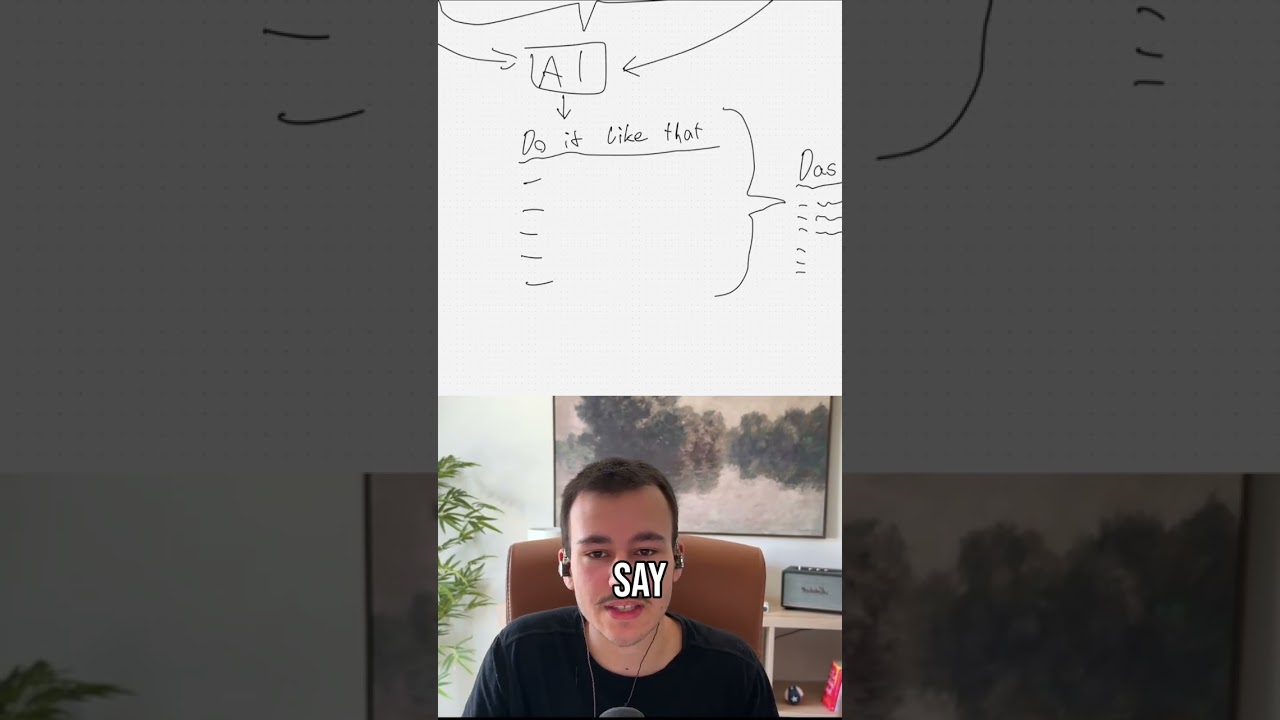
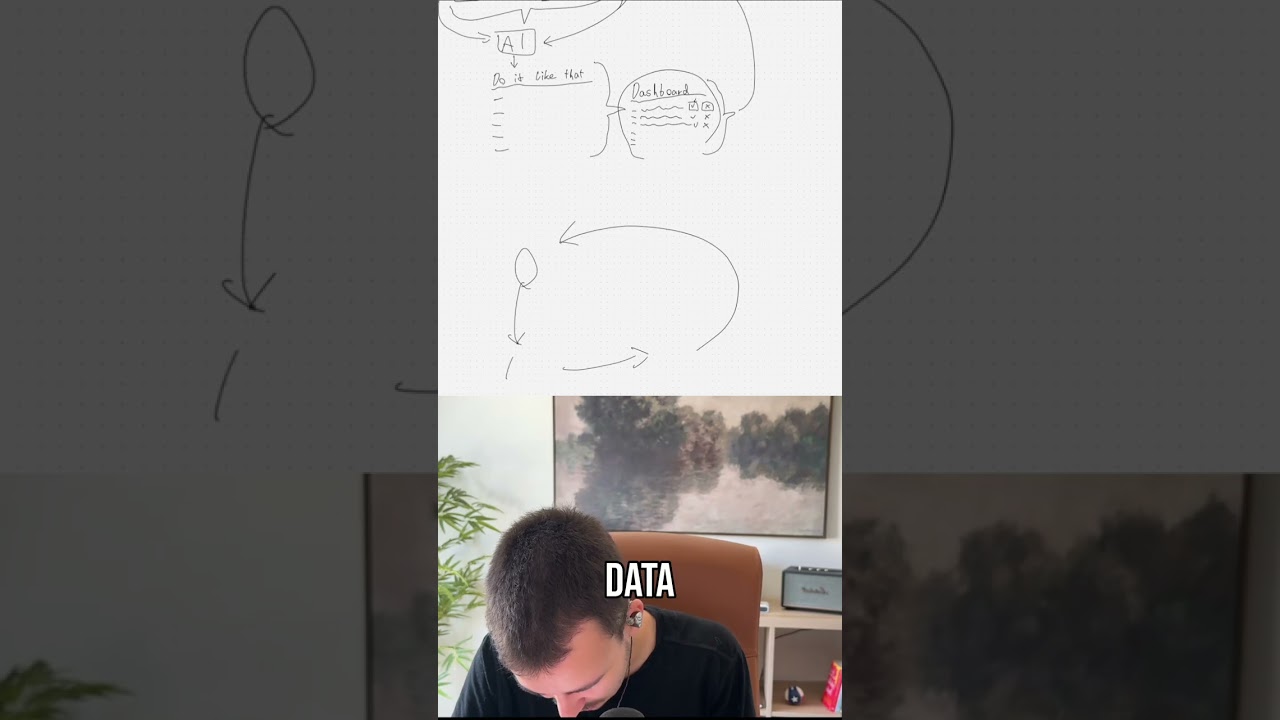
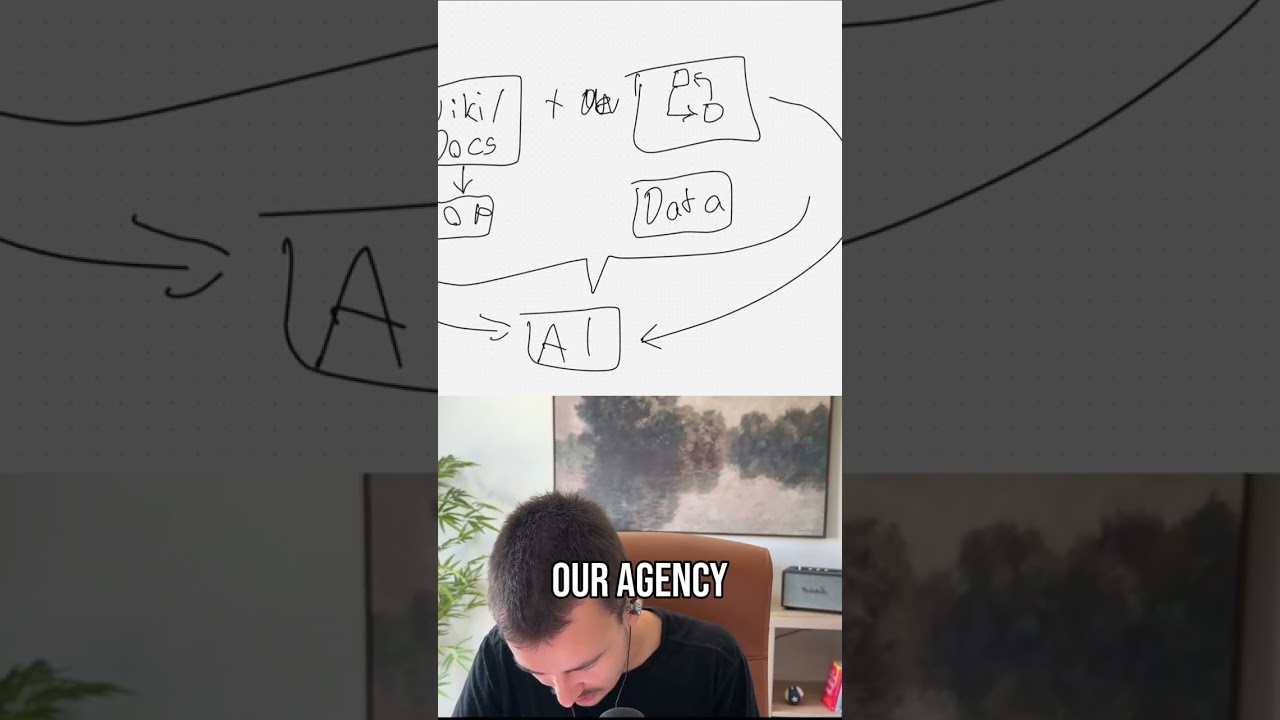
The number one most powerful and impactful thing you can do for your team if you're using Claude Code or any other AI agent to speed up how quick you work is to set up a custom private plugin or multiple plugins for your teams. Now, what are plugins? Let me show you real quick. In Claude or any other app, it might be in, in, for example, GPT might be called a bit different, but how it pretty much works is you have plugins, right? And a plugin is super simple. A plugin is pretty much just a collection of skills. You might have heard of skills. Skills are pretty much like SOPs for the AI. As well as MCPs, aka connectors, that allow the AI to connect to external apps, right? Now there are a few more things that are in plugins like agents, but you, you really don't want to work too much with agents. You want to use skills instead because with a skill you can say in the skill to spawn multiple agents that then have a specific persona. So you really want to only focus on skills and not move too much to agents really. And then there are also hooks and other things, but the important thing, important things under plugins to understand is you have skills and MCPs in there. Those are really the two powerful things. The other things we can ignore. Now there is actually one more thing above plugins real quick, uh, that's not too important, but it, it will be in a bit. But that is Marketplaces. And that is even above plugins, meaning you can add a marketplace to Claude. I'm going to talk about Claude in this video, but all of these concepts apply to any other AI agent in the same way. They might just be called a bit different, but you basically can have a marketplace. Each marketplace can have multiple plugins, and every single plugin is just a collection of skills and MCPs, meaning you can add a single plugin to Claude and that single plugin can bring hundreds of skills and a dozen MCPs with it where you just add a single one and everything is, is there pretty much. So there are out there, there are many, many plugins that are incredibly powerful, that are awesome, and obviously right now the main problem you're having with that is that every single employee you have has a custom plugins, custom skills, custom MCPs added, and there's no, there's no kind of central way to manage who has what added. One employee might be much quicker, can, can get stuff done much quicker because their Claude setup is just far superior compared to another one that uses Claude quite bare bones, right? So we want to eliminate that with this video by creating custom plugins which you can centrally manage without having to code anything or do stuff like that in a super simple way, pretty much just connected to your wiki. Now the idea here is that your wiki— let me add that over here— your wiki kind of looks like this. Your wiki that you already use internally for knowledge, you probably have the core pages. So I'm thinking of Notion, for example, right here. You have your core pages. You probably have like home or something like that as like one they're landing on. Um, then you have marketing, sales, delivery, so service delivery, ops, etc., right? That's probably how you have your pages set up. That's what I see with most of our clients, how their wiki is set up, right? Meaning for your marketing team you would share marketing, for your sales team you would share sales, right? With your, with your service delivery team you share that. Then you might have another one for clients where you only share the clients depending on which team takes care of, of which clients, right? So you share with them what you would share with them. Now the idea here is, and I'm going to show you in a bit more of a technical overview how exactly that is going to look like, not sharing the 100% one-to-one, uh, just copy me setup. But, uh, the cool thing here, this is pretty much that you want to create a custom plugin for every section here, right? You have a plugin for marketing, you have a plugin for sales, you have a plugin for delivery, and all of these pull directly from your wiki. Meaning, let's say once a day, those plugins right here get updated based on that knowledge. And how does that fit into this hierarchy right here? If you, if you think about the marketing part right here, marketing has a few subpages. You might have social media marketing. Inside that, you might have Instagram, YouTube, X, whatever social media platforms you're using, right? Meaning, um, let's look at— let's look— yeah, let's look at marketing. Inside marketing, you have social media, you have, let's say, ads, whatever else. These now become skills, right? Your main, your main directories are the plugins, and everything in there become the different skills. So now when your, um, when your marketing department connects the marketing plug, uh, the marketing plugin they instantly and always updated have access to all the skills that are already SOPs. You already have those SOPs. So instead of having to like weirdly set it up and connect it, those instantly become skills that Claude can use. Meaning all of that knowledge you've, you've already documented, set up, uh, someone's taken the time to document all of that, are pretty much skills now. Now the— how does that look in in the actual setup. Let me show you. You have to actually use GitHub here. If you're not familiar with GitHub, I highly recommend you to kind of check out the basics about it. But GitHub basically is like a cloud storage, storage for code, like Google Drive for code, right? It's a bit more complicated than Google Drive, but you basically have your main— you can always almost see them like shared drives right, like separate shared drives in Google Drive. You have your different repositories. They're called repositories here on GitHub. Inside each repository, for example, I am in the munira-skill repository, which you can see is a private one. And then up here you can see this is pretty much my username, and under my username lives my private repository. Now, inside each repository, you then just have folders that you can click into, as well as files inside each folder. That's quite simple, right? Like a cloud. Now you always have a README.md file in the main directory. Um, you don't need it, but that basically renders down here, that kind of. And I generated it in a way where it kind of gives you an overview. But pretty much how plugins work is you just have two folders here: the .cloud-plugin folder and then a plugins folder. This, just because there's only one folder in there, it shows me that there's Munira in there. So in this case Munira Scale is the repository, so the main shared drive. In there I have a folder called plugins. Inside this I have another one called Munira, and inside here is a bit, a bit more, but this is quite nicely explained here. So our .claud-plugin folder just has a single file in there called marketplace.json, and this file is just an overview for, for, um, for Claude on which plugins are in our marketplace. Meaning this main folder, this main repository munira-skill, now becomes in our earlier structure right here a marketplace. So in GitHub, that is just a repo— that's a short name for repository— or basically, as I just said with Google Drive, like a shared drive, right? Meaning every shared drive now becomes a marketplace. Now, as I said, inside this marketplace we can have multiple plugins. Now, that is the next thing right here. We have right now, as you can see, if I go into our plugins, you can see there's only a single one in here, they're called Munira. So in our, in this case, with our first example, this first one I would call marketing. Now, here are Here's the thing, here's the thing real quick. Let's say Munira, this was called marketing, right? This is our marketing plugin. You could now inside plugins just create a new folder for every single part. You know, here is the, let's say, marketing folder. Then we could have this, uh, second one for sales, a next one for delivery, ops, etc. The only thing with that is you cannot manage the access of a person inside a repository, meaning you can see our main repository, our main marketplace is private, meaning only people that have access to it can access it. We want to make sure only the people that should have access to it can actually access it, right? Now the thing is, if you now create every single plugin for every single department inside it, everyone will be able to have access to everything, which you most likely don't want. You don't want to give your marketing team access to like sales or delivery. You, you might want to. It really depends on how you would want to do it. I personally would not want to give everyone in the company access to everything, especially like ops and stuff like that. Um, so what you would want to do is pretty much this setup that we have right here as well, which is that every marketplace always— come on— only has a single plugin underneath. So that becomes one plugin, meaning you create a new marketplace, aka a new repo, and you call it your company dash marketing. So Munira dash marketing. Next one is Munira sales. Next one is Munira delivery. Now inside each of those— and I'm going to share the link to this in the description so you can pretty much base it off of that. Um, inside each of them— so I called this one Munira-Skill, for example, just as an example, but you would call it Munira-Marketing, your company name marketing. Now inside it, under plugins, you also always just have a single one, in this case marketing, right? That way, um, you can share each of those core categories with whoever should have access to it, and they can then add it as a plugin. Now the next thing under it, the next, uh, the next thing here is let's say you use Notion, for example. Now in Notion we have this core, uh, core setup that I've just shown on the whiteboard where we have our main HQ. I have, for example, this is an old one, not using Notion anymore, we switched that a while ago, so this is an old setup, so I'm fine sharing it. We have strategy, sales, acquisition, delivery, uh, clients, company, tools and stacks, playbooks and frameworks, internal ops, and archive in here. And each of those, if I open strategy for example, has underlying things here pretty much. And this is what I just meant. This is what I meant right here, that every single one under marketing becomes its own skill now. So what we pretty much want to set up here now is that we, for example, have a strategy plugin, right? The strategy plugin is pretty much something you would probably want to share with your entire org, right? This has the company overview in there, it has the positioning and ICP, it has like a pricing depending on if you want to share pricing with everyone, uh, it has decision log, and this is something we'll get into in a bit, not necessarily a decision log but something similar, which is quite cool. Um, but yeah, these would then basically become skills, and depending on how much further they go, if you, if, if you see, if I open them, there are no subpages, meaning these are single documents now. Meaning they can easily be converted and become skills. Now, how do we do that? I told you I won't show you specifically the technical side, but what you want to do— and this is if you either work with some, with some agency that can do that, or you have your own internal tech team, it will be quite easy for them to set this up. If you don't, click the link in the description. I'm happy to work with you, or we're happy to work with you. Now, How this would pretty much look like is we just have a layer in between. Let's look at our example of marketing here again. So we have our wiki, right? In our wiki, we have marketing. Under marketing, we have social media. And we have ads, right? Now the cool thing is under social media we can even have different platforms. For example, let's say IG, alright, Instagram. Now these become, as I said, skills. So what we just want to have in between is kind of an automation layer. So that automation layer can be— you can use like a super simple one like Zapier even. Um, I would recommend something that can go a bit deeper, like at least N8N or custom code if you have the people to set it up for you, right? So we have an automation layer in between. That is just whatever you pick, right? Now that automation layer, basically what I would probably set up once a day— once a day it goes— it doesn't actually flow like this, right? It wouldn't flow like this. It will flow like this if you set up webhooks. But what it will actually do is once a day it just gets— and you set up this automation layer per main category, right? Because each is a, is a marketplace. Now you set that up to once a day for the marketplace, in this case marketing. It goes there and basically requests all the data in there. It gets, it gets all of the data. It either iterates through it, so it checks marketing, what do we have in marketing, these subpages, what do we have in this first one, the second one, third one. And then it checks, and that can be done via API for pretty much every, every single piece of data that exists. You will always have two dates within everything, a created ad and an updated ad. And you want to look at the updated ad. And if the updated ad date for marketing in this case, or for whatever subpages you are checking, is within the last 24 hours, meaning after the last check ran, you know there is new data, there's new stuff in there. If that's not the case, you don't need to waste the resources and now sync data that is still exactly the same. But if within the last 24 hours, let's say IG was updated, if it was updated within the last 24 hours, and you see that based on updatedAt, what date and time that is, and the automation layer checks that automatically, obviously. It, it basically comes back as that, so it requests that, comes back last 24 hours, and then it pretty much continues from there and now updates that file in your repo. I'm just going to call it in the marketplace. I'm going to use Marketplace here because that's the easiest for you to identify what I mean. So all it does right now, pretty much, it goes to the Marketplace and it updates the IG skill. Now, how can this, by the way, look like? So we have, um, switching to a different thing right now real quick because obviously we have marketing, which is our main skill. Right? Sorry, not our main skill, our main plugin. Now under it we have a skill for socials and we have a skill for ads. How exactly would that— it's disconnecting for some reason here again— how exactly would that look like if we now have IG under one of the skills? Meaning we have a skill and underneath that skill we have even more categories. You don't want one huge single file that just has text about every single social media platform, right? Claude should know when the marketing team talks about posting something to Instagram, that it pulls the data for Instagram and not the data for socials where Instagram, TikTok, YouTube, whatever's in there, and then has a ton of knowledge about things it doesn't need knowledge about if it only needs knowledge about Instagram in that case. Now that's quite easy. Every skill, and you can actually about any of these things that I'm explaining right now, you can just ask Claude. You can ask Claude how does that structure look like. You can, you can go, you can take this video, copy the link of this video, go online on some YouTube transcript downloader, copy the transcript, paste it into Claude, and just tell Claude, tell me a bit more about this. How would the technical, technical setup for that look like? It's that easy, right? Um, but I would highly recommend you to reach out to us, work with us, because we are, we are the experts here. Um, bit of a shameless plug. Now every single skill is basically just a folder. I've just shown you that. If we go back right here, every single skill is pretty much— if we go here into plugins and we go into, um, skills, example skill, you can see this up, up here you can see the structure quite nicely. We are in the Marketplace Munira skill. Inside that we are in the plugin Munira, right? Inside the plugin Munira, we are now in the skills that this plugin has. Now we are in the example skill, right? So we have the skill with the name example skill open. You can see that's a folder, and we have the skill.md. Skill.md basically gives it an overview, looks like this, gives it an overview how does the skill work. But the cool thing, inside skill.md you can now say Norwegian. Any folder under skills discovered automatically. No, okay, okay. I thought it would be explained here as well. You can now have multiple files in your example skill that it can work with. That means every time it now opens— just imagine this example skill is your Instagram skill, right? This is your skill for, for Instagram. Oh no, this is in this case your social media skill. I'm sorry, that is the structure, right? Looking back at the structure, that right here is the structure. Social media as well as ads are our skills. Now under, under those skills, we now have the subcategories like Instagram. So how does that look like? Exactly the same. We have the skill.md and then we have the skill.md we auto-generate. I'll explain that to you in a second. Under here we have like now a new file that is called Instagram.md, YouTube.md, Facebook.md, etc., etc., right? So now Claude knows whenever you are, whenever anyone from the marketing department is talking about anything social media, it gets a social media skill. And within the social media skill, it now reads the skill.md, this file right here, and then determines which other files, which other knowledge from this specific skill does it have to get. And the cool thing, within a skill you can even have scripts that it can run, right? But we are only talking about these MD files. MD is Markdown. That's like a nicer text file. You can see we can— in Markdown, we can just format everything a bit nicer than in just a text file. Looks like this pretty much. You should be familiar with Markdown. So that is really the cool thing. And there are a few— now, yeah, you would probably now think about how would this automation layer really be able to handle that. A few things are hardcoded. For example, for every single main page like marketing, like sales, like delivery, you would have its own core automation or a single automation that can handle all of them. But it knows that marketing is connected to the marketing marketplace. You know that sales is connected to the sales marketplace. And you can really— that would basically be the main setup. This can even be done dynamically, to be honest. For every page it discovers under here, it basically looks for company name dash page name. So Munira-Marketing, maybe with a smaller, with a small M, right, instead of a capitalized one. So, and if one doesn't exist yet as a as a marketplace, it can create a new marketplace. It can be built as dynamically or statically as you want, right? Typically you want to build everything as dynamically as possible so that it can handle new pages easily, instantly create new things there. Yeah, but that's basically how it looks. And then for each of the subpages, it basically just does the same thing. So it looks at what folders do exist in here and then it looks at basically the different skills that exist. So let's say for social media, it checks— in this case it would be a small s— social-media. So every space you can replace by a dash in there in the, in the automation layer. So checks, does the skill— oh, whoops. Wrong, wrong way around. Does the skill social media exist? If it exists, it then goes in there and it basically sees the subpages, meaning every subpage under social media, as we've shown right here, for example IG. Now it checks, does this file already exist? Does the does the— in this skill, does the file ig exist, right? And then another thing it does with the skill.md, so with this little thing right here, right? This is the primary file that every skill needs. For every skill that exists, it basically auto-generates based on this socials page it either auto-generates or it just looks at the social page and creates the skill.md based on that, right? It creates it based on that, and then what we can do is at the end of it add a directory of everything else that exists. So kind of say in the skill.md, it just puts everything— whoops, sharing the wrong page here— it just puts everything from socials it puts in the skill.md file, and then any, any page that exists below it, it just appends to the end of the skill, uh, skill.md file. It just has all the socials content, right? And then at the end, it lists out subpages. These are all the different sub, subskill pages that, that it can pull, and maybe a quick AI-based explanation of each of them. So you can see there is some setup, um, there's some setup associated with that, but once this setup is set up properly and works, the awesome thing is you can now just keep your entire, um, your entire wiki up to date, and all of the skills, all of the AI-based stuff will be kept fully up to date, which is, which is really awesome. Um, yeah, and you— we can even go a step further, as I've shown up here. We have the MCP connector even, so we could even— we can even add MCP connectors meaning the marketing department, the— should have MCPs for Canva, for whatever. And those are included in this plugin kind of as well. But yeah, that is really, that is really the power here of this, of this entire setup. The thing is, you don't even— you don't— all of this down here that I just explained, you don't necessarily need that. You can just— if you, if you didn't want this to stay connected and you just wanted to create it like one time or like update it manually with AI, you can just have basically this setup right here where you have the GitHub repo. So you have this right here. You, you can just tell Claude, set up a, um, set up a, um, plugin, plugin in, in GitHub for me. Connect, just connect GitHub to Claude, set this up for me, um, add those specific, those specific skills right here. I'm going to send you all the skills, and then you just go through add all of these things for the marketing, add all of these things for that, all of that for that. You just send it all the knowledge and it will package that for you. And the next thing here pretty much is just how do you connect it. Now you pretty much have the setup, how it all of that works. The README really is not important, uh, that, that is just what's shown down here. But here you can pretty much see how it works. Now you're probably going to add it to Claude Cowork or Claude Code, um, and you're I, I just guess you're using the Claude app. So you can basically just use this part. So you just go to the URL up here and copy everything that comes after .com/, after the slash, the next two things. So in this case, Julius Munira/Munira-skill. If there's anything after that, you don't want to copy that, just this one with a single slash in between, right? And all you do now is you just come to, you just come to Claude. And in the sidebar, in the left sidebar, you click on Customize. Under Personal Plugins, you click on the plus, Create Plugin, Add Marketplace. And now it tells you make sure you trust plugin before installing, etc., etc. And you just basically input the URL of it here. Make sure before you do that, that under your connectors, you have, you have it actually connected. So you have the GitHub integration right here. If you have the GitHub integration, it will work. And then you can pretty much just add it like that, add marketplace, put the, put the path in here. And then, and then go, go from there. I'm going to do that real quick. Just doing that on the side to not show anything else here. Oh God. And then once you have that selected, you just click on Sync, and then you will I think that's centered now again. And then you will see a, um, basically— no, no, you, you will not really see anything. You then just go to Personal Plugins here on the left. By the way, I can, I can move that over so it's easier to see. You can click on the plus right here, you can click on Browse Plugins, and now you will see under Personal And he— up here you have your Munira Skills, or however it was called. And here you have your skills, skill in there. So just click on plus, and now is installed and ready to use. And if you go in here, you can see our example-skill, and it can be used in the sidebar. It appears here now, and inside here you basically see everything, everything that it has. Yeah, and that's, that's pretty much, that's pretty much how you can, how you can set that up. And the cool thing, the reason we went through this entire setup here is because now you can go, now you can go in, now you can come into, into GitHub, and whenever this updates on the next session, it is instantly updated here. And this updates every like 24 hours, maybe every 24 hours our automation layer checks for if there, if there were any if there were any updates here in your wiki, our automation layer checks that, syncs all the updates over to the marketplace, and the next time anyone, um, using Claude, they will instantly have the up-to-date new data, meaning their Claude will instantly, um, every— like, however often you want to sync it. You can, you can do it every 10 minutes or something like that as well, or even every minute, since all of this automation layer— this automation layer is really efficient the way I described it. It just checks the updated_at here, checks is that within the time range of when I checked last. So every 10 minutes it would check, is that within the last 10 minutes? And only if that's the case, it syncs that change over. Otherwise it will not, right? So it's really, really efficient. It doesn't really consume a lot of compute. Now So that is pretty much the main setup here. This automation layer goes a lot deeper, and I mean, I could show that, but then this video would be more like 2 hours long. I don't want to do that. This is pretty much the core setup for how you are going to— how you're able pretty much to have shared knowledge across every single department so that everyone can use Claude really efficiently. It just works, always up to date, working great. Everyone has the knowledge in there. So yeah, this is, this is quite cool. This is quite cool. Hope this kind of helps. And yeah, see you in the next video. Uploading daily videos, by the way. If you need anything, as I already said mid-video, if you need anything set up, there's a link in the description. Happy, happy to work with you. Uh, we've set up a lot of AI and automation needs to save save a lot of companies a lot of time by saving the employees a lot of time, making their lives a lot easier, and allowing them to focus on the things that truly matter for the employees. So yeah, just reach out, happy to work with you.