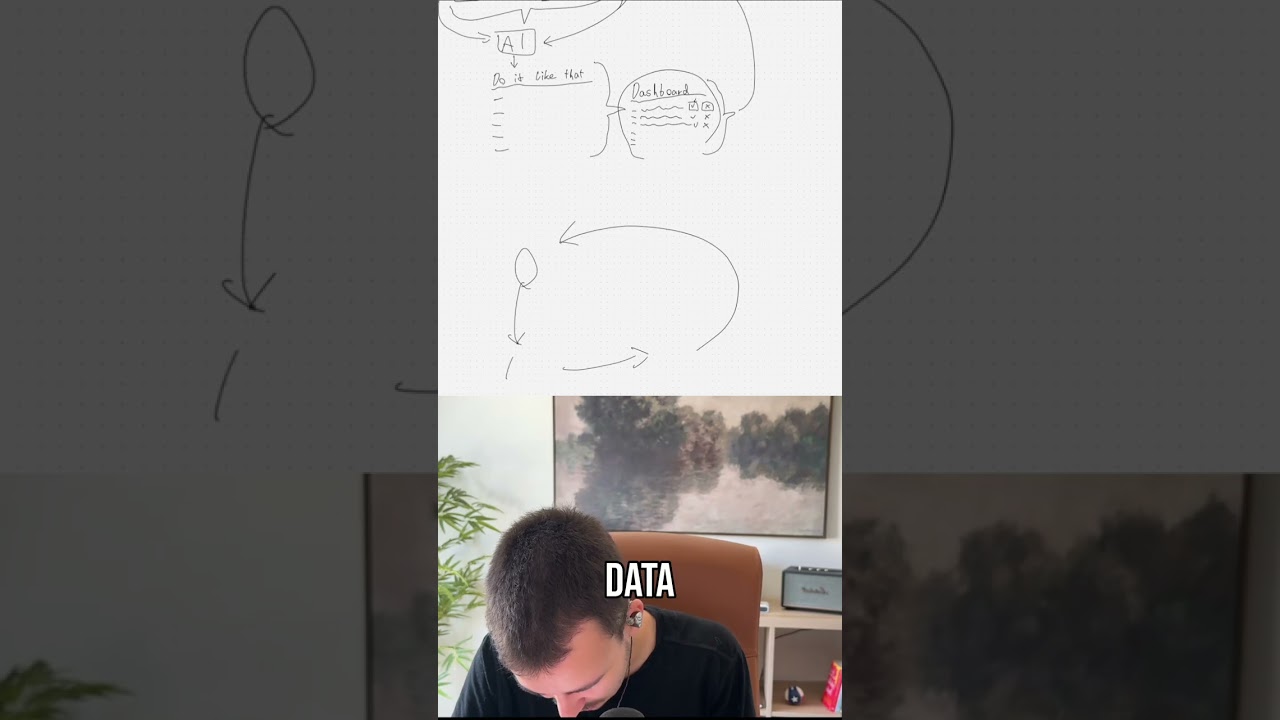
A Hunter.io API workflow fails because an empty row in the Google Sheet passes a blank domain value. Adding a filter node to skip empty website fields fixes it, and the workflow then returns ten email results successfully.
Chapters
Okay, hi man, super quick video here on the issue you're having. This one right here, I, I guess this is the one you're having as well. So I was a bit confused at first as well because when I just copy the domain as is and I put that in, then it just works. Why, why is that? Okay, now, now it's empty because it didn't find anything for that, but for some reason, for some reason it works. So I tried it with extract domain, just so, just the domain, just the URL Yeah, for some reason it worked with that but not with the dynamic one. So I, I checked with the API as well. So I used the API endpoint, I put it in here, same error, right? So then I noticed that the actual issue is— whoops— that the actual issue is that when you look at your rows, you have 3 rows, right? The Google Sheet gives you 3 rows back. Let me show you in the schema, that is typically easier to see. So that's the first— no, it isn't. That's the first. We have, um, Perriot's Garage, then the second, Points Tire, and then the third that is empty. So that is the issue here, that with the third one it sends all one by one there, and the third one actually gives that issue, not, not the other ones. So, uh, but, but it looks like it's like the first one or something. So you just want to basically add a filter here say website string is not empty. With that filter, you pretty much just check, okay, we only want to process the ones where the website is not empty, right, where we have the website. And now if you just run it, you can see it works. It outputs, it outputs 10 items, 10 emails. Uh, you can see obviously for the first one, for Perriot's Garage, it did not find anything. Um, you might additionally to the website here add extract domain. With that, it just extracts the actual domain.. But that, like, the, um, the URL doesn't seem to be an issue with the lookup here. Um, yeah, that is pretty much how that works. And now you can see it all works here. So it says, uh, no contacts found for some reason. So I, I haven't looked, I haven't looked into that, but it was mainly about, about this first one. Um, yeah, you, you might, you might want to, you might after this one want to add a loop over items. So just as a recommendation, because if you do that, if you loop over items right here, um, then you don't have the issue with, with this one outputting all the emails separately, right? If you have multiple domains, um, because in this case it would only output all the domains for a single one, and then you can process those. Right? But you can do it, you can do it either way. Um, but yeah, that basically fixes the issue. Just the filter before that, that makes sure that, uh, the— no, it's having a bit of an issue. Uh, just the filter before that, that makes sure that the domain actually exists. Yeah, hope that helped. Thank you, bye.