The Simple System That Gives Your Team Hours Back

A fully automated system captures call recordings, extracts transcripts, and uses AI to generate summaries, objection tracking, CRM field mapping, and action items with timestamps. It integrates with AirCall, Zoom, and Google Meet, saving SDRs and recruiters hours on note-taking and data entry.
Chapters
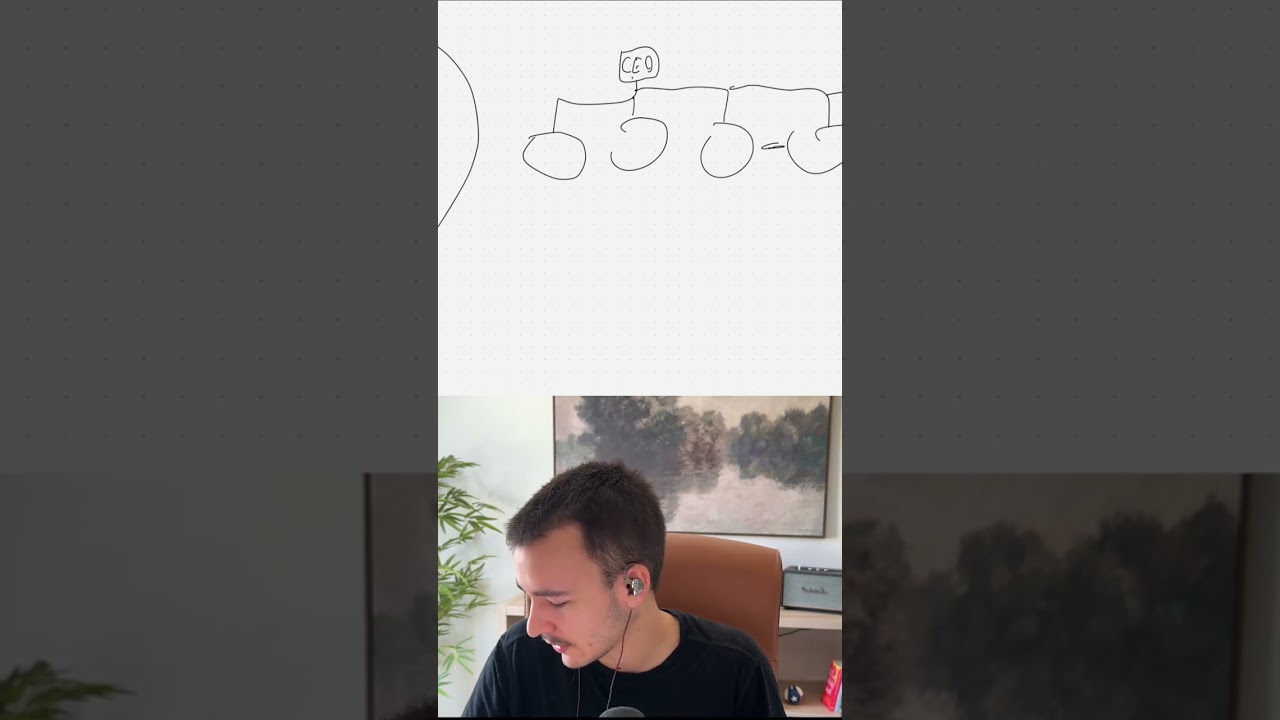
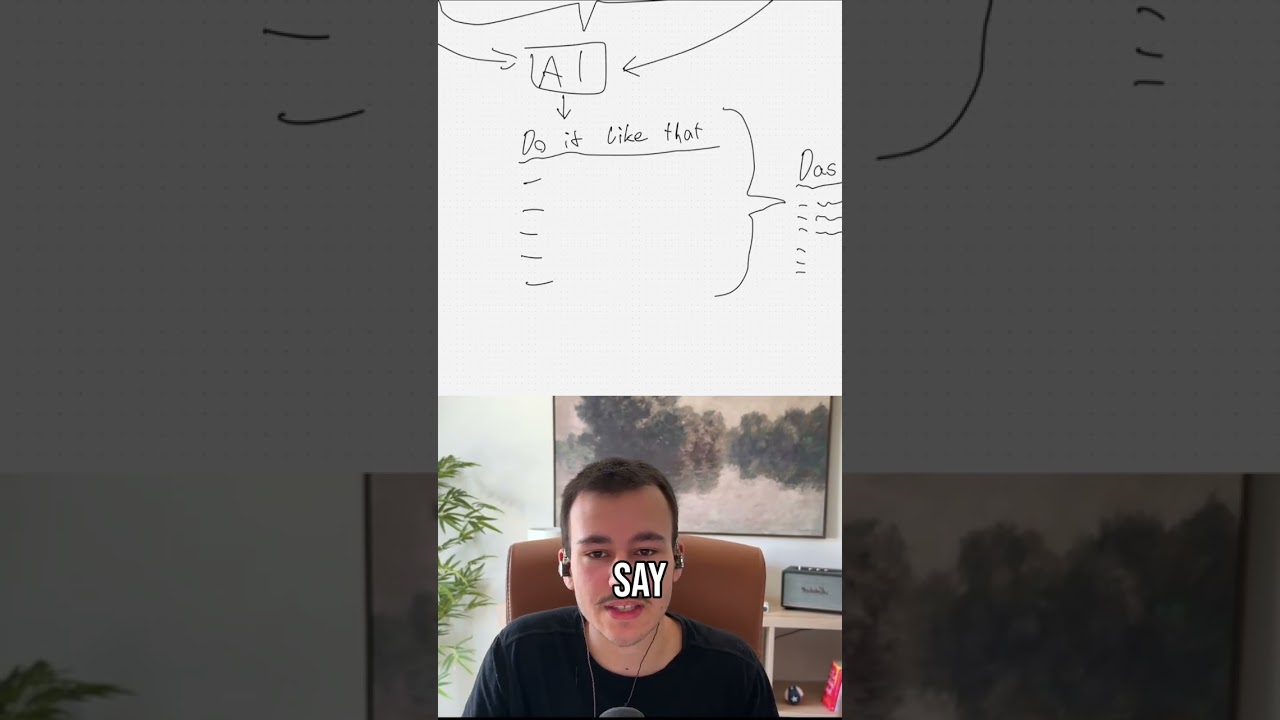
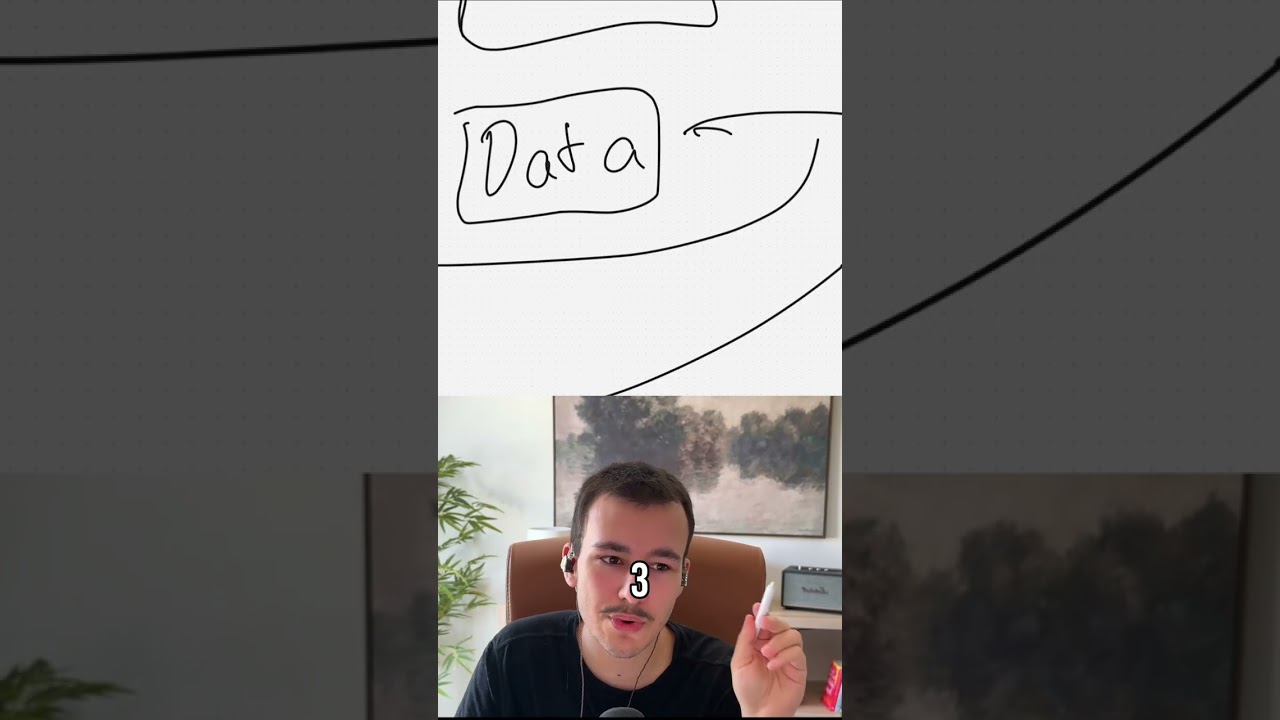
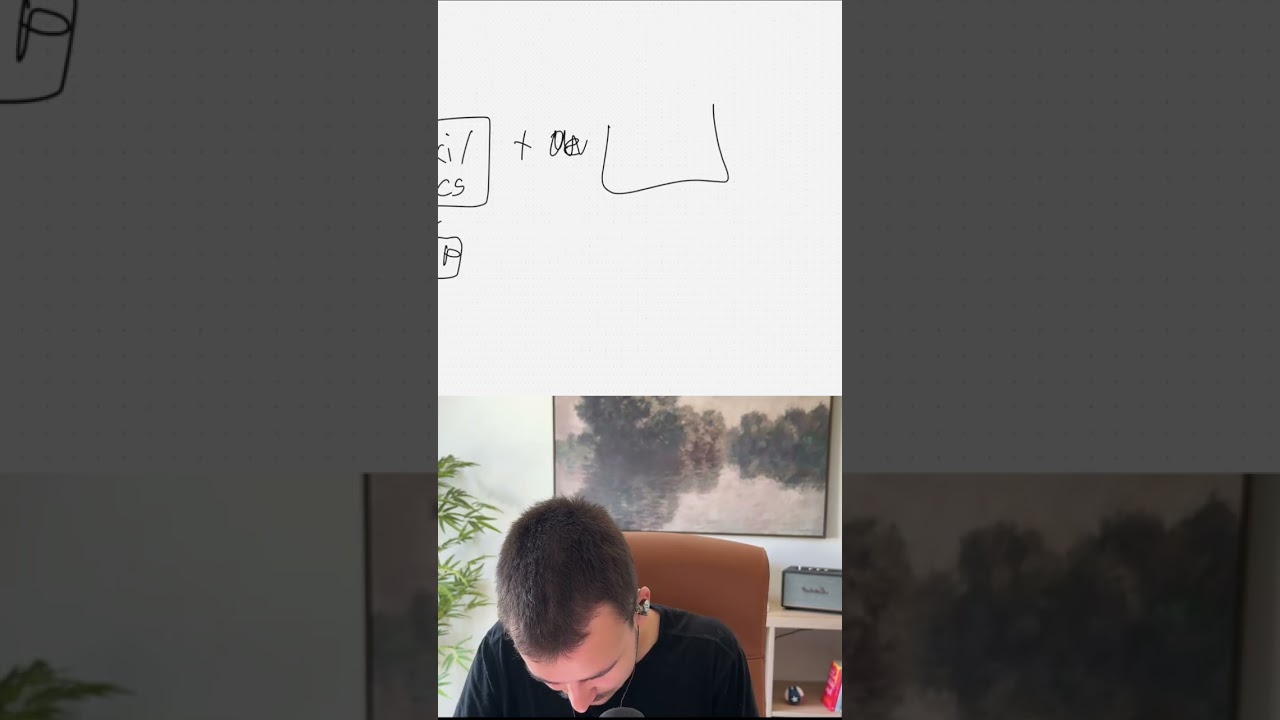
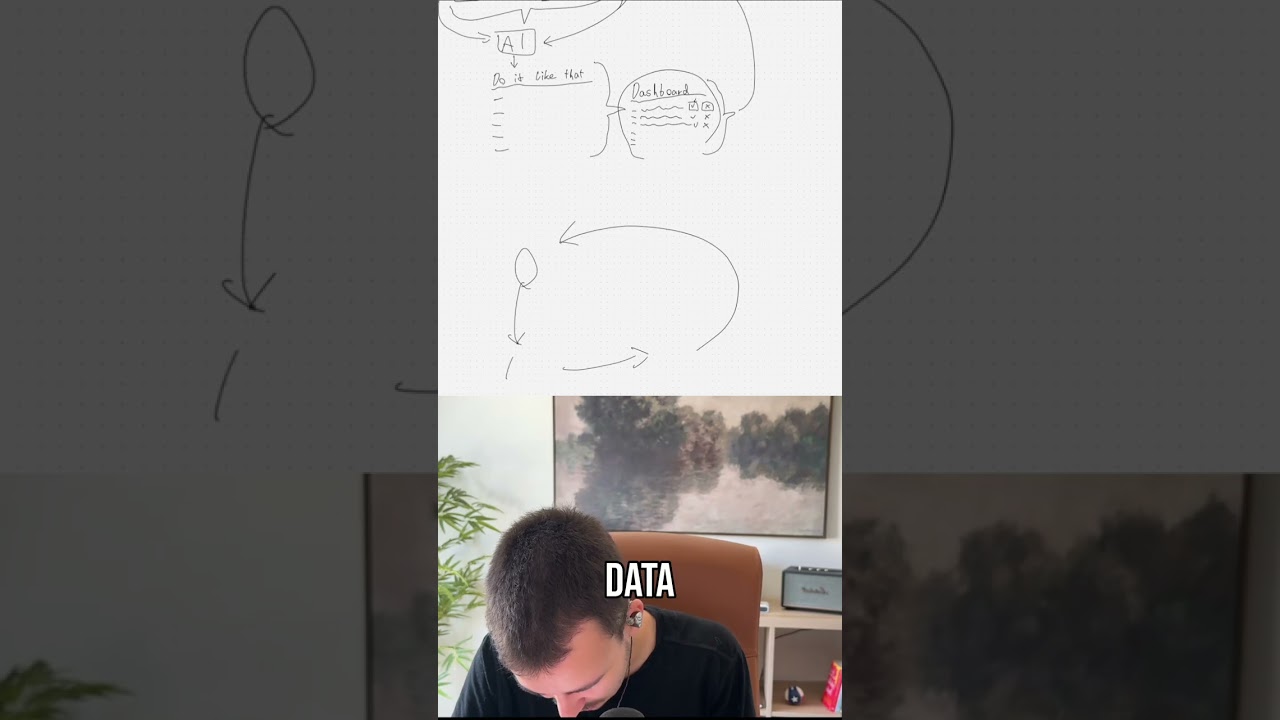
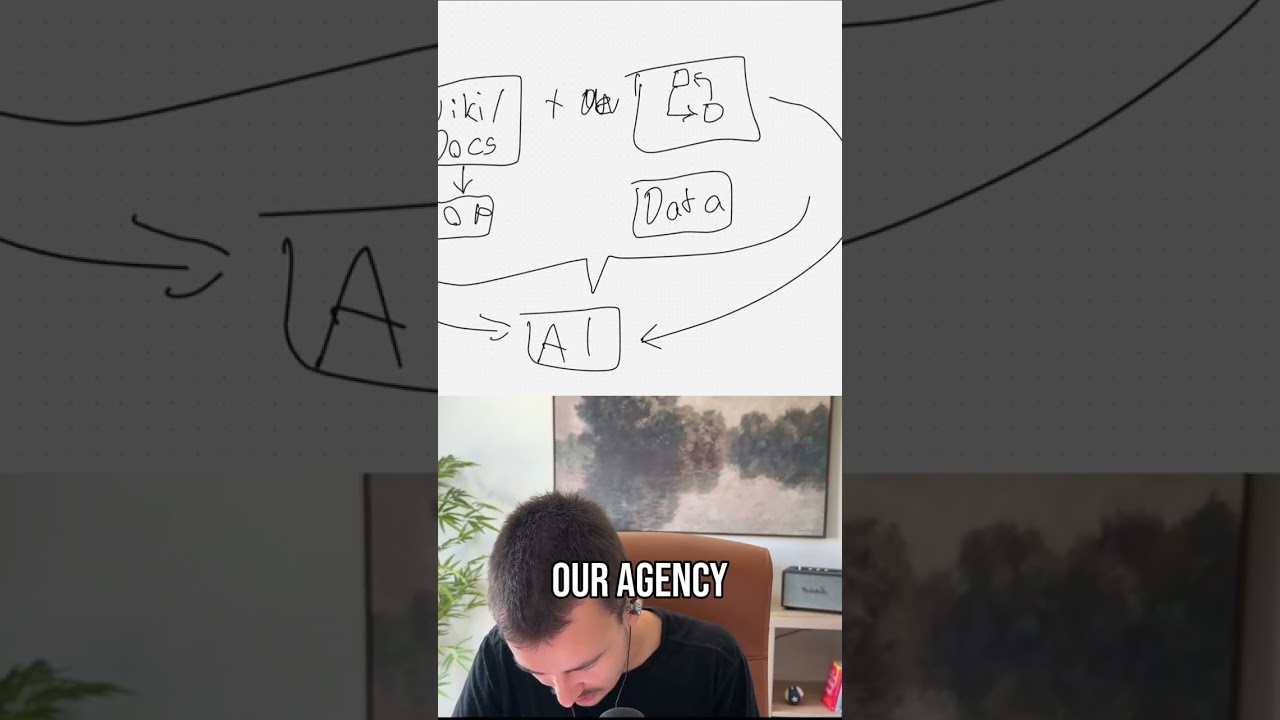
Now this system will save your closers and pretty much anyone else in your company that has to do meetings, calls, meaning your SDR, your appointment setters, your closers, and anyone else, even with internal meetings. It will save them a ton of time. And it's a single simple system that you could probably even set up yourself, um, with a bit, um, with the help of a bit of AI, um, easy to set up yourself as well. Now, what is that system? Basically, the way we, we kind of found the system is for one of our clients, which is a recruiting firm, their recruiters, their headhunters, had the issue that after every single call they took, and obviously they are talking to candidates, right? So they are taking a ton of calls. They had to make notes post-call, meaning they probably forgot a good amount, or while on the call, had to take notes, add those notes to basically the ATS, which is the applicant tracking system, and then basically change details, meaning if there's no address yet or they moved somewhere else, they had to change that, phone number, email, a ton of other details, right? Imagine it like a CRM. After every call, after every call, CRM has to be updated. There are most likely new things that can now be added there because of details that were talked about in the call. And then you also want to obviously take notes on that call. What was actually talked about on that call, right? Now, the, the quite simple, fully automated system that will pretty much save everyone who's taking some sort of call a ton of time is the following. Let me show you. Basically, where we start is a call. Let me just call it a call. This also counts for meetings. So let's say call or meeting right here. Now, post-call, what happens is we can fire a webhook, meaning we can fire an automation that once the call is done, um, and that works with pretty much any software. If you're using AirCall or any other cold calling software, or like Google Meet or Zoom or something like that, you probably already have an AI, um, meeting recorder, right? And all of them have this thing that they can trigger an automation once a call is done. Now what you can do here is once that's the case We now get the transcript, right? We get the transcript of that call. Every single one that I've ever worked with, or we've ever worked with, has, has the ability to pull the call transcript. And now what do we want to do with that beautiful transcript? We now want to have an AI right here, right? And that AI can now pretty much do a couple of things. Actually, we can have 2 AIs, or no, technically it's one. Let me explain you why. Now, that AI, obviously you can now say that AI now generates a summary, adds that summary as a new note to your CRM, and that's it. But that is not the only thing it can do. With AIs, um, there's something you might have heard about is structured output. You can give an AI specific details regarding how it should output details, which allow it to output details in a structured format that can now be read by the automation and then pretty much used. Meaning, with the help of structured output, you can now have the AI output a ton of things. Firstly, let's say, let's say this is a sales call, and this obviously you can have a different kind of structured AI output depending on what kind of call it was. Was it an internal team call? Was it a sales call? Was it a cold call? Let's, let's just go with a, with a sales call, right? Let's go with a discovery or sales call. We firstly obviously want to output a summary, right? We want it to give us a summary. Um, you can give specific instructions for how that summary should look like, what it should check, etc. Next, we can say it should give it a, like, a general score, like an overall score. You can give it details where should that score come from. Let's say it's a 1 through 10 score, um, and that could be how well the closer performed. Like, if the call was— if that prospect was won, closed won, um, then it, it, it's probably in the 8, 9, 10 range, right? If lost, it's probably a lot lower. Um, but then it also depends on how well were objections handled, um, how— like, how— with how much conviction, how well did the closer convince the prospect, and all of those different things you can add to the prompt. And then we can, we can go a step further where we can say, um, obviously there are a few more things we can, we can have, like an ex— basically an explanation. Um, whoops. Yeah, but let me remove that. We can have an explanation for the score where the AI explains why was this specific score given, stuff like that. But then we can have something because this is done in JSON, is we can have something like that. That is pretty much an array. That's just a visual thing. What an array basically just is, is it's a list of things. So we can now say we have, um, objections, and each objection, right, that's objection 1, then we have objection 2 down here, objection 3, all the different objections. Each objection now has, um, again, objection thrown, meaning what was the actual objection, right? Response, so how was the objection handled, um, let me remove that for now, um, and then we can give that a score, for example, as well, right? Meaning now with that, the AI can pretty much tell us there were like 5 objections, 5 objections that were thrown, um, then it can say exactly first objection was that, second was that, third was that, etc. Then it can tell us how did the closer respond to that objection, and And then it can tell us based on how it was handled, what score does the AI give the closer. With that, we can super easily now in the future check, depending on where you stored, obviously we'll get into that in a second. We can super easily check which objections had the lowest score and then we can check that based on the closer as well. So we can instantly, like super quickly see which closers had common objections where the score is quite low, meaning objections they are not good at handling. We can super easily, without having to scan every call, basically then query, query that, so find that out, right? Um, so that is super cool. And then obviously that's the first objection, then we can have the second, the third. And since this is a list, pretty much, um, it can now say we can have like 10, 20 objections if there's ever that many objections. Yeah, that is pretty much a thing we can do. We can have like proper lists as output. Now what else can we have? There's pretty much anything you can think of we can do because it gets the transcript. And there's even— we could even go a step further where there is a way already for either to use a video AI model or to use a, like, a combination in between where from the transcript we also send to the AI the timestamps of when what was said. And then the AI can come back to us and can say, I would like to get like a screenshot of these specific timestamps because I've identified something that was said that would need me to access whatever was said on screen. And then our server can get back, so our AI can now communicate with our server and ask for a screenshot of a specific timestamp, and then that can pretty much come, come back like that. Um, because AIs are quite good at analyzing, um, images but not yet so much at analyzing videos, or it is very, very, very expensive to analyze videos at the moment., so this is kind of like a sneaky way to do it. It involves a bit more of implementation in this case, but it's totally, totally doable. Um, with that, it can then get this extra kind of context that is especially useful if you have some sort of presentation. If you have like a SaaS, um, and you have some sort of presentation that you are showing in that, in that video. Um, Yeah. And then like, what else? Like, you can pretty much, you can pretty much output anything right here, anything that you wanted. You could even have like a structure that would allow you to kind of understand how did the closer structure the call. That would be super helpful. And this again, this would be kind of a list, meaning we would, we would have different steps in here. Under the structure, we can have unlimited steps, and then a description of the step, like a title to the step and a description. That is kind of like timestamps in a video, right, where you have different timestamps and you see this part that was talked about and this part that was talked about, etc. It can like basically auto-generate, um, and it can say that was talk— like we talked first about that, like for example, let's say small talk. And especially if we give the AI with this transcript, if that transcript has timestamps, So let me just— let's say that's the timestamps, right? It has like the way it would look like is typically how a transcript looks like is person A, whatever they said, person B, whatever they said, right? That's multi-speaker detection pretty much. But then with timestamps, which is also possible, we would then in front have— just taking the same example here— would have the timestamp. When was that set? And then at what minute was that set, right? Uh, so with that, the AI understands when was a new thing set here, pretty much. Um, that's how, that's how it would look like with timestamps, and that is still possible with most, most platforms, pretty much. Now If that is the case, if we have that, we can then go a step further down here, which is quite cool. We can now, um, so you can see up here with the objection handling part, we pretty much have a list of objections, and every single objection in its list has a few different fields, pretty much, right? You can imagine it like a— what's the best way to explain that? It's pretty much an array, right? But you can imagine it like a list, and every part of the list has like sub-items right, um, with different things that are all regarding this one objection. The objection thrown, the response, and the score, they all belong to the same objection. These are all different information about one single objection. We can have the same thing here, so we can have basically the, um, structure, um, or let's say talking point or whatever. Let's, let's just keep it at structure. And each, each part of the structure— oh God— each part of the structure now has the, um, like a title, description the start time, the end time, and anything else you want. Now that is why I was just talking about those timestamps, because now we can include start and end time, so we can easily now see for calls how long have they been in each part of that. And then obviously, since you probably have a call structure for your closers you probably also want to have something like category or step or something like that. Now that would be— this would, and this is another thing, this would be like a— you can imagine it like a single select dropdown. A category only can have one of multiple things selected. For example, small talk. And that is just because the title can be flexible. That's just text, right? But if we want to detect how much time have they spent in small talk, and we just pull up all of the call structures where the title is Smalltalk, the AI in one call might call it Introduction, in another it might call it Smalltalk. There's no structure to it. So we cannot rely on just searching for the title Smalltalk because sometimes the AI might give it a bit of a different title. But if we have specific categories and tell the AI, first thing is always the Smalltalk category. After that we have, um, whatever else comes next, right? Pain, like talking about the pain, etc., etc., um, price reveal. Oh God, um, yeah, you can see I cannot, cannot really write. 'et cetera,' pretty much. Um, now that is kind of the idea here. So now you can say, now you can say in the afterwards, this specific closer, like let's say Closer A, on average in their calls, how much time is he spending on small talk, right? Um, and then you can say, okay, he's spending a bit too much time on small talk, he's just wasting a bit too much time. Or you can go a step further and understand Why does Closer A close so many deals? And then you can look at very specific data, including how do they handle their objections, right? What objections do they have? And we can do the same with objections. We can give a category here. I would do that, I would do that everywhere, everywhere pretty much, because you have a few objection categories, um, that every objection falls under, right? Even if it's like a very specific thing. It typically falls under one main objection category. So now you can say, why does Closer A close so many— close— why does he close double the deals of Closer B? Boom, you can look at what objections is he getting, how is he handling them, what scores is he getting. And based on the scores, you can then look at the response. Um, you can even have like one for vibe, or how does the closer behave or kind of stuff like that, right? And then at the same time, you can look at why is Closer A so good. You can look at how does this person structure the calls. Maybe that closer actually just has more small talk, um, stuff like that, right? You can, you can now even go with that structure, you can give each part of the structure a score. How, how, how well was this part, this, this part of the call handled, right? For example, small talk. Was there something they were able to talk about? Was there some common, common ground that they were able to talk about? How well was the closer able to like talk about it? Oh, that's awesome. Yeah, me too, whatever, right? Um, I'm German, so I'm not really good at small talk at all. Typically skip that altogether. Um, that's typically how I start my calls. Um, but yeah, and that really allows you now to understand very, very fine details from a very high point of view of what things in a call lead to a closer closing a ton of deals. Like, why is Closer A so much better than Closer B in terms of like super small details, right? Um, so yeah, you can really see, and that is a cool thing with AI, you can have this structured structured kind of extraction, the structured kind of output right here that allows you to really go in depth and extract a ton of things that you want. And now the last thing from that is, and that's actually something I skipped that I wanted to talk about originally in terms of saving time, is you can now have your actual CRM fields in here. What fields do you have in your CRM? Like company size, aka like employees, revenue— might not talk about revenue on the call, but yeah, whatever other fields you have. You probably have a good amount of fields in your CRM, and I guess even if those fields were talked about, your closers are either spending too much time on that or wasting, um, or, or forgetting it altogether. I mean, so now what you can do is you can have that in the structured output, meaning the AI now extracts those things from the call as well. And then based on that, all you have to do is the automation now maps every single field to the CRM— let's say CRM— to all of the custom fields it has. So, um, yeah, that's, that's pretty much how you can do it. You have like every single field right here. It's very weird way of showcasing it, but let's see, say those are the custom fields. The automation basically now points because those fields are now structured, so it points them to the right place and basically automatically fills out all of the data. Uh, and then obviously we can go a step further for all the data that's already filled out but was talked about on the call. If it's the same, perfect. We can leave it as is. But if there's a, if there's a difference in there, meaning if we already have data filled out in the CRM that now based off the call has to be updated to something else, we can either say we give the automation the power to just overwrite it, we trust it. But typically I wouldn't do that right away. What I would do instead is just a quick Slack notification to the closer saying, um, this specific thing was talked about in the call. Do you want it to update? Right now it is, it is a different value. Do you want, want it to be updated? And then it's like they just have two buttons, accept, deny, and then based on that it will automatically update that field or it will leave it as is. Now that is pretty much what, what you can do here, and you can apply this kind of thing to everything else. Now think about internal team calls. Um, you can like, from key takeaways to like action points for every single one on the call. Again, think you have a list of people, of attendees, um, Person A, Person B, Person C, etc. And then you have, um, a list of action points, right? And since that is a list, every action point can now have a title, description, due date. And we can also say that any, any of those fields, if the AI doesn't have that information, it can just leave them empty. So that way it does not have to fill every field, and some fields can just be empty, like the due date in this case. Um, and then every person can have multiple action points, and then there can be multiple people and each, each of those has multiple action points. Stuff like that is pretty much all possible. Um, yeah, and based on that, we can then update data pretty much anywhere in your CRM or anywhere else. That's pretty much how the whole system works, and it is really, really powerful. This pretty much, this pretty much now allows you to save a ton of time. And if you, if you think about it, this whole thing with AI and the structured output, that can really be applied to a ton of different things. I'll make a lot more videos about this, about like automation on a higher scale for like mid, mid-market companies primarily, where you actually have like 20+ employees already and you want to make their lives easier. You want to make sure they do the job they were hired to do and they don't do like annoying repetitive stuff that burns them out and that wastes time that they could spend on things that they're actually good at. So yeah, feel free to subscribe. If you want to work with us, there's a link in the description. See you next time. Just have to, just have to find the button to stop the video. There we go.