A quick demo showing how to view and add tools to see your entire tech stack at once. Useful for automation agencies building client dashboards and onboarding sequences.
Chapters
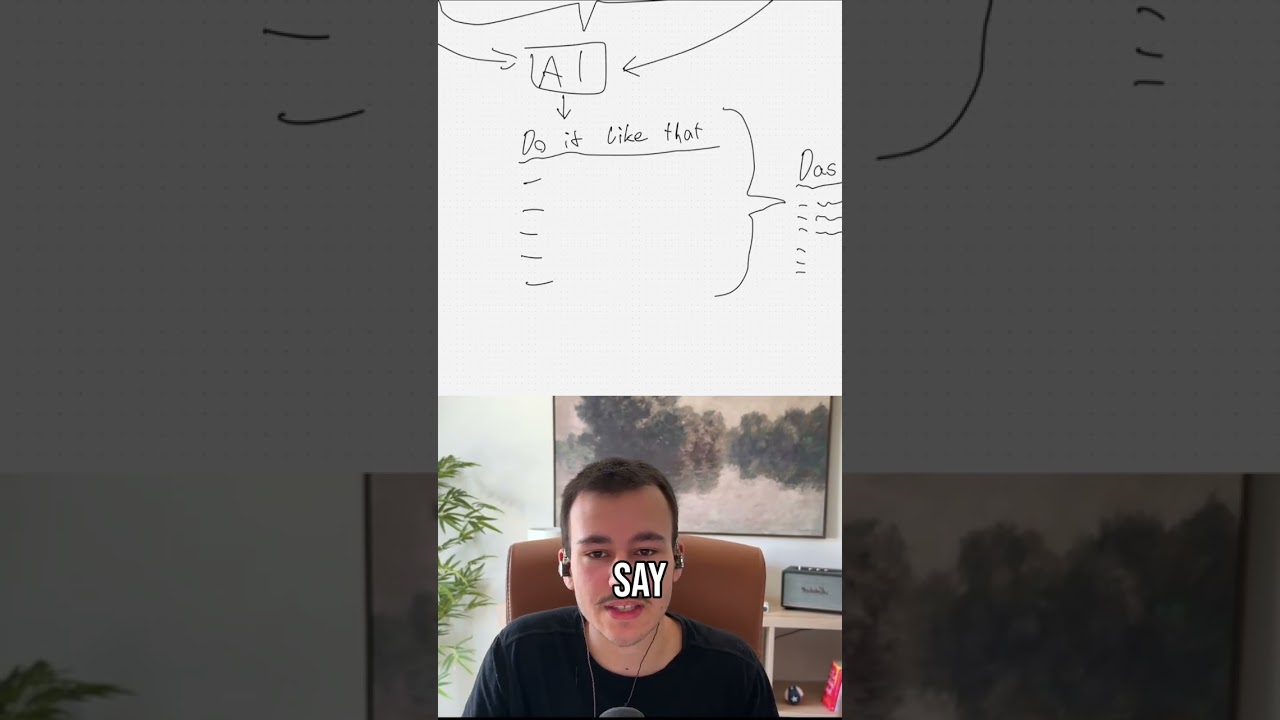
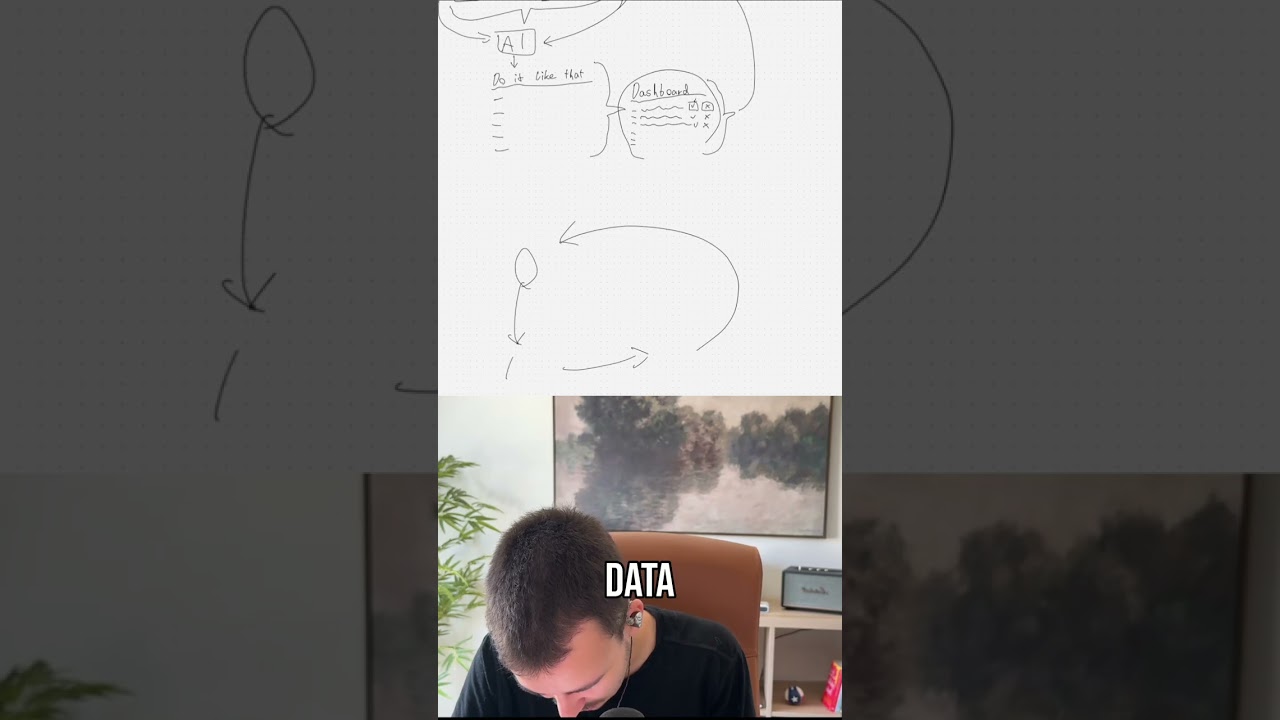
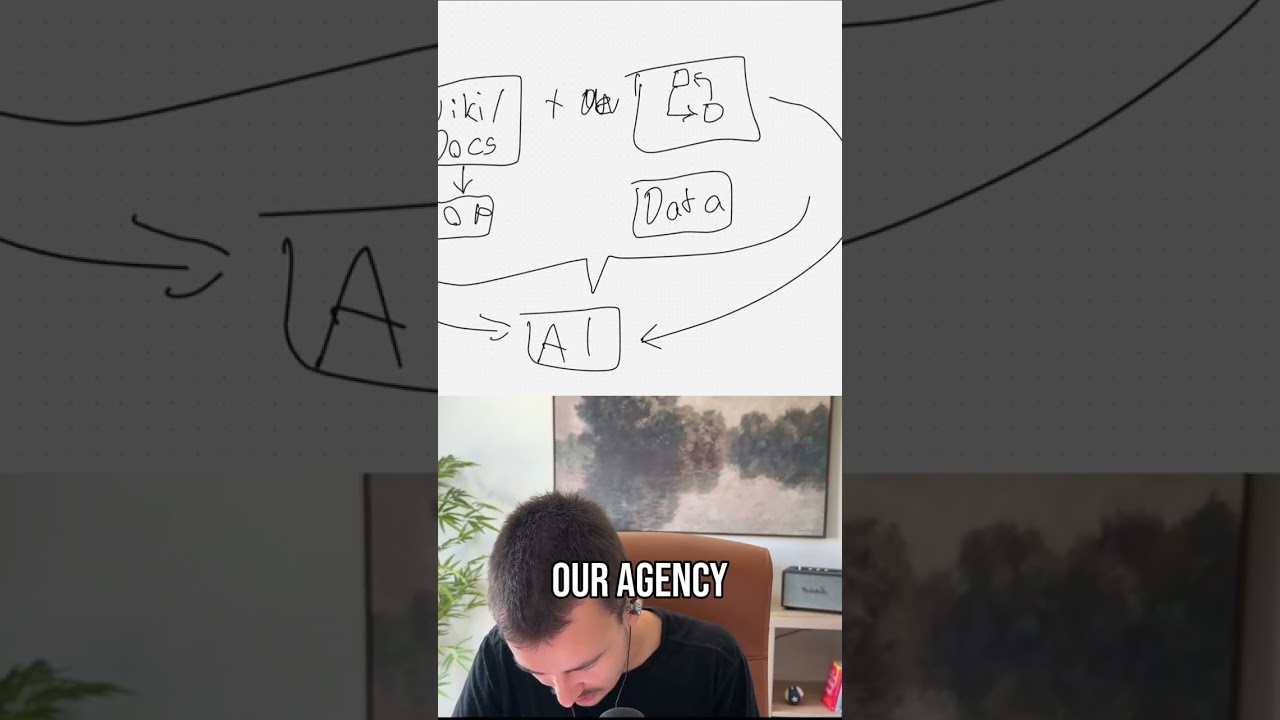
Let's continue right here. What are you running today? So this is super cool. They can select, and what I would do here is if they search, or there's another button custom tool where they just specify the name of it, maybe the website, um, so they can add all of the tools. This is something that especially with an automation agency like ours, um, where we are able to build you custom dashboards like these, custom onboarding sequences, custom internal dashboards, custom reports, anything. This is super important, something like that, because it allows us to instantly get an overview. How does your stack look like, right?