We move 3x faster since AI started deciding for us

A hierarchical company can move 3x faster by pairing AI with a decision log, wiki, and SOPs. An AI chat agent answers questions and makes decisions using company context, then managers approve or reject them on a dashboard. Each decision feeds back into the system, making it smarter over time.
Chapters
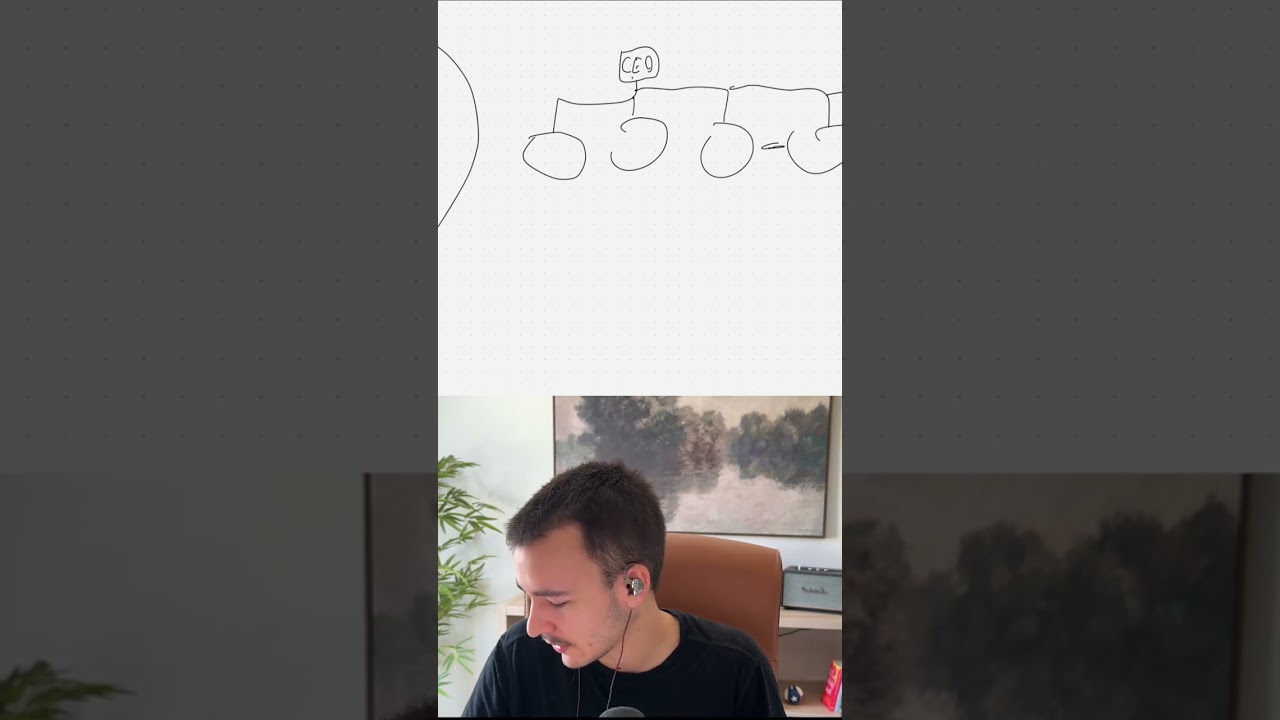
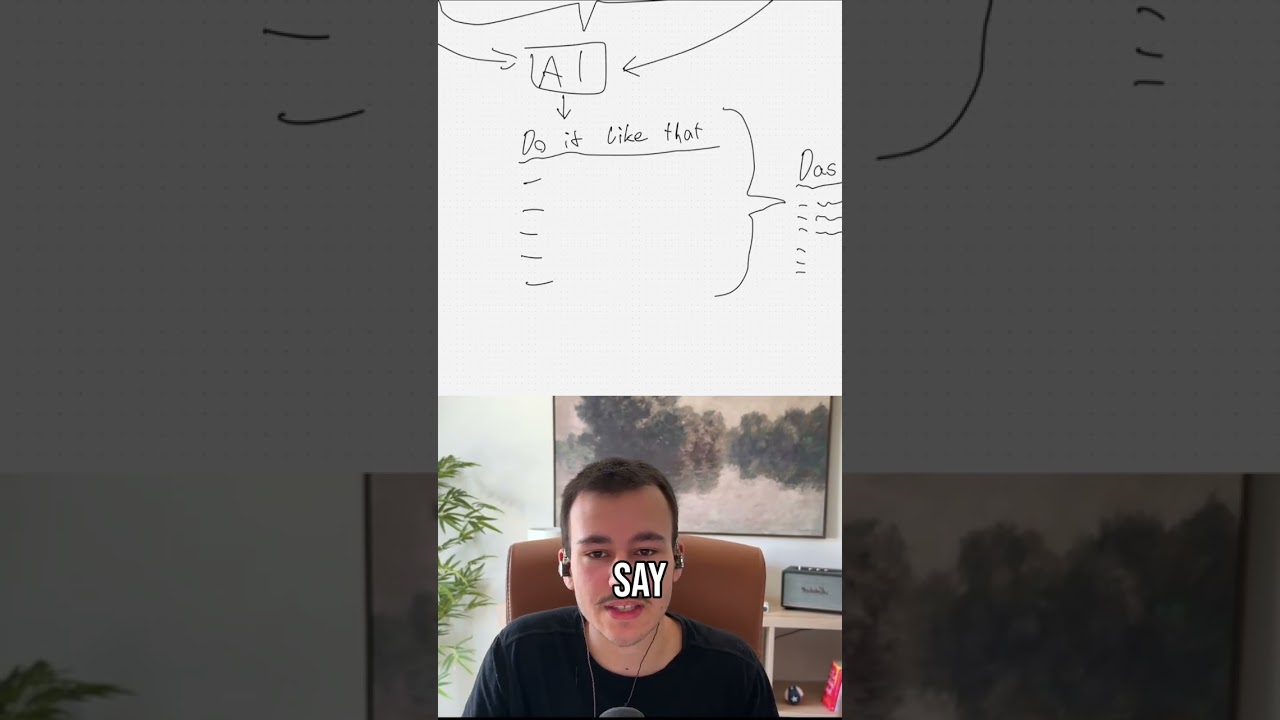
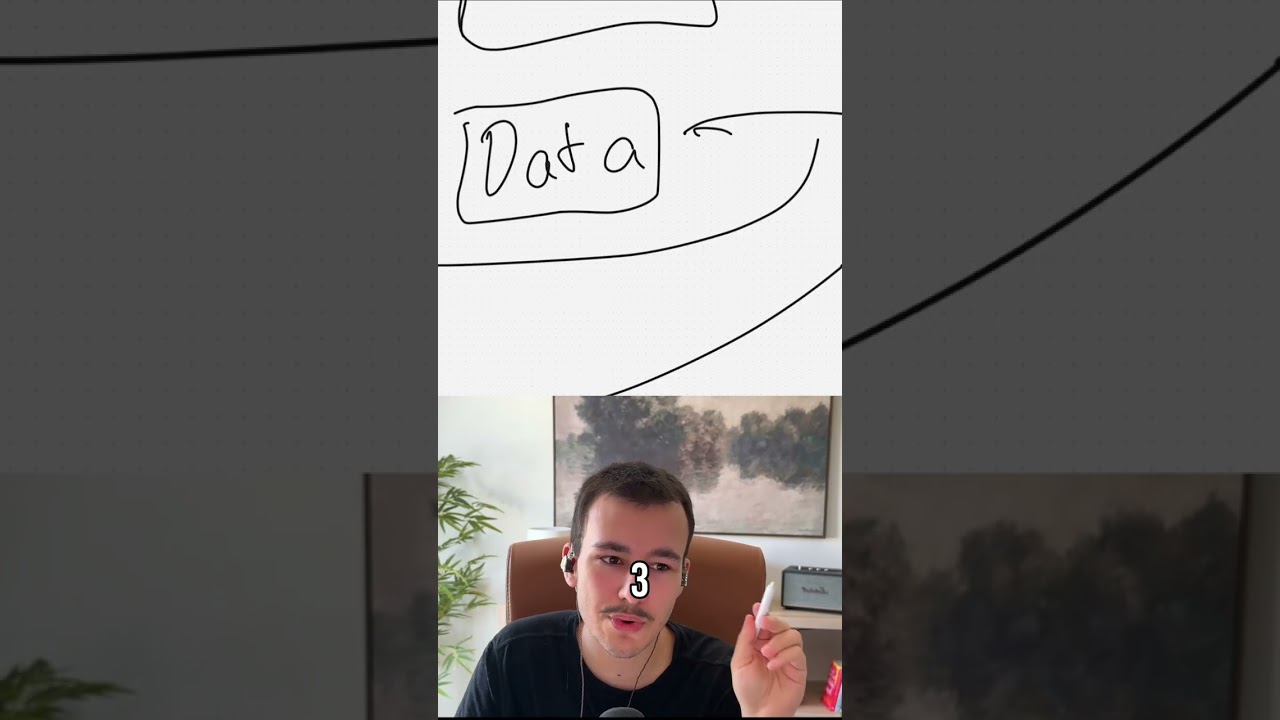
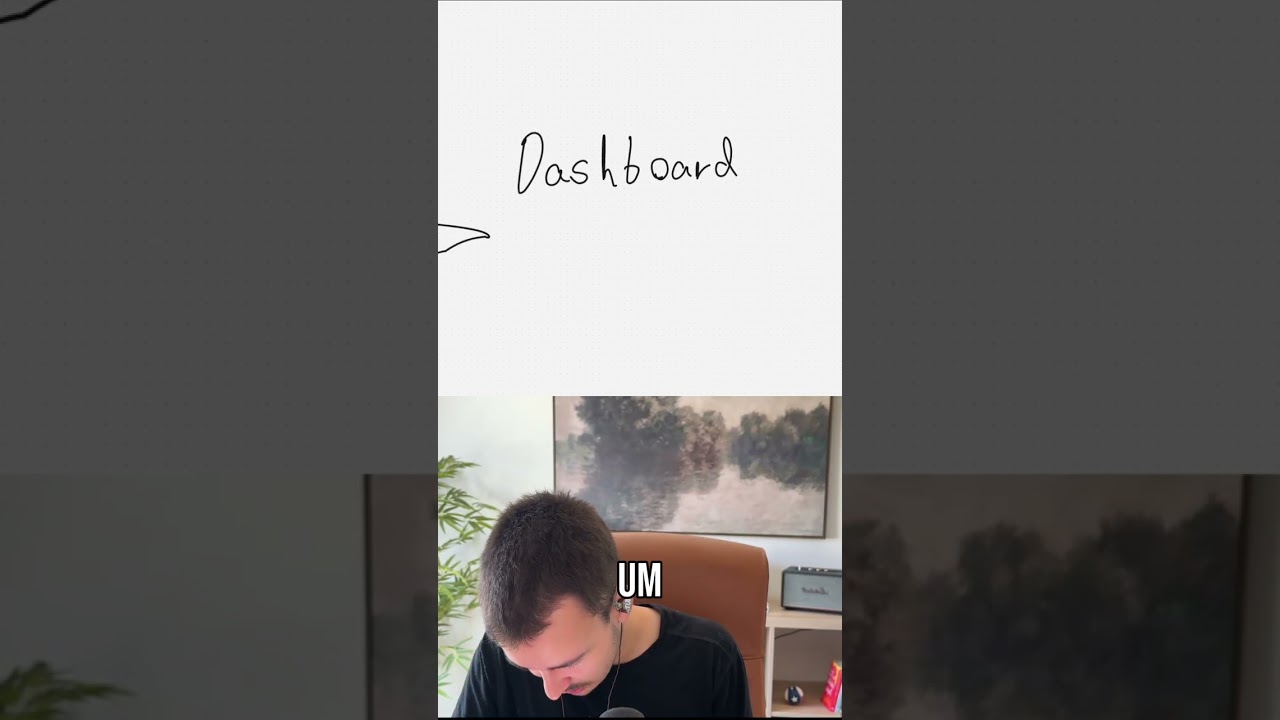
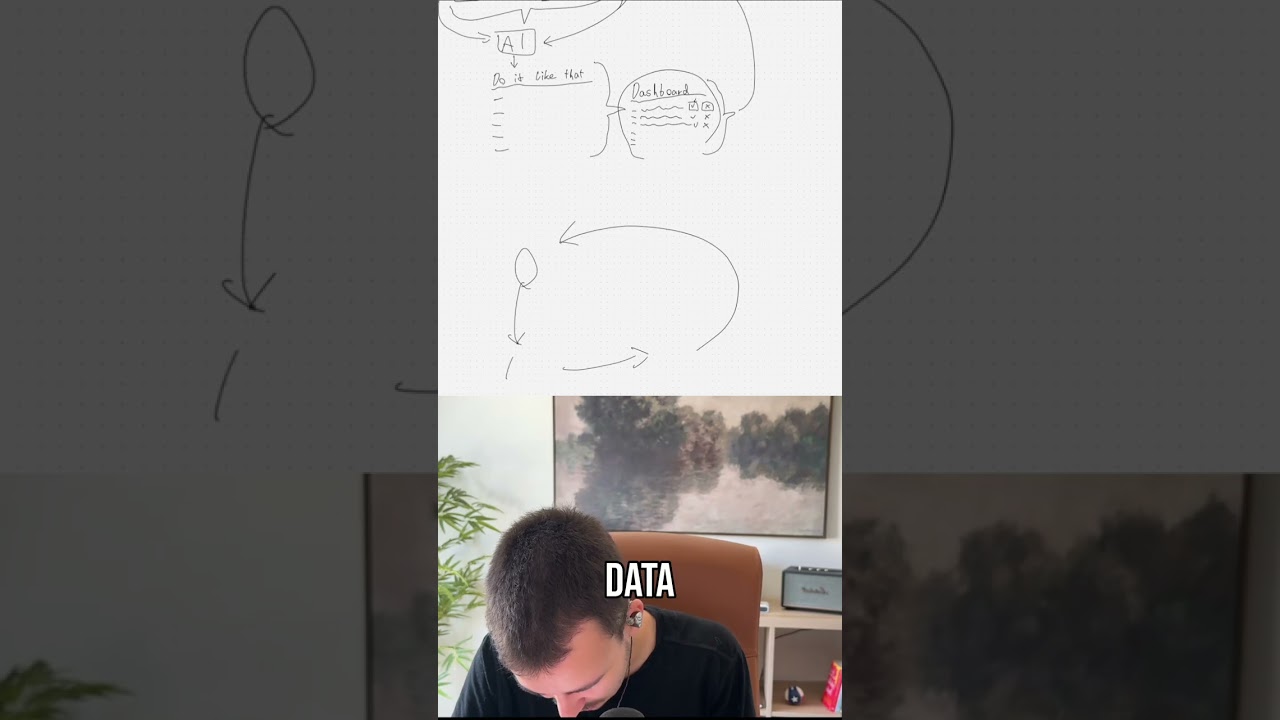
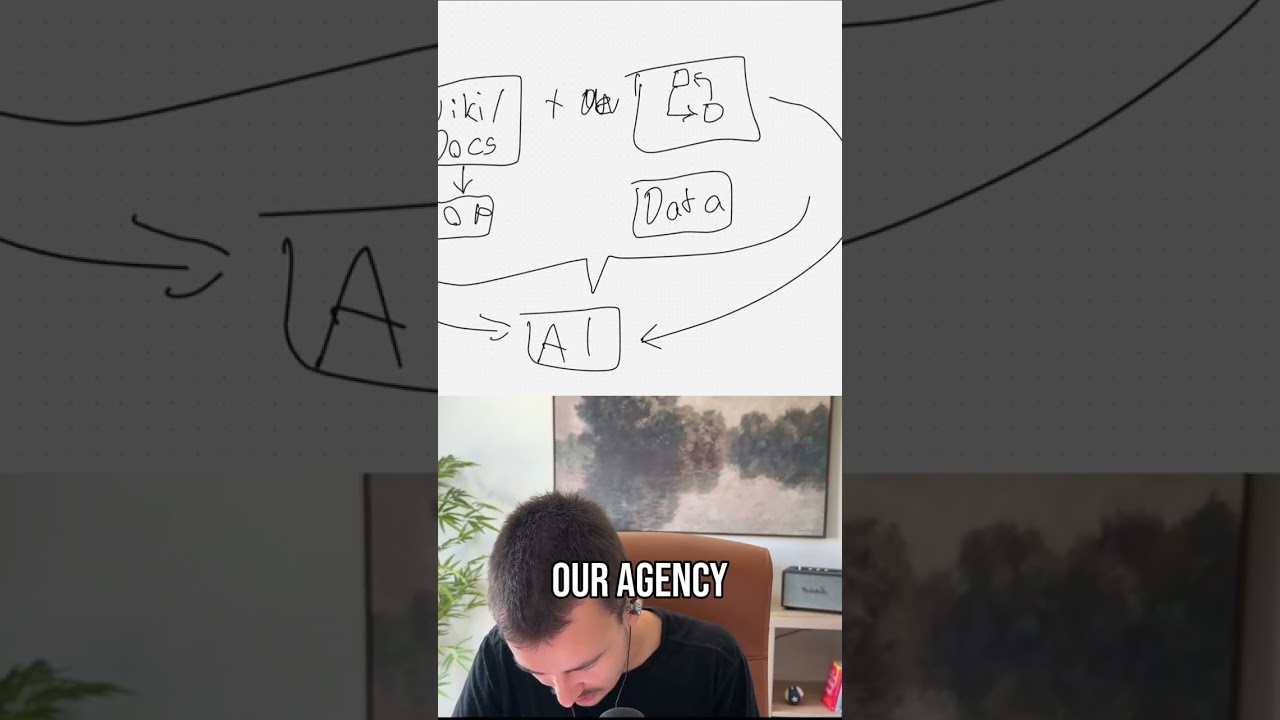
Now there are obviously two main ways you can structure a team and your company. Uh, I much prefer the hierarchical, uh, where you're— probably pronounced that wrong, uh, where you, where you have a hierarchy, right? Where you have your CEO, you have your managers, you have the people underneath them. But then obviously there's also this kind of flat structure, the startup structure, which is typically a lot more if efficient and effective to work quickly on something, right? And many of the companies we see now try to bring that into— like, as they become larger, they want to bring this kind of structure. I, to be honest, much prefer this hierarchical— hierarchical, um, my bad, um, structure, like, kind of like this. Now, the both have good and bad things about them. The main thing that prevents this kind of structure right here from being absolutely awesome is pretty much that things move a lot slower, right? So whenever there's someone down here who needs information or who has something that they have to request, it has to flow up first, the question,, and then the response has to come down, come back down pretty much. Now this pretty much then turns the whole company into quite a slow-moving vehicle, if that makes sense, right? Becomes really slow because question has to flow up, response has to come down, which on a, on kind of a flat org chart where you have maybe like your CEO and the team and then like everyone else beneath right, something like that. No managers in the middle, everyone else right here. Um, you, you don't have that there, right? Most things they will, because typically in this kind of setup you have like your, um, basically this kind of GTM strategy as well, where pretty much everyone, like every role, does multiple things instead of one role focusing on one specific task. You have more of this— you kind of— everyone kind of takes care of multiple, multiple things at the same time, um, and then the information doesn't have to, have to kind of move that much, which makes it much, much quicker. Like, you ask, boom, response comes back, boom, right? Now the thing is, this, this kind of changed with AI. This kind of changed a lot with AI. Because what we can now do is we can take this, this kind of structure right here and bring AI into it in a very specific way. Now, the way you can do this and the way this really, really makes sense and pretty much, pretty much eliminates the core problem with this kind of structure is by doing a few things. Obviously, first you have your company wiki or the docs, right? Documentation. That's, that's pretty much the, the first thing that is already worth a lot, and that already speeds up a lot of the things here, um, already eliminates a lot of the slow-moving parts because this pretty much has like the SOPs, so the standard operating procedures, and all of this stuff in there. Um, and yeah, that, that's pretty much the first part, but that already exists if you don't have like wikis, if you don't have SOPs yet. Dumb question, you have that. Now the next thing is something that is, that is super, super cool, um, which is pretty much a decision lock, right, where you, where you can lock every single decision you make, um, Now whenever, whenever like a decision is made, pretty much gets logged, right? Now the cool thing about the decision log is we can now use AI to kind of combine all of that. So instead, instead, especially with the decision log, so instead of someone down there having to ask a question up, what they, what they can do based on the wiki, based on the docs, and this obviously depends on the role, if it's like an account manager or someone in the delivery team, these wikis and docs should also have information about that specific client they work on, right? Um, same with the decision log that's based on, based on the role and based on like the, the sector in the company. But what we can now do, what we can now do with AI is we can pretty much use all of that. We can use the wiki, the docs, the SOPs, and the decision log so that we basically just have an AI chat, an AI agent that they can ask any question that is unclear, and this AI can use that decision log. Um, so based on their role, this AI can now use that decision log as well as the wiki docs can search all of that and understands what decisions have been made. Now firstly, actually, all the, all the core details, like all the background info in this wiki and docs, there's actually one more thing that this, this includes, which is data, right? That is just Core Data. So that might be meeting recordings, that might be, um, emails, Slack notifications sent. Let's say we are talking about like some— someone in the delivery team, some— in, in our case with our agency, an automation implementation specialist, right, who's currently working on an automation for a client. And they have like some question about how exactly something— not how it should be implemented, but how the client would want it. This now, the AI can now pull data from the Slack chat with the client from the channel. It can at the same time check the decision log for past decisions made by the client on how things should look like exactly. It can check the wiki and the docs for details about the client, about past projects, which then obviously can be combined with that decision log for the client, as well as SOPs. And it can now give this person a direct answer on— do it not, Kaike, do it like that, right? It can tell it based on these details do it in this specific way, right? And then it tells it— that's what it's being told. The person can instantly continue without like having to ask, uh, ask a question there. They can instantly continue implementation. They have their answer. And the cool thing now is what we can say is for every decision that gets made here by the AI, all of those flow into some, some dashboard some dashboard for some higher-up. So let's say COO here in this case, or something like that, or CEO, um, or like some, some account manager, the account manager for the client most likely. Don't want to move it all the way up. Um, they all go into, into the dashboard, and that person can now say, okay, those were all the questions asked, those were all the decisions made. Like, they can take like a few minutes every day to basically go through all of the decisions made. And they can just say like decision 1, boom or boom, just have a button. They can basically say that was the right decision, that is exactly what should have been decided. So 100% correct. They can click, they can click the button. They can even— we can even go a step further. They click whatever button and then it asks for input. Why was it the right decision? What is the thought behind it? Obviously, the AI, the AI will already have a thought behind it. The AI can say, do it like that, and then can have an explanation of why it should be done like that. What underlying past decisions and what underlying documentation is there that supports this decision? And now this person can just— so this, this higher up can now just go in once a day instead of always being spread out. They just say, yep, that was the right decision, or that was the wrong decision. And especially if they say that was the wrong decision, they would say, why was it the wrong decision? What support— what, what makes it the wrong decision, right? And all of those things are then, boom, locked again in that decision, uh, in that decision log, right? So the next time a similar one comes up the AI now has that new data in the decision log for every single decision that was made. A lot of decisions here, but every single one that was made, and it instantly basically improves with that, right? So for each one right here, they can approve or disapprove. So this is not really an approval because the decision was already made by the AI, but obviously when first launching something like this, we don't have to go that far. We can basically just say for the start, instead of the AI instantly deciding, it says what it would decide, or it outputs the same thing. But then we say like for the first week or two, we still say that person for now, just to make sure no wrong decisions get made. This person still has to ask the higher up and then send whatever decision that AI made or that person themselves would have made. And then basically the higher-up can say, yep, that's correct, or no, that is wrong, and then lock that decision right away. So that way we can build up the decision log, especially if the decision log is empty for the start. We can pretty much start by just letting the AI decide based on data, based on wiki and docs, based on SOPs. And then as decisions get made based on that, we then go here, this locks in the decision log. So with that, we build up the decision log, right? And this is kind of the way it flows. And with that, it just becomes better and better and better, right? Now that's really the idea here. And that really allows, especially in scenarios where that person doesn't know what to do really, what to decide, the AI can pretty much decide and then improve, improve over time as the decision log grows, as the wiki and the docs grow, as the SOPs and the data grows. But, but typically, actually, one thing that, that I talk too little about here is the actual data. The data is actually quite, quite valuable here as well, especially if you think about a, um, with a client relationship that mostly lives in Slack, maybe email and meetings, right? We have those three primary touch points there. So if we have an MCP— and that's, that's what I mean by data— if we have a connector to Slack, to that specific channel that can pull all of the messages, then we have another connector that can— let's leave out emails for now. We can have one that pull emails as well, um, but, and then we have one that can pull all of the meeting recordings as well as the transcripts and summaries. That basically, that gives most of the— that allows the AI to pretty much understand the core idea the client had. So let's say on a call, um, the project gets like fully specced out with all of the details. Um, that now allows the AI to say, okay, that was the core idea by the client. The client presented it in that way, or we talked about it in that way, which most likely means they want it to be done in this specific, with this specific approach, in this specific way. And if they, since they want it in this specific way, that approach, um, it means that this feature should be implemented in that way, right? The data here is quite, quite a big thing, but, um, the decision log, the decision log is as well, especially for, in our case, more technical things that the client might not understand or be familiar with. For example, if you compare, let's say you have like some website form that should be automated, but there are like frequent, frequent bots. That's actually one thing we had with a client. There are frequent bots that fill it out, so the client starts always changing the form, always putting in a new one, so the bots fill out a fake one. But the automation is linked to that form, so it always has to be linked to a new form. Then the custom fields have new IDs, so it always has to be changed like constantly, once a week, stuff like that. So, so the, the person implementing it asks, yeah, what should we do here? AI sees decision log, sees data, and says instead of doing that, we'll just create, let's say, a Google Sheet where the client would log all of the, all of the forms, um, that are either used as like bot bait or, um, log all of the forms that should be active right now. And instead of just having a webhook that pulls new responses from this one form, we basically just have every 10 minutes, we have an automation that pulls all of the forms that we have, filters out any of the ones that are used as bot bait that shouldn't be active anymore, and then only— and then pulls all of the responses from the last 10 minutes from all the other forms. This is an example of an automation that's directly linked to one form, meaning not scalable if you always create new forms, compared to an automation that is able to work with all forms, right? That's one, one example here. Uh, what we actually did for that client was much, much greater. We built a full custom, um, AI-based system that used many different data points to automatically detect every single bot call. The crazy thing about those bot calls was that they used real websites with real emails, sometimes real-looking emails, real names, so everything looked fully legit. So So you weren't really able by like just looking at it to understand which ones are bots and which ones aren't. So we built like a full custom AI-based bot protection system that for every call that was scheduled did a lot of different checks and based on that canceled the call automatically or left it in. And the crazy thing is we didn't have a single real call that was canceled. And only out of, by now, thousands, only 2 or 3 by now that were bots that weren't canceled. Everything else was canceled correctly without anything wrong. We pretty much, it's over 99 point something percent accuracy, which is quite cool. Now, yeah, but that is pretty much the idea. We have like a constant wheel. How do you call the wheel again? That is pretty much improving itself. Right? Because we constantly have our data goes into the AI, the AI goes over here to the manager that approves, and that then goes back into the data. So it's constantly improving, improving itself, right? That's, that's pretty much the core, the core idea here. And this is obviously a high-level overview. We can go a lot more in depth with that, especially once implementing something like that. So if you want something like that implemented that actually works really, really well and doesn't break, that lasts years and years and years with no issue, feel free to contact us. Link is in the description. That's pretty much it. Thanks for watching.