A trader explains how to draw trendlines by connecting multiple low points and making them thick (about 4 pixels) to allow price wiggle room. Skip the precise snap tool and let the line capture the general trend instead of forcing an exact fit.
Questions this video answers
About 4 pixels (as fat as possible).
No — Speaker A says they will never use the magnet tool (they prefer breathing room).
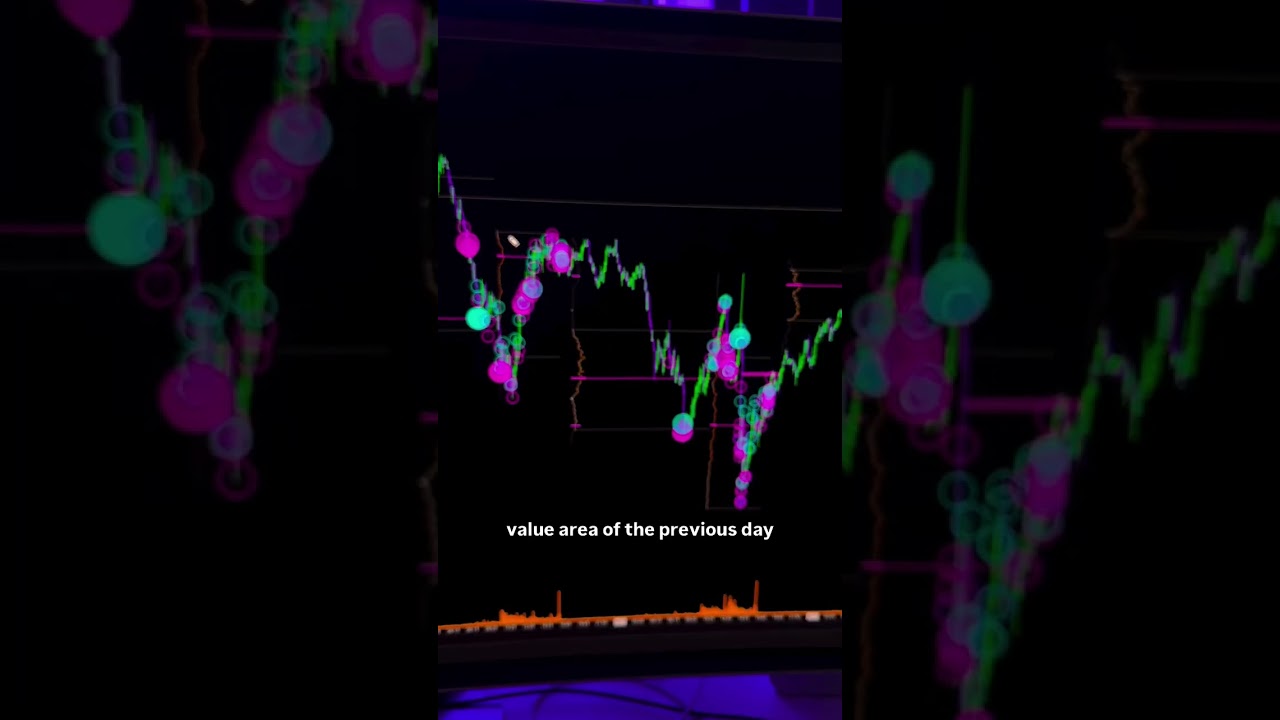
Draw a trend line from the lowest point I can see on the screen coming up, trying to capture as many touch points as I can. If I was to make that pretty straight, I mean, we wouldn't necessarily have that, but we'll say something like this. We've got an upward trend line and what's cool is on trading view, I like to make the thickness of my Trend line like 4 pixels as fat as I can get them because I want it to have room to capture as many touch points as I can.
Okay, so is it more like you're trying to capture the average versus like just one precise.
Yeah, so I'll never use a magnet tool, which is pretty precise. It'll snap the point B or your, your touch points to the exact scent. I, I like to give it breathing room, wiggle room. So as thick as possible, as broad as possible. And it'll allow for like little poke outs like this or where it's a little bit more precise over here or close here, but not quite so. I like to make the lines as thick as possible so that I can allow for the room and I can, I can adjust. So we'll start with just. I'm trying to identify a trend. I expect.