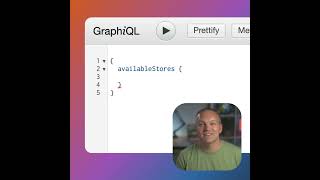
A short tutorial demonstrating how to write a basic GraphQL query in Magento using the graphical interface. The speaker shows how to discover available fields via the query/type links, adds the store config field base_url, executes the query, and obtains a list of store base URLs. The same approach is suggested for querying other Magento data via GraphQL.
Chapters
Let's get started writing a GraphQL query in Magento using the graphical user interface. We'll start by typing a bracket and then comes the field that we want to query. A very simple one is to use available stores and then we could define the fields or properties that we want to return for this specific field. To find the available fields and properties that we can query, we can click this query link and then find the available item and click it and we can see that this returns an array of store config values. It if we click this store config link, we can see all of the available fields that we can query within this field. Let's go ahead and query for the base URL. So let's go ahead and add base underscore URL and then we can go ahead and execute this query and we can see that we get a list of all of the available stored URL's in Magento. This is a very simple query, but we can use the same methodology to query any data using GraphQL in Magento.